Leat loyalty: common problems
Fixes for the messages staff see while connecting Leat and during service. Setup steps are in "Connect Leat loyalty". How matching and points work is in "How Leat loyalty matches guests and awards points".
Where to find it
Backoffice › Settings › Integrations › Leat loyalty, and the Host app reservation › Loyalty.
What it does
Each problem below is the sentence a manager or host actually sees, or the situation they describe, followed by what to check.
Troubleshooting
"Not enabled for this location — contact 10Seat to get connected." Leat is not switched on for this location. Contact 10Seat support and ask for Leat loyalty on this location. You cannot turn the integration on from the backoffice. The same sentence is on the grey Leat loyalty card and on the settings page.
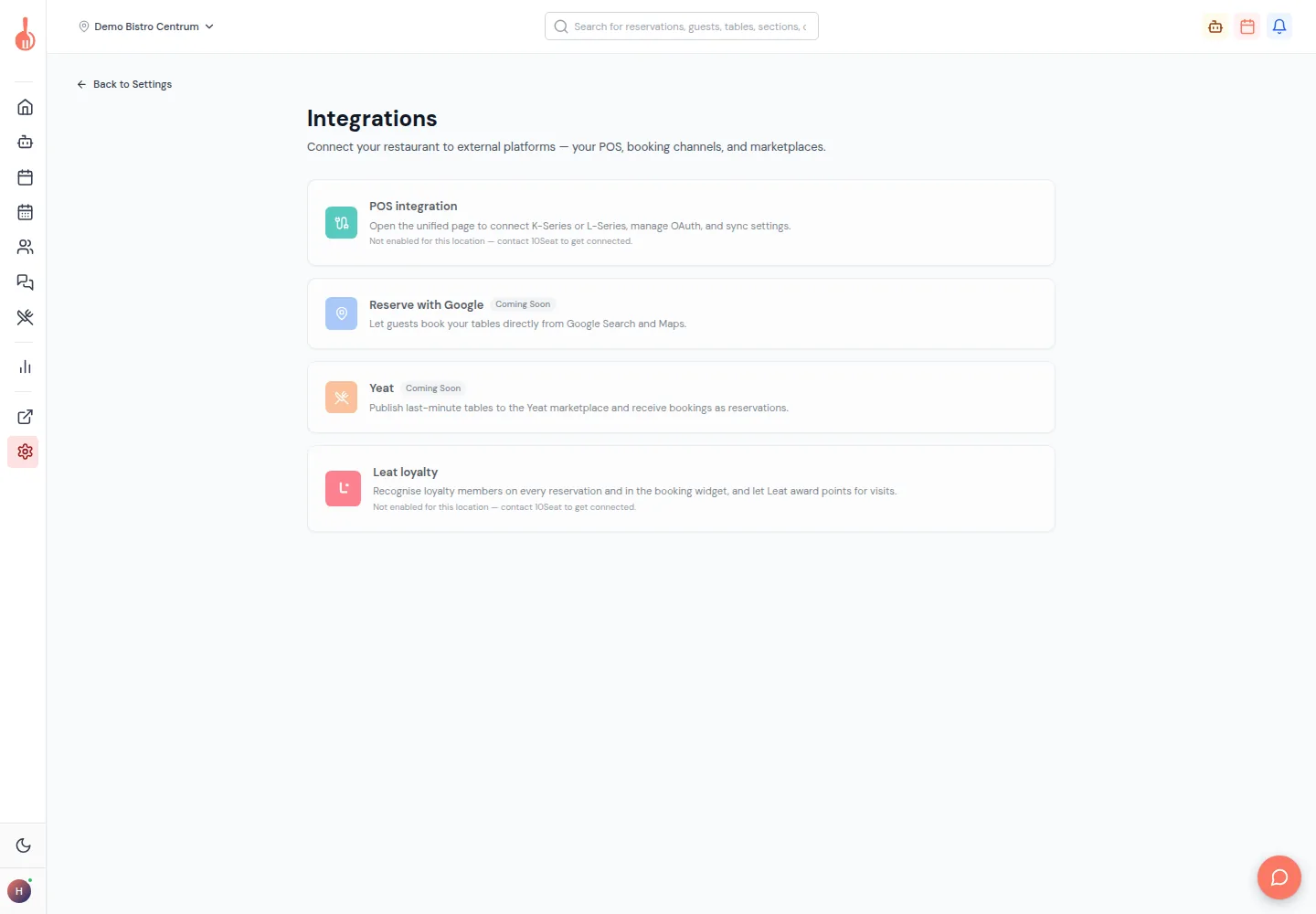
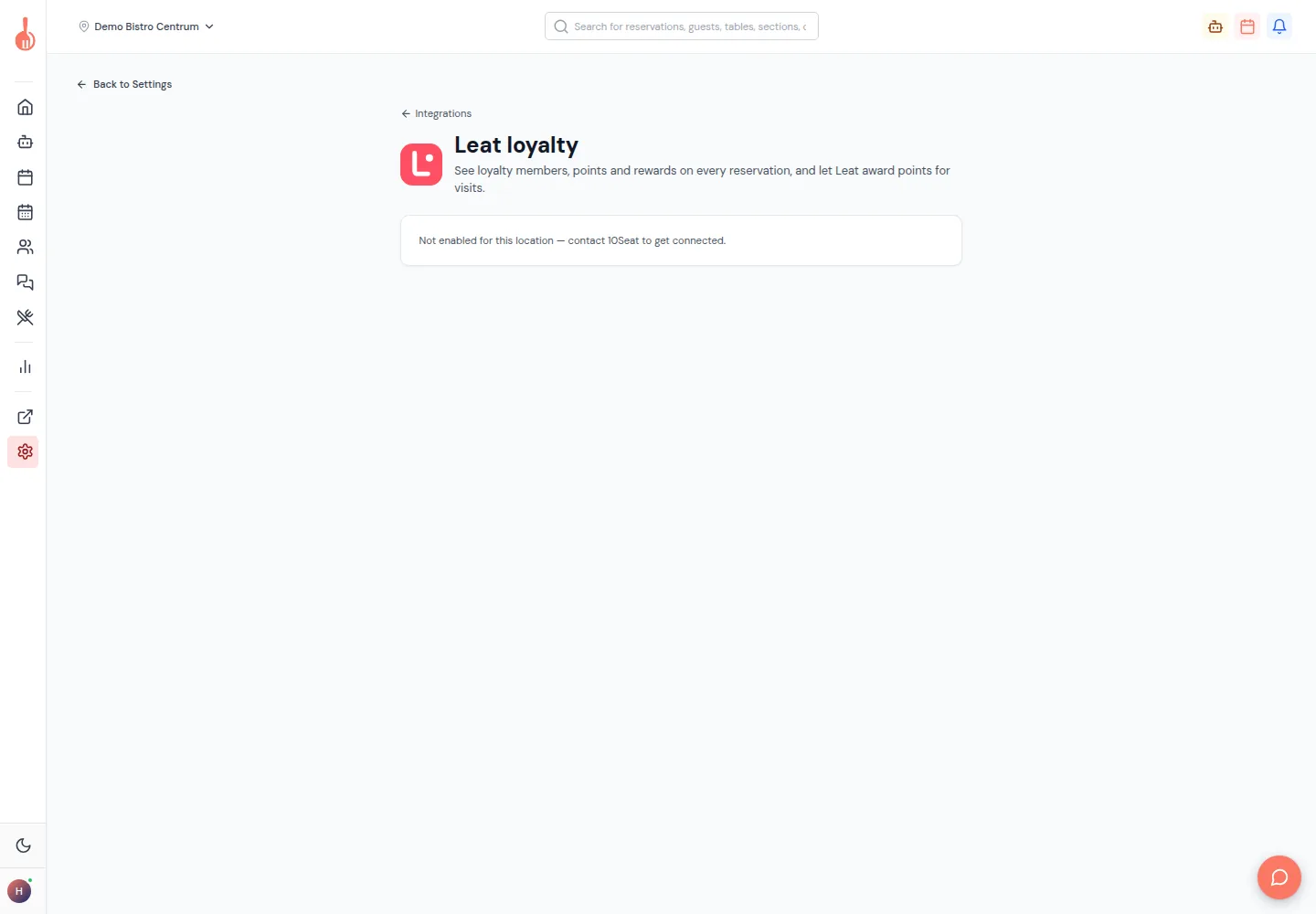
The Settings page does not mention Leat The Integrations card on Settings still describes POS, Reserve with Google and Yeat only. Open that card. Leat loyalty is in the list on the next page.
"Leat rejected the access token" The Personal Access Token is wrong, revoked, or from another Leat account. In the Leat Business Dashboard go to Apps → Marketplace, open the Private App, generate a new Personal Access Token, and click Connect again. Connect stays disabled until the paste is at least 8 characters, so a short paste never reaches this message.
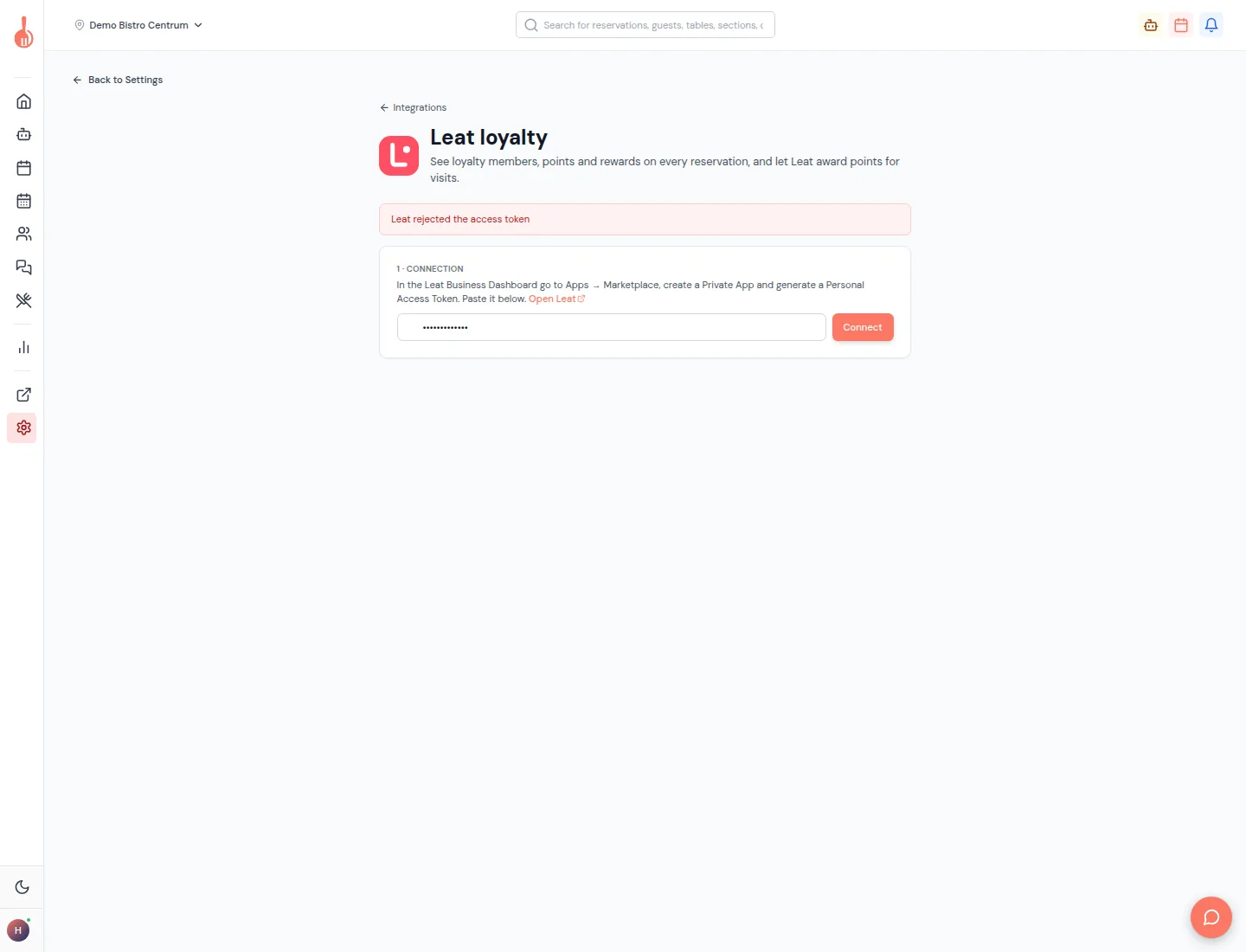
"Paste the Personal Access Token from Leat" The token was empty or too short for the server. Paste the full token and click Connect.
"Failed to connect Leat" / "Failed to load Leat settings" / "Failed to load Leat business profiles" / "Failed to save Leat settings" / "Failed to disconnect Leat" / "Failed to register Leat webhooks" The request did not succeed. Stay on the page and try the same action again. If Failed to load Leat business profiles appears after a successful connect, Leat accepted the token but the list of locations did not load. Reload the page. Contact 10Seat support if it continues.
"Connect Leat first" A location list or a live-update setup was requested without a token. Finish 1 · Connection first.
"Live updates from Leat are not set up" Connecting can succeed while the live link fails. The line under the warning is the reason, or "Without them, balances refresh when a reservation changes or every 6 hours." Click Set up. Service still works: the Loyalty tab reads Leat when you open it, and the list snapshot refreshes on the rules in "How Leat loyalty matches guests and awards points".
"Send bookings to Leat" cannot be switched on Choose a Leat location under 2 · Leat location. The switch is disabled until that choice is saved.
A member's visit did not earn points Work down this list:
- Send bookings to Leat is on, and 2 · Leat location is the restaurant the visit belongs to.
- The email on the reservation is the email of a Leat member. No email, or a different email, means no booking is sent.
- Leat has an Automation that awards points for a booking (for example when it is completed or checked in). 10Seat does not award points itself.
- The reservation was saved after Leat was connected. Older reservations are not scanned in one go. Edit and save, or wait until the next change.
- The guest joined Leat only after booking. That visit is sent once Leat notifies 10Seat, which needs Live updates from Leat are on. Without live updates, save the reservation again after they have joined.
10Seat does not show a separate "booking failed" line in the Host app. If all five checks are right and Leat still has no booking, contact 10Seat support.
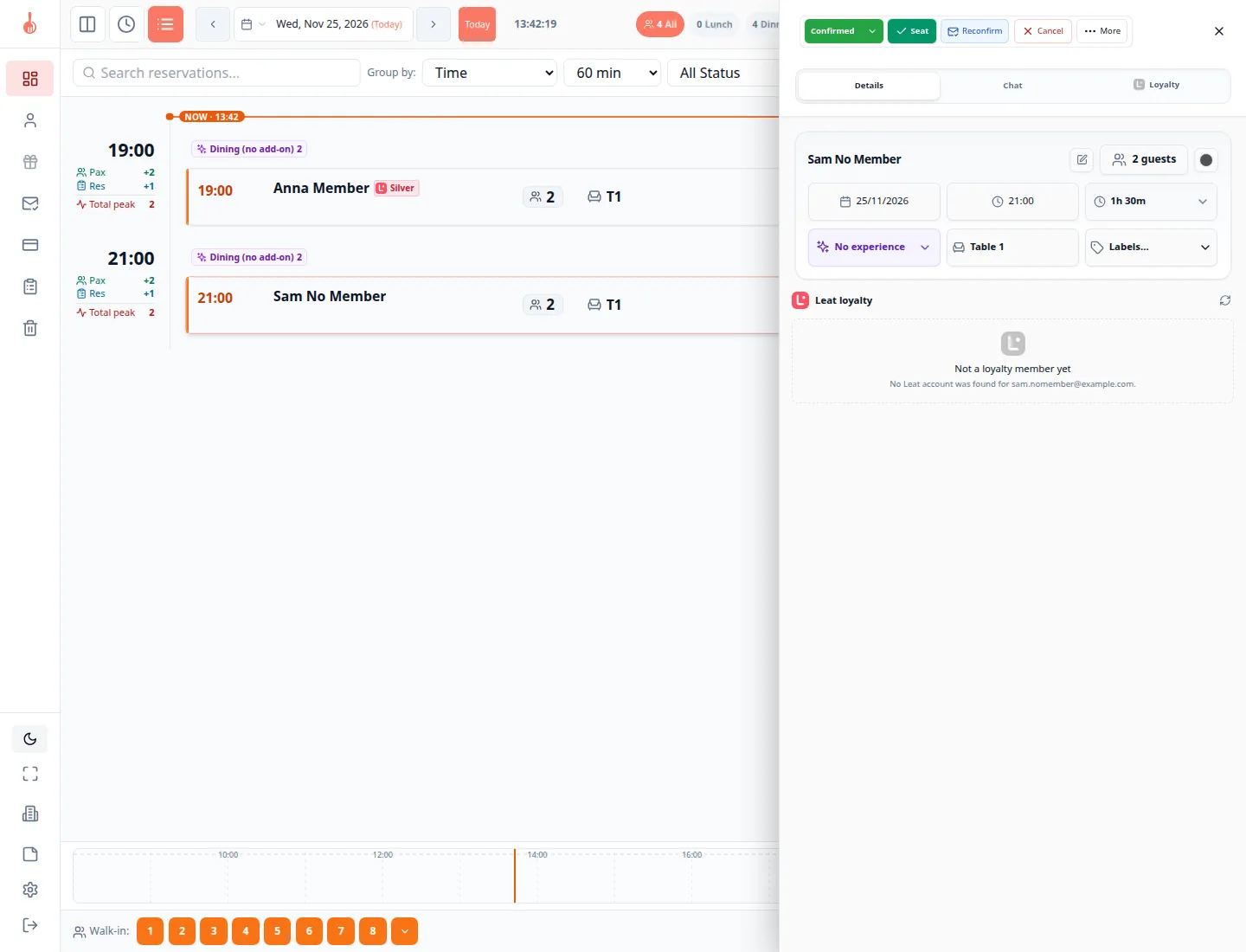
The guest is a member in Leat but the list has no badge The badge needs a successful lookup stored on the reservation. Check the email, including spelling. Open Loyalty. "Not a loyalty member yet" and "No Leat account was found for {email}" means Leat has no contact for that address. "Add an email address to look this guest up in Leat" means the reservation has no email. "Could not reach Leat: {reason}" means the link failed. Try Refresh. A reservation that has not been saved since you connected has not been looked up yet.
"Not a loyalty member yet" Expected when that email is not a contact in Leat. 10Seat will not create the contact. The guest joins in Leat, under the same email. Joining from the booking widget is not available yet.
"Could not reach Leat: …" Leat did not answer, or the token no longer works. Click Refresh. If it persists, open Leat loyalty in the backoffice and connect the token again. A revoked token has to be replaced in Leat first.
Points on the list disagree with the Loyalty tab The list and the Leat loyalty member row show the last snapshot. The tab shows Leat at the moment you opened it, or when you clicked Refresh. The snapshot moves on when Leat pushes an update, when the reservation changes after 6 hours, when the email changes, when the visit is completed, or when a failed lookup is retried. Live updates only rewrite reservations from yesterday onward.
Disconnect on one location switched Leat off everywhere The token is shared by all locations of the company. Disconnect deletes that token. Each location still remembers its Leat location. Paste the token again on any location. The others become connected too. Then confirm each location's Leat location and Send bookings to Leat.
Staff expect to redeem a reward in the Host app They can't from this screen. The Loyalty tab is read-only. Nothing in 10Seat spends points. Redeem in Leat or at the till, then Refresh to see the new balance.
Guests do not see their points in the booking widget That is not available yet. There is no "Welcome back" card and no way for the guest to reveal a balance. The Leat loyalty card in the backoffice still says members are recognised "in the booking widget". Staff see members in the Host app only. Ignore the widget part of that sentence until 10Seat says the widget card is on.
"No rewards set up in Leat" Leat returned no rewards for the Leat location mapped to this restaurant. Check the mapping under 2 · Leat location, and check in Leat that the rewards belong to that location.