Best Restaurant Management Software: 7 Picks for 2026
Compare the best restaurant management software of 2026: reservations, table management and POS integrations, plus how to pick the right fit for your venue.
Full-service restaurants with a pre-tax profit ran median labor costs of 34.2% of sales against 42.9% for loss-making operators, according to the National Restaurant Association 2025 Restaurant Operations Data Abstract. That's why an empty table isn't a small miss. It's paid staffing with no cover attached.
Restaurants using 10Seat report 30% more reservations, 40% fewer no-shows and 10-15% more covers per shift. Those are the numbers worth testing against any platform on this list.
This roundup splits the best restaurant management software for 2026 into two honest groups, reservation-led tools that fill the room you already have and POS-led suites that ring orders and process payments. The comparison table at the end puts pricing and free plans side by side. Belgian operators should read the GKS compliance note in the conclusion before buying anything with a POS component.
Table of Contents
- 1. 10Seat
- 2. Toast
- 3. Square for Restaurants
- 4. Lightspeed Restaurant
- 5. TouchBistro
- 6. OpenTable for Restaurants
- 7. Resy
- Best restaurant management software at a glance
- How to Choose and What to Do This Week
1. 10Seat
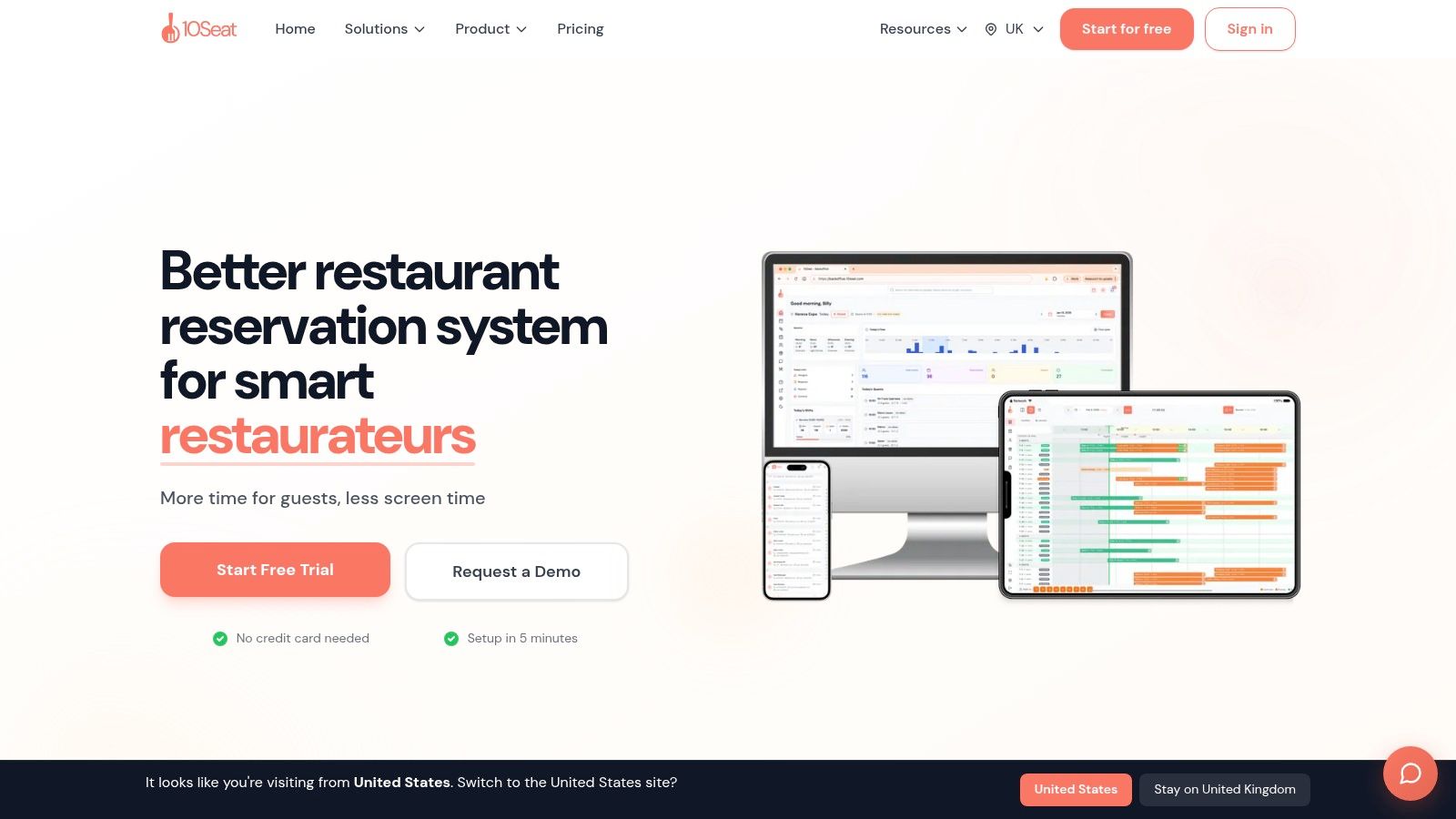
10Seat focuses on reservations and live table management. Its Capacity Engine combines Smart Auto Seating, Auto Seating Puzzle and Walk-in Squeeze to fit bookings into the floor plan already in place, without adding tables or extra manual work. That makes it a different kind of tool from the POS-led systems in this roundup: it concentrates on filling covers, while a POS handles orders and payments.
Online reservations are mapped to an efficient table configuration, while hosts can check whether a walk-in fits around upcoming bookings. Managers set availability, party sizes and pacing to balance dining room demand with kitchen capacity.
What you get in service
- Live floor view: Staff can see tables during service and manage seating changes and walk-ins.
- Pacing controls: Managers set availability, party sizes and arrival pacing to match kitchen capacity.
- Guest profiles: The system builds profiles with preferences, allergies and special occasions to support more personalized service.
- Instant booking page: Guests can book through an instant booking page, with setup in minutes.
10Seat also offers waitlists, guest messaging before and after a visit, experiences such as tasting menus and chef's tables with deposits, and review management that collects guest feedback. Restaurant groups can use multi-location dashboards with an overview of their venues and drill-down reporting for each location. For a broader comparison of restaurant management software, consider how reservation tools fit alongside an existing POS.
The free On the House plan covers up to 50 covers per month. Setup takes five minutes, with no credit card required. See 10Seat for current plans.
Practical rule: Judge 10Seat by covers gained during a busy shift, not by feature count. Restaurants using 10Seat report 10-15% more covers per shift; compare that result with your own service.
Trade-offs: Reservation and no-show results vary with layout and demand. The free plan may suit a smaller room or an initial trial, while a high-volume restaurant should assess its needs against the available plans.
2. Toast
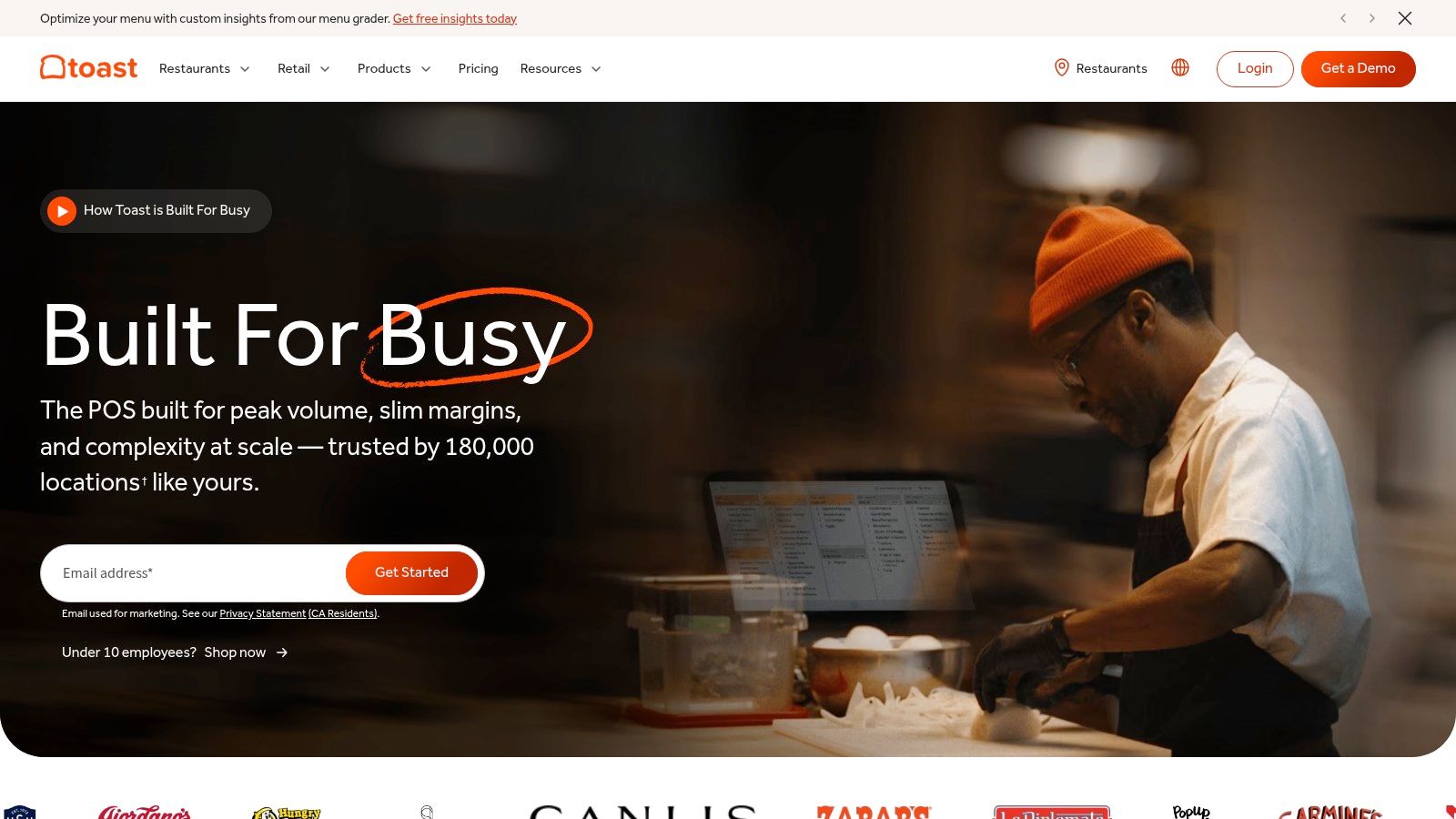
Toast starts from the POS and builds outward. For a full-service restaurant that wants one vendor for payments, kitchen flow and reporting, that breadth is the appeal. The front-of-house piece, Toast Tables, adds reservations, waitlists, floor plans and guest updates on top of the till.
Core coverage includes menu and order management, payment processing and sales reporting. Optional modules add online ordering, inventory and food-cost tools, payroll and scheduling. Hardware is restaurant-specific, including handhelds and kitchen display systems, which suits busy rooms where servers order tableside.
Price and fit
Eligible Starter Kits are listed from $0 per month and the standard POS plan starts at $69 per month on the Toast website, with hardware, processing and add-ons affecting total cost. Published starting prices make budgeting easier than quote-only rivals, but the full bill depends on devices and modules.
If the POS itself is under review, this breakdown of the restaurant POS system helps separate till requirements from reservation needs before a demo.
Pros: One connected ecosystem cuts the number of separate systems, and POS and front-of-house tools share live data. Cons: Hardware works only with Toast-approved devices, and costs climb with add-ons. It's also more than a restaurant needs if the only real problem is filling tables, since reservation depth isn't the core product.
3. Square for Restaurants
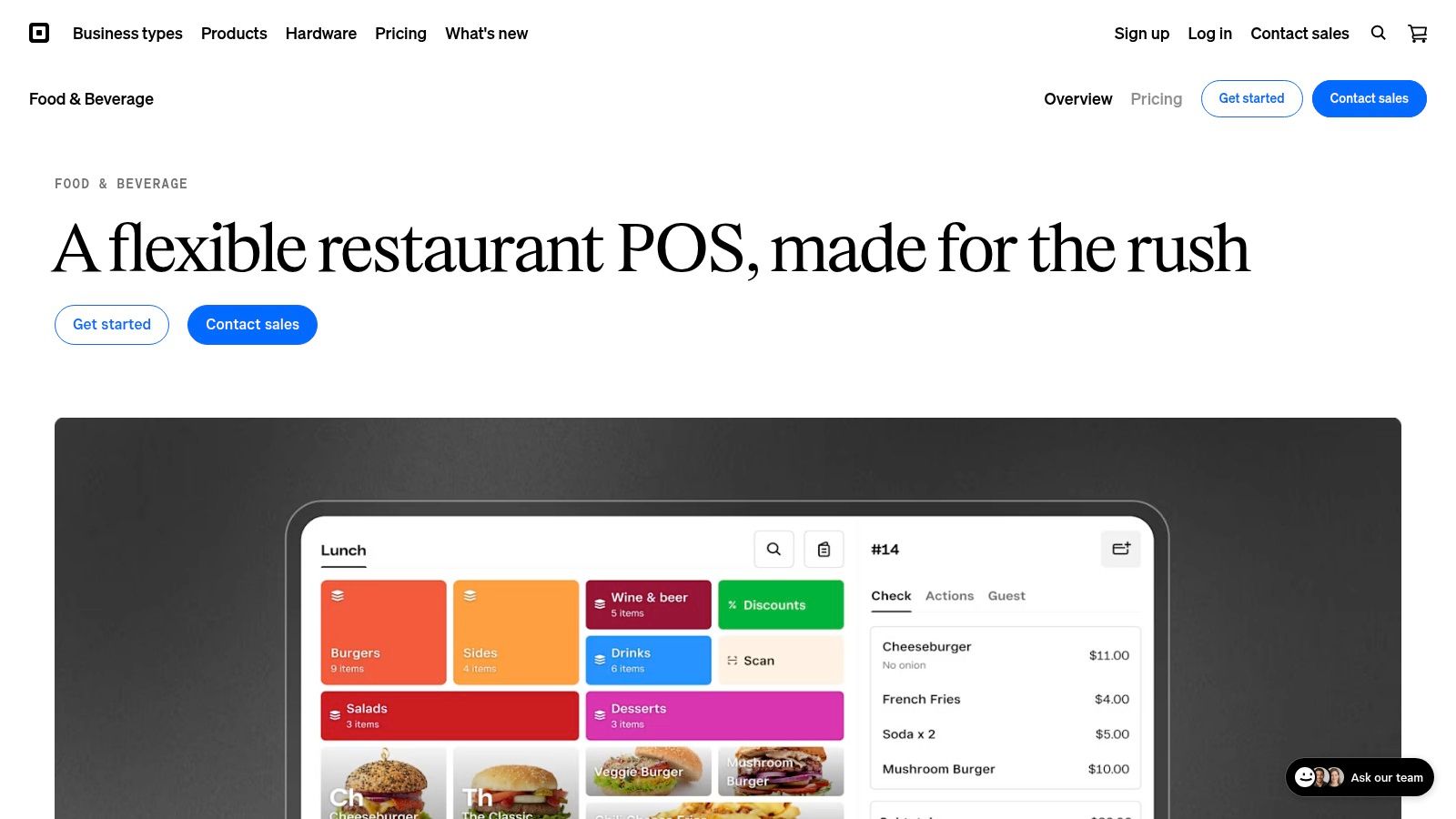
For a café or brunch spot keeping startup costs down, Square offers a free POS plan for payments, menus and sales reports. It handles transactions and tracks sales; it does not solve the separate problem of filling tables.
Square lists Free at $0, Plus at $49 per month per location and Premium at $149 per month per location, plus processing fees, on its Square for Restaurants page. Paid plans include a 30-day trial, and Square advertises no long-term contracts and the option to switch plans.
Where it works, and where it stops
Online and in-person sales connect in one account. Paid plans add features such as course management, advanced reporting and team tools. Some services can run without dedicated hardware, which can reduce startup costs.
The trade-off is workflow depth. The free plan lacks advanced tools established full-service restaurants may need, while kitchen display and kiosk apps add recurring costs. Square is primarily a POS, so restaurants focused on reservations and seating will need a separate tool alongside it. That means managing two systems, but keeps the POS decision distinct from the reservation decision.
4. Lightspeed Restaurant
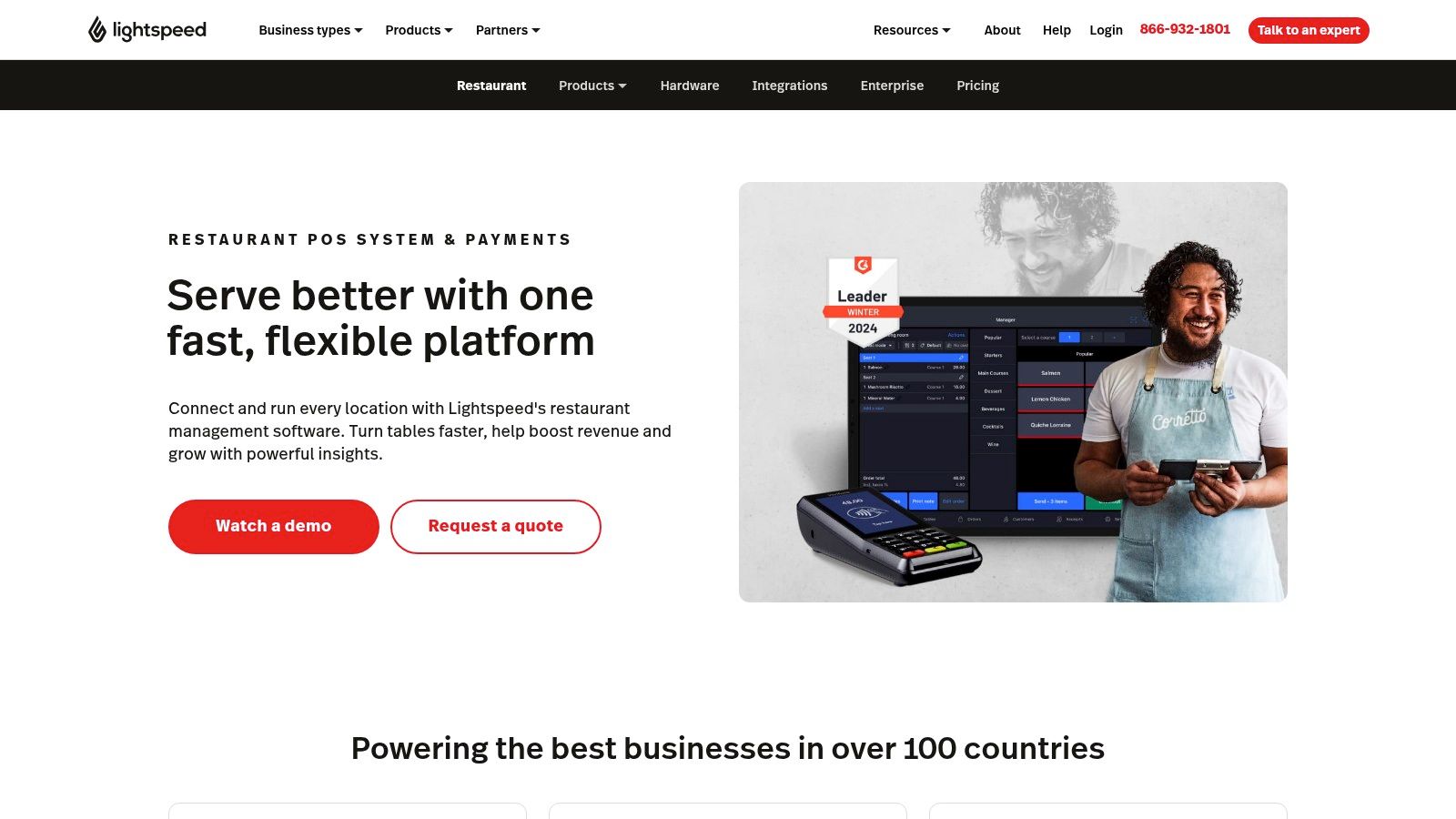
Say a bistro group runs two sites with different menus and sections. Lightspeed fits that shape better than a simple till. It combines the POS with configurable floor plans, menu management, inventory and reporting, and higher tiers are positioned for multi-location operations.
The floor plan shows sections, tables and status within the POS workflow, so servers don't leave the order screen to check the room. Tempo service-pacing tools help space orders, and offline mode keeps service running if the connection drops. Menu modifiers and course management handle the detail full-service kitchens expect.
The pricing step-up
U.S. plans start at $69 per month for Starter, with Essential at $189 and Premium at $399 per month, per Lightspeed Restaurant. Public pricing is a genuine plus. The jump between tiers is the part to check, because the feature you want, such as advanced insights, may sit two tiers above the entry plan.
Consistency matters at this scale. Among multi-unit operators, 97% reported deploying the same core system across all venues in the survey published by FSR Magazine, which is the operating model Lightspeed sells into.
Cons: Capabilities vary sharply by plan, so feature lists need line-by-line comparison. And despite the floor plan, it isn't a specialist reservation platform focused on filling tables. It manages the room once guests arrive more than it works to get them booked.
5. TouchBistro
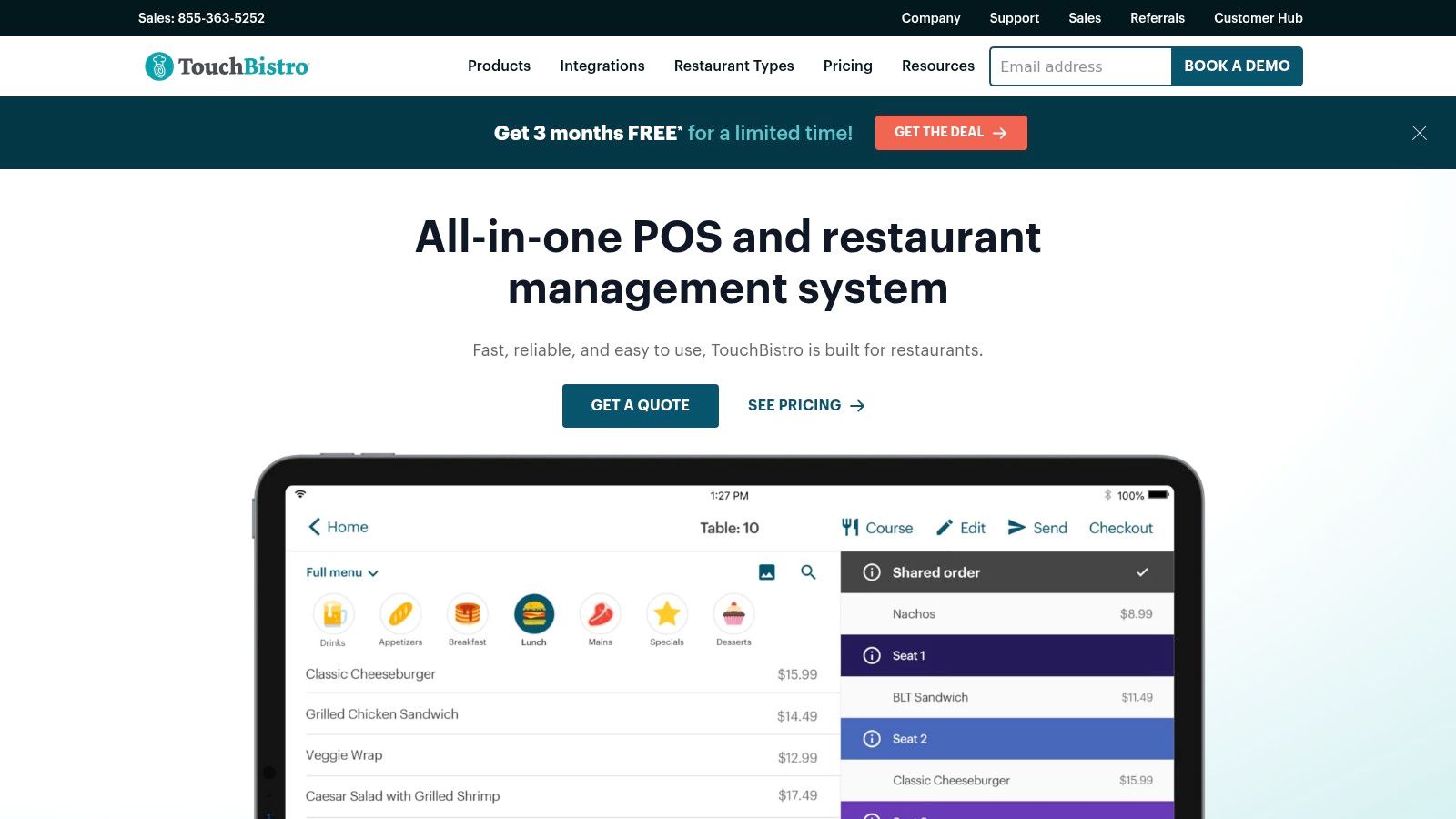
TouchBistro is built only for restaurants, and it shows in the front-of-house workflow. Custom floor plans, table-status management, tableside ordering and bill splitting are core POS functions rather than afterthoughts. Staff management and real-time reporting sit alongside them.
That focus makes it a sensible shortlist option for fine dining rooms, bars with seated service and multi-unit independents that want table service handled properly at the till. Menu controls are detailed enough for coursed service without forcing a retail-style workaround.
What costs extra
The POS starts at $69 per month and the Essentials Bundle at $119 per month, with hardware and other fees possibly applying, per TouchBistro. Reservations, online ordering, inventory, loyalty and kitchen display are optional or quote-based add-ons.
Compare TouchBistro on the configured total, not the headline. Hardware, processing and the reservation add-on decide the real monthly number.
Adoption data supports checking what a team will use. In the 2025 Restaurant Technology Outlook, roughly half of respondents did not use reservation-management software, even though about three-quarters of operators who accepted reservations were satisfied with their solution. A POS with reservations as an optional extra fits that pattern exactly.
Cons: POS hardware is required, and full contract details need confirming before prices get compared. Restaurants that care most about booking conversion and no-show control may still prefer a reservation-led tool in front of it.
6. OpenTable for Restaurants
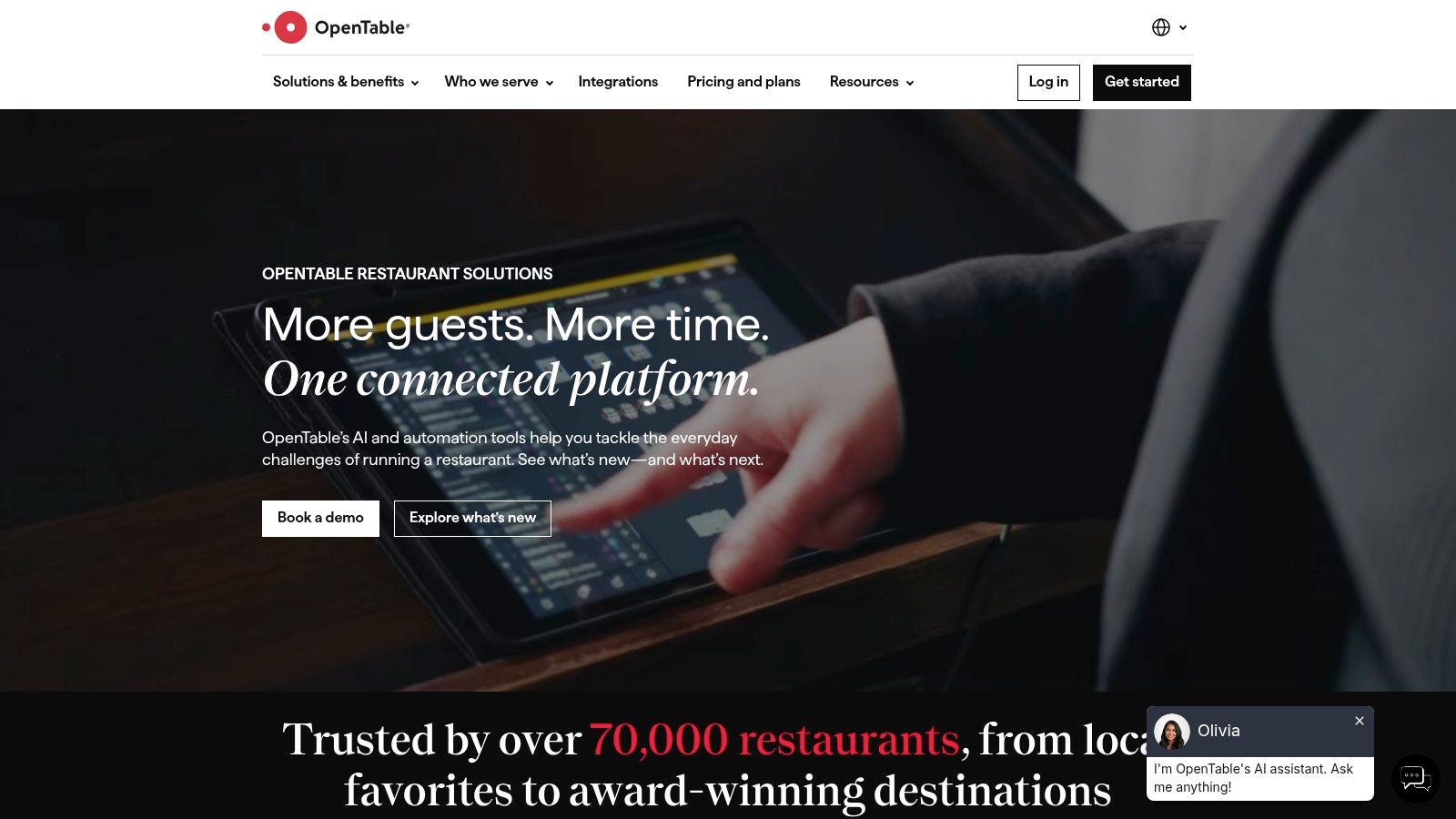
OpenTable is the comparison point every reservation platform gets measured against. It's guest management plus a consumer diner network, not a POS. A restaurant pays partly for software and partly for discovery, and that distinction drives the whole decision.
The restaurant side covers reservation management, customizable floor plans, table assignment, online waitlist and availability controls. Guest profiles, notes and messaging come built in, with marketing and analytics on higher tiers. Ticketed events and experiences are supported, which suits chef's table formats.
Cost model
Plans are listed at Basic $149, Core $299 and Pro $499 per month, with cover fees and contract terms varying by plan, on the OpenTable for Restaurants site. Basic charges fees for website bookings as well as network bookings, and the plans page lists a one-year standard contract.
The no-show economics behind cover fees are real. In some large cities approximately 20% of reservations resulted in an empty table, per Knowledge@Wharton. Any booking channel has to be judged on whether it fills those seats with guests who show up.
Anyone comparing booking channels should read this guide to the best restaurant booking system before signing a contract term.
Cons: Cost depends on booking source and volume, so busy months cost more. There's no full POS, labor or inventory suite attached.
7. Resy
Resy's pitch is reservation and table management without per-cover fees. For a high-demand room, that model alone can change the maths against commission-based networks. The platform also leans into guest-facing experiences, including ticketed and prepaid dining.
Restaurant-side tools cover bookings, table management and POS integrations. Higher tiers add analytics and automated guest insights. Fine dining venues and multi-concept operators are the clear target.
Pricing without cover fees
Platform and Essential are listed at $289 per month, with Platform 360 and Premium at $459 per month and no per-cover fees on Resy's restaurant page, though prepayment and standard payment-processing fees may apply.
Prepayment is where Resy-style deposits earn their keep. Across 238,539 reservations with a payment requirement, the no-show rate was 0.80% against 2.47% without one, according to Resos no-show rate data. Applied selectively to large parties and peak services, that protects real covers.
- Best use: Demand-led rooms where prepaid experiences are part of the offer.
- Weak spot: Subscription pricing starts well above free or low-cost booking tools.
- Gap to fill: No complete POS, payroll, inventory or accounting suite, so it pairs with another system.
Bottom line: Resy suits operators who want flat reservation pricing and experience-led dining, and who accept a higher fixed monthly cost to get it.
Best restaurant management software at a glance
A reservation and table-management system helps fill seats; a POS handles orders and payments. Comparing them by the same job can lead to the wrong purchase. This table separates the two roles so owner-chefs can see where each platform fits.
| Platform | Starting price | Free plan | Best for | Core strength |
|---|---|---|---|---|
| 10Seat | Free plan up to 50 covers per month; paid plans listed on 10Seat | Yes, up to 50 covers per month | Restaurants optimizing reservations and table use | Automated seating and live floor management |
| Toast | $0 per month for eligible Starter Kits; POS from $69 per month | Eligible Starter Kit option | Full-service restaurants needing connected POS and operations | Integrated POS, payments, and front-of-house tools |
| Square for Restaurants | $0 per month | Yes | Small restaurants, cafés, and newer operators | Accessible POS with connected payments and online ordering |
| Lightspeed Restaurant | $69 per month | No free plan listed | Restaurants needing POS, inventory, and multi-location tools | Integrated POS, floor plans, and business reporting |
| TouchBistro | $69 per month | No free plan listed | Restaurants focused on front-of-house workflows | Restaurant-specific POS with floor-plan and table management |
| OpenTable for Restaurants | $149 per month | No free plan listed | Venues seeking reservations and diner discovery | Reservation tools paired with a consumer diner network |
| Resy | $289 per month | No free plan listed | Restaurants focused on reservations and guest experiences | Table management, guest insights, and ticketed dining |
How to Choose and What to Do This Week
Empty tables and slow order processing point to different software needs. If the till works well but tables sit empty, compare reservation and table-management tools such as 10Seat or Resy. If orders, payments, or kitchen routing are the problem, start with a POS-led system such as Toast or Lightspeed. A POS can process orders efficiently, but it does not by itself address no-shows or unused table capacity.
Compare pricing against your booking volume and the features you will use. Some reservation services charge by booking or cover, so costs can rise with volume. Check each provider's terms and calculate the likely cost using your own covers before booking a demo.
GKS compliance for Belgian operators
A POS used by a restaurant may need to meet Geregistreerd Kassasysteem (GKS) requirements, including the Fiscal Data Module for securely recording transactions. The threshold described in GKS 2.0 guidance is more than €25,000 in annual turnover from meals consumed on-site. Reservation software does not replace those obligations. Confirm the requirements for your restaurant with your accountant or POS provider.
For a trial, choose a busy service and track covers per shift, no-show rate, and the number of manual changes hosts make. Ask vendors how to export the same measures so you can compare results. Use the findings to check whether the software addresses your bottleneck, not just whether staff can learn the interface.
The practical next step costs nothing: 10Seat offers a Start for free option and can be set up in five minutes. It integrates with Square, Toast, Resy, and other POS systems, keeping reservations and orders synchronized. Restaurants using 10Seat see 30% more reservations, 40% fewer no-shows and 10-15% more covers per shift. After service, a review QR code on the table or bill can make it easier for guests to share feedback.
If empty tables are costing you covers, trial a reservation system on the service where unused capacity hurts most. 10Seat combines online reservations with live table management and Smart Auto Seating, which maps bookings to an efficient table configuration. Track the results against your covers and no-show rate before deciding whether it fits your operation.