Best Restaurant Booking System: 7 Top Picks
Compare the best restaurant booking system options for 2026, with features, pricing models, pros, cons, and recommendations for every restaurant type.
A busy service exposes every weakness in a booking system. The host is juggling a late table, two walk-ins, a no-show, and a four-top that needs the dining room rearranged. The kitchen wants a controlled pace, guests want instant confirmation, and the manager needs to know whether tomorrow's bookings belong to the restaurant or a marketplace. The wrong system creates extra calls, empty seats, clumsy table turns, and scattered guest information.
The best restaurant booking system depends on the operational problem that matters most. Some restaurants need direct demand and intelligent seating. Others need marketplace discovery, predictable fees, POS integration, first-party guest data, or ticketed events. This comparison weighs pricing models, booking channels, floor management, integrations, guest CRM, implementation effort, and fit by restaurant type.
10seat reports 10–15% more covers per busy shift, a product result rather than a universal guarantee. The buying framework is simple: identify the service constraint, test the system against the floor plan, calculate direct and marketplace costs separately, and confirm how staff will use it during peak service. Restaurant operators can review current 10seat pricing and plan options before building a shortlist.
Table of Contents
- 1. 10Seat
- 2. OpenTable for Restaurants
- 3. Resy OS including Tock capabilities
- 4. SevenRooms
- 5. Yelp Guest Manager
- 6. Toast Tables for Toast POS users
- 7. Eat App
- Top 7 Restaurant Booking Systems, Side-by-Side Comparison
- Turn the Shortlist Into a Service Test
1. 10Seat
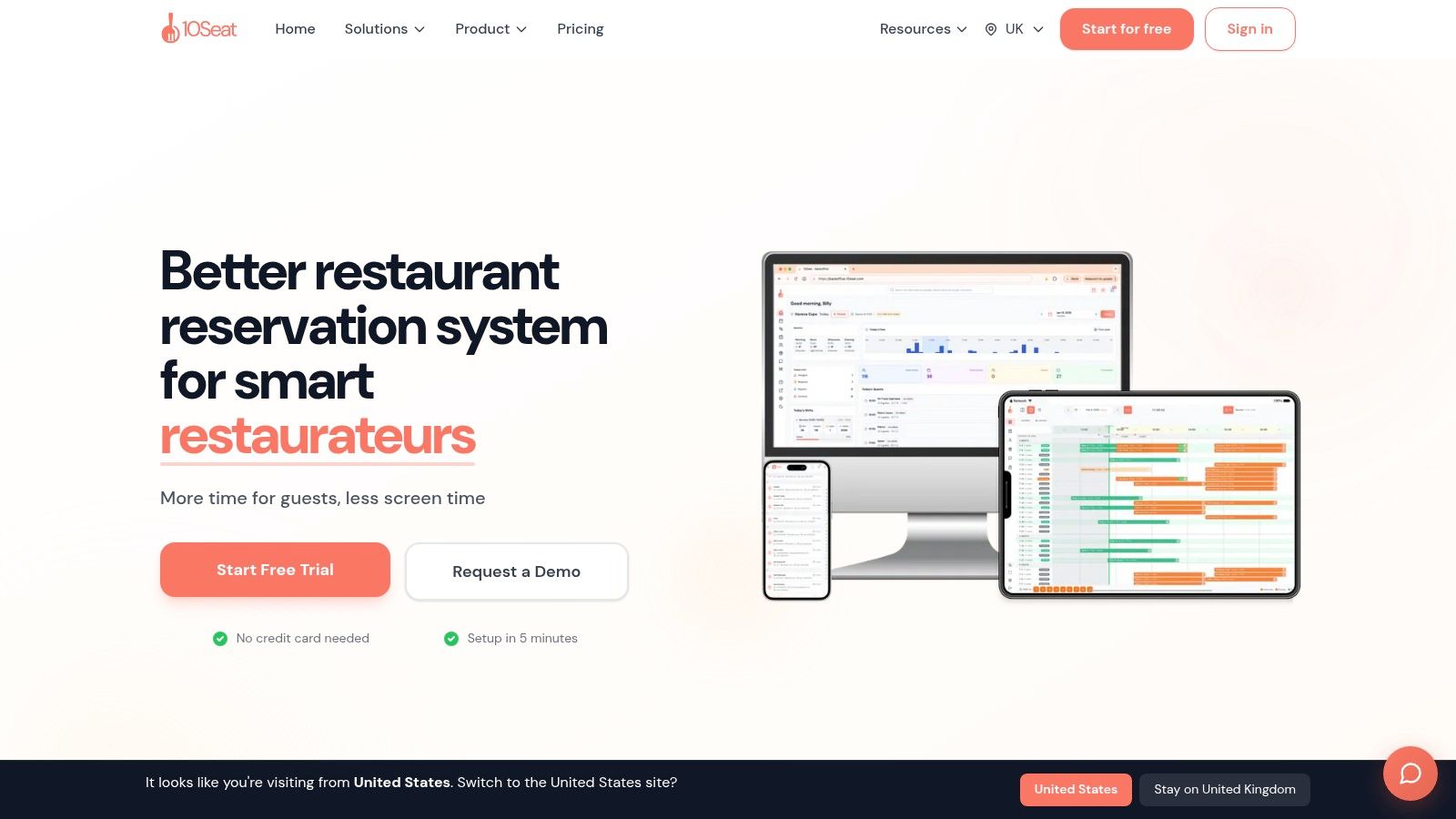
10Seat suits independent restaurants that need to increase covers from their existing floor while keeping control of service pace. Its Capacity Engine combines Capacity Booster™, Smart Auto Seating, Auto Seating Puzzle, and Walk-in Squeeze to match bookings with workable table configurations and reduce manual decisions at the host stand.
The system assigns online reservations to efficient table combinations instead of leaving staff to solve each seating puzzle during service. Managers can set pacing, availability, and party-size rules so demand does not outrun kitchen capacity. Walk-in Squeeze creates short, hidden booking slots for spare capacity, helping the host accept additional guests without opening the full floor to uncontrolled demand.
10Seat reports 10–15% more covers per busy shift. It also reports up to 30% more reservations and 40% fewer no-shows. These are reported user results, not guaranteed outcomes. Operators should compare them with their own covers, average spend, service duration, and peak-day limits. At the reported cover increase, a busy shift can produce meaningful additional sales, but the return depends on contribution margin and whether the added tables disrupt service.
Why the workflow stands out
The Host App keeps seating decisions in one focused interface. Focus Mode is designed for near-instant decisions, reported at 0.5 seconds, while live floor management lets staff adjust tables and handle walk-ins without moving between multiple screens. Automated confirmations and reminders support the booking process. The stronger operational benefit comes from combining availability rules with table logic.
Guest profiles can include preferences, allergies, and special occasions. That gives the team useful context for service and reduces the need to build a separate CRM workflow.
Practical rule: Choose a booking system only if it improves the decisions between a reservation arriving and the guest sitting down.
Setup takes about five minutes, and no credit card is required to start. The free “On the House” plan supports up to 50 covers per month. Paid plans and priority options are listed on the 10Seat pricing page.
Best fit: Fine dining, brasseries, casual venues, seated bars, brunch restaurants, and multi-location groups that need direct booking control and smarter seating.
Trade-off: The free plan is limited to 50 covers per month. Larger groups should confirm POS integration, legacy workflow support, and implementation assistance before switching.
2. OpenTable for Restaurants
OpenTable is the clearest choice when a restaurant needs marketplace discovery as much as reservation management. Its consumer marketplace, website, and app can put a venue in front of diners who aren't already searching for that restaurant directly. That demand funnel matters most in competitive dining areas, new openings, and venues that need to widen their reach.
The operational layer is substantial. Floor plans, Smart Assign, access rules, deposits, credit-card holds, prepaid experiences, ticketed events, guest messaging, and POS integrations support high-volume services. OpenTable also offers visibility into which reservations incur cover fees, which helps managers separate marketplace acquisition from direct demand when reviewing the monthly invoice.
The cost question
The main trade-off is the pricing model. Marketplace reservations can create per-cover fees, while the basic plan can charge for website bookings. Those costs may be reasonable when OpenTable brings incremental guests, but they become difficult to justify when regular customers already book through the restaurant's own website.
Annual contracts are typical and may auto-renew, so the general manager should review term length, cancellation windows, and channel-level charges before signing. The restaurant should also ask whether a promotional listing is generating new guests or just charging for demand that would have arrived directly.
Best fit: High-volume venues, restaurants opening in a new market, and operators who value consumer discovery above the lowest booking cost.
Trade-off: Per-cover fees can grow quickly at volume, and direct website bookings may not be free on every plan.
For a broader explanation of the operational difference between reservation channels, restaurant operators can review this restaurant reservation system guide alongside OpenTable's restaurant platform.
3. Resy OS including Tock capabilities
Resy OS suits restaurants that want predictable reservation costs and a serious events workflow. Following the integration of Tock capabilities, the platform offers flat monthly pricing without per-cover or per-reservation fees, which makes budgeting easier for venues with strong direct demand or heavy booking volume.
The system covers reservations, table management, waitlists, deposits, prepayments, and automated Notify alerts for cancellations and openings. Tock's event and ticketing heritage adds value for tasting menus, special dinners, and experiences where the restaurant needs payment before service. Chargeback protection and POS integrations strengthen that use case, while advanced analytics sit in higher tiers.
Where Resy OS makes financial sense
A fixed-fee model is easier to forecast than a marketplace fee attached to every cover. The operator still needs to compare the monthly subscription with the value of Resy and American Express ecosystem demand in the restaurant's city. Marketplace strength varies by location, so a restaurant shouldn't assume that a recognizable platform automatically supplies enough incremental covers.
Recent plan and pricing changes following the Resy and Tock consolidation require a fresh commercial review. Advanced features may be gated to higher tiers, so the buyer should request a complete feature and integration list rather than comparing entry-plan names alone.
Deposits change the conversation from filling a calendar to protecting a service.
Best fit: Ticketed dining, tasting-menu restaurants, venues with deposits and prepayments, and operators who prefer flat monthly costs.
Trade-off: The marketplace may be weaker than OpenTable in some cities, and the current plan structure needs careful verification.
For operators reviewing deposit controls, this guide to credit-card guarantees in restaurant bookings provides useful context. Details should then be confirmed with Resy for partners.
4. SevenRooms
SevenRooms is built for restaurants that treat reservations as the beginning of a guest relationship, not the end of a transaction. Its strongest feature is a first-party CRM that connects reservations, guest profiles, marketing, feedback, and reputation activity across venues. That makes it particularly useful for upscale restaurants, hotels, nightlife operators, and multi-location groups.
The platform includes reservations, waitlists, floor and revenue management, events, group reporting, and an open API. Its marketing hub supports email, SMS, WhatsApp, and reputation management, while add-ons such as Voice AI can extend phone booking and guest interactions. A group portal and centralized reporting help head office understand how individual venues perform without forcing every location into separate reporting habits.
The implementation trade-off
SevenRooms is not a lightweight host-stand tool. Quote-based pricing requires a sales conversation, which makes budget planning slower than with a transparent self-serve platform. Implementation also demands more discipline, especially when teams need clean guest records, permissions, campaign rules, and integrations across locations.
That complexity is justified when managers actively use the data. A group can segment guests by preferences, visit history, and venue relationship, then coordinate relevant communication across the portfolio. An independent restaurant with one small dining room may pay for capabilities that never reach daily use.
Best fit: Multi-location groups, hotels, fine dining operators, and businesses that need CRM-led marketing and data ownership.
Trade-off: Quote-based pricing and a heavier implementation process make it excessive for a simple booking workflow.
A restaurant comparing platforms should examine table management software requirements before requesting a SevenRooms demonstration.
5. Yelp Guest Manager
Yelp Guest Manager suits restaurants that need discovery through Yelp without paying a fee for every cover. It combines reservations, online and in-house waitlists, floor management, guest texting, kiosk check-in, and credit-card holds on the Plus tier.
Bookings can reach the restaurant through Yelp, Google, and Apple Maps. That distribution fits casual venues and neighborhood restaurants where guests search by location, cuisine, or occasion. Fine dining operators can also use it, but should confirm whether Yelp delivers the right guest mix. Optional Yelp Host voice booking and higher-tier integrations, including Toast POS, can reduce phone work when inbound demand is strong.
Fit depends on volume
A flat monthly fee makes spending easier to forecast than a per-cover marketplace charge. Published pricing differs by plan and market, so verify current rates, cover limits, messaging allowances, and upgrade triggers before signing.
Cover limits deserve close attention. A busy restaurant may outgrow the entry plan during peak services, turning a predictable fee into an upgrade decision. Keep advertising separate from reservation software: Yelp's advertising cost guide explains the broader advertising conversation, while Guest Manager requires its own commercial quote.
Best fit: Casual venues, neighborhood restaurants, and operators that want Yelp, Google, and Apple discovery with predictable monthly spending.
Trade-off: Cover caps and plan differences can raise costs as volume grows. Assess optional sales services separately from the booking workflow.
Review the current product scope through Yelp Guest Manager for restaurants. Ask for a service-flow demonstration covering peak-time waits, cancellations, guest messaging, and any POS integration before choosing it.
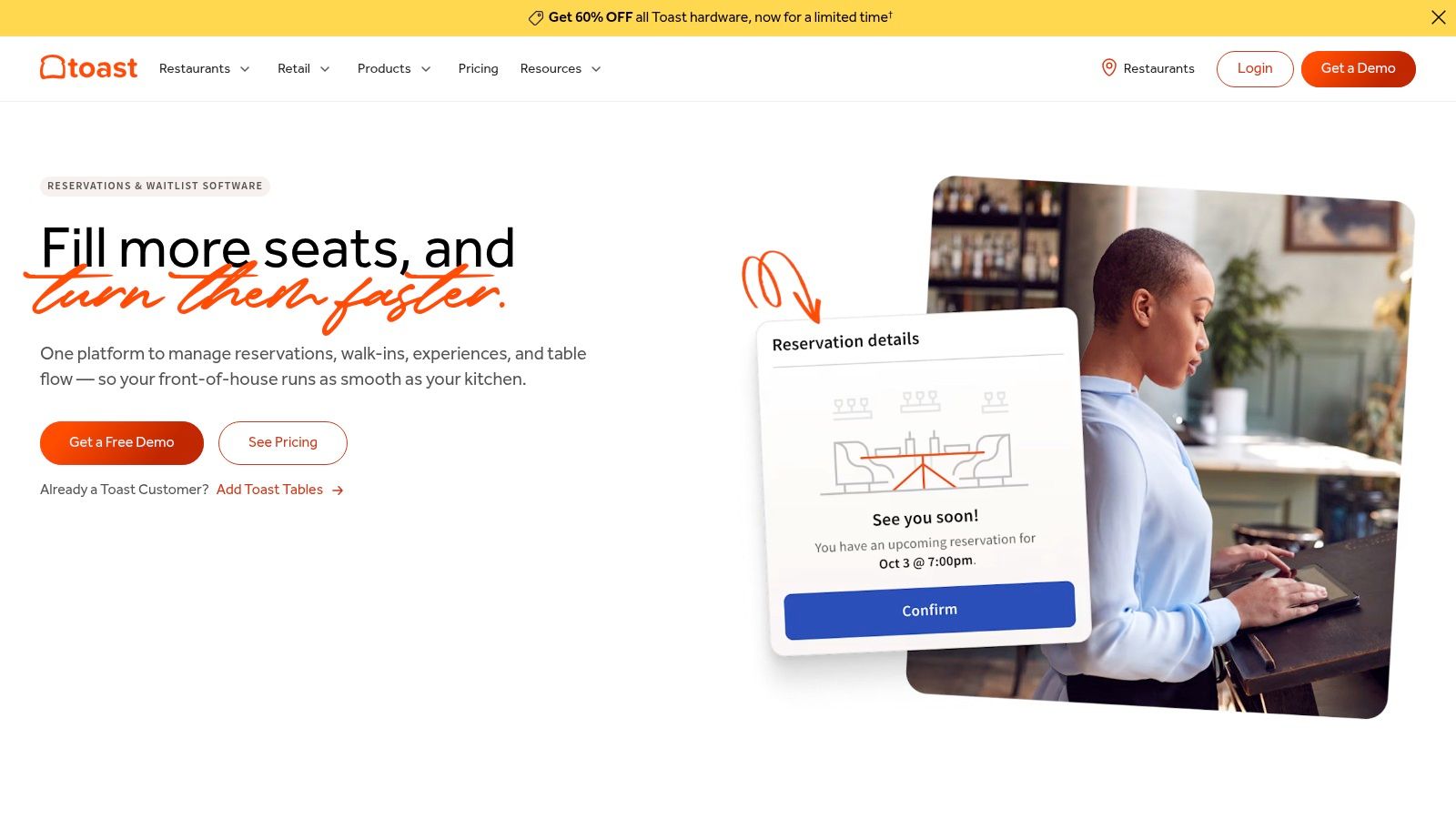
6. Toast Tables for Toast POS users
Toast Tables is the logical choice for a restaurant already committed to Toast POS. Reservations, walk-in waitlists, floor plans, server assignments, deposits, cancellation fees, prepayments, and ticketed experiences sit close to the system that records checks and payments. That proximity reduces tool-switching for hosts and gives managers a clearer view of the relationship between seating, pacing, and spend.
Desktop and mobile host applications support front-of-house work during service. POS-native guest and check data can help the team understand how a party is progressing, which is useful when the dining room is full and table timing matters. Branded-app booking and growing experience features add scope for operators building a broader Toast stack.
Integration before sophistication
The advantage is operational continuity, not necessarily the most advanced seating logic. Public pricing isn't published, quote-based plans may include reservation caps, and complex table pooling or automated seating workflows may be less mature than those of specialist reservation platforms.
A restaurant should choose Toast Tables when adopting or staying with Toast POS is already a firm decision. Switching to it only for reservations can create unnecessary dependency on a larger technology stack. The buyer should request the complete commercial package, including POS, reservations, payments, support, and any multi-location terms.
Best fit: Toast POS users, multi-location groups standardizing on Toast, and restaurants that prioritize unified guest and check data.
Trade-off: The platform makes less sense outside the Toast ecosystem, and public pricing is unavailable.
Review the current Toast Tables product details against the restaurant's existing POS contract before scheduling implementation.
7. Eat App
Eat App suits independent restaurants and growing groups that need direct booking control without a long implementation. It supports website and social bookings, online and in-house waitlists, floor-plan management, guest CRM, automated messaging, marketing, white-labeling, and WhatsApp or SMS allocations.
The self-serve setup lets a restaurant start quickly and test the service flow before committing to a larger technology stack. Published entry pricing and free or low-cost tiers make early budgeting clearer than quote-only systems. Higher plans can handle unlimited bookings, while add-ons and enterprise options extend the platform for larger operators.
Direct demand with flexible messaging
Eat App is strongest when bookings come through the restaurant's website, social channels, and existing guest communications. Its marketplace demand can be lighter than OpenTable or Resy in some U.S. cities. Operators that depend on discovery should test local booking volume before choosing it.
Messaging requires its own cost check. SMS and WhatsApp allocations, plus selected add-ons, can raise the bill as the guest database and message volume grow. A restaurant should model those charges against its actual reminder, confirmation, and marketing workflow, rather than judging the platform by its entry tier.
Brand awareness is also lower in North America than that of established marketplace brands. That matters less for venues with a strong direct audience, repeat guests, and reliable website traffic.
Best fit: Independent restaurants, brunch venues, and growing groups that want flat-fee booking management and quick setup.
Trade-off: Marketplace reach varies by city, and messaging allocations can add cost at scale.
Evaluate the current Eat App reservations platform using a real week of booking volume, waitlist activity, and guest-message usage. For fine dining or multi-location operators, confirm floor-plan controls, permissions, reporting, and data export before signing.
Top 7 Restaurant Booking Systems, Side-by-Side Comparison
| Product | Implementation complexity | Resource requirements | Expected outcomes | Ideal use cases | Key advantages | Pricing model |
|---|---|---|---|---|---|---|
| 10Seat | Low, fast setup, simple Host App | Low, minimal training; limited deep integrations | Higher covers and reservations; fewer no‑shows (reported +10–15% covers, up to +30% reservations, -40% no‑shows) | Fine dining, brasseries, casual venues, bars with seating, multi‑location groups wanting smarter seating | Dynamic Capacity Engine, auto‑seating, AI guest CRM, rapid onboarding | Free tier (50 covers/mo); paid plans / priority via sales |
| OpenTable for Restaurants | Moderate, standard onboarding and floor setup | Medium, manage marketplace listings and integrations | Increased discovery and new covers via large consumer network | High‑volume restaurants prioritizing marketplace demand | Largest diner marketplace, feature‑complete FOH tools, 100+ integrations | Per‑cover marketplace fees; website booking fees; often annual contract |
| Resy OS (inc. Tock) | Moderate, typical rollout; evaluate recent changes | Medium, integrations for POS/analytics; higher tiers for advanced features | Predictable costs and strong brand demand; good ticketed/event workflows | Restaurants wanting flat pricing and built‑in ticketing/experiences | Flat monthly pricing (no per‑cover fees), mature event/ticketing, Amex/Resy demand | Flat monthly pricing with tiered features; higher tiers gated |
| SevenRooms | High, complex implementation, sales engagement | High, integrations, training, add‑ons and ongoing ops support | Strong guest data, improved marketing/upsell and multi‑venue segmentation | Upscale dining, hotels, nightlife, multi‑location groups focused on CRM | Robust first‑party CRM, marketing automation, extensible platform | Quote‑based pricing; sales required |
| Yelp Guest Manager | Low–Moderate, straightforward setup with distribution | Low–Medium, depends on plan; optional voice AI/integrations | Greater local visibility (Yelp/Google/Apple) with predictable monthly spend | Casual to fine venues seeking wide distribution without per‑cover fees | Broad consumer reach, distribution across partners, no per‑cover fees | Flat‑fee monthly plans; published pricing varies by market; caps apply |
| Toast Tables (for Toast POS users) | Low if already on Toast; higher if migrating | Low for Toast customers; higher otherwise (POS adoption/integration) | Better FOH/kitchen sync and unified guest/check data | Restaurants using Toast POS or multi‑location Toast stacks | Native POS integration, reduced tool‑switching, POS‑visible pacing | Quote‑based; public pricing not published; may include caps |
| Eat App | Low, self‑serve setup and transparent options | Low–Medium, basic integrations; messaging/add‑ons may add cost | Direct bookings, scalable flat‑fee options, flexible messaging | Independents and growing groups seeking flat fees and direct bookings | Clear pricing, responsive support, unlimited bookings on top tier | Published pricing with free/low‑cost tiers; Pro and add‑on fees |
Turn the Shortlist Into a Service Test
A shortlist becomes useful only when each system faces the restaurant's actual service conditions. Start by calculating direct booking costs and marketplace booking costs separately. A platform that looks expensive on a monthly invoice may be efficient when it brings new demand, while a low subscription can become costly if it adds staff work or charges for essential messaging.
Next, map the busiest service across the actual floor plan. Include two-tops that can combine, tables blocked by larger parties, bar seats, walk-in capacity, turn times, and the kitchen's pacing limit. Ask each vendor to demonstrate the exact party mix from a recent peak shift, not a polished generic presentation.
Test cancellation and deposit rules with real scenarios. Independent reservation data shows why this matters: one industry summary reports a 17% average no-show rate, with credit-card holds reducing no-shows by 62%, while a separate index covering 3.77 million reservations across 2,417 restaurants reports a 2.33% average no-show rate for advance reservations. The difference between datasets is substantial, so operators should measure their own no-shows and test confirmation, reminder, hold, and deposit settings directly. The figures are documented in this restaurant scheduling statistics summary.
Match the system to the restaurant
Fine-dining operators should prioritize guest profiles, pacing, deposits, personalized service, and reliable handling of special occasions. SevenRooms is the strongest CRM-led option, Resy OS is compelling for ticketed experiences and predictable fees, and 10seat is the clearest choice when table utilization and fast host decisions matter most.
Multi-location groups should prioritize centralized reporting, CRM continuity, APIs, permissions, and integration governance. SevenRooms and Toast Tables deserve close attention for those requirements, while 10seat should be assessed for the group's existing POS and reporting architecture before rollout.
Casual venues should prioritize predictable costs, discovery, quick setup, and waitlist handling. Yelp Guest Manager, Eat App, and 10seat are practical starting points, depending on whether the restaurant values marketplace visibility, direct booking control, or more active floor optimization.
Belgian operators need one more test. A Geregistreerd Kassasysteem, or GKS, is generally required when annual turnover from restaurant and catering services, excluding drinks, exceeds €25,000. The threshold applies to turnover, not restaurant size or seat count, and the system must issue the required receipts for meals consumed on site, according to Belgian GKS guidance.
GKS is a defined technical setup, not a software label. It consists of a cash register, a fiscal data module, and a VAT signing card, electronically linked through the GKS registration module, as explained in the GKS entrepreneur guide. If the threshold isn't exceeded, GKS isn't mandatory, but the operator must still issue a receipt or VAT slip for meals and related drinks consumed on site. Once the threshold is exceeded, takeaway food and other food-related transactions must also be recorded in the white cash register and a GKS ticket issued, according to Horeca Vlaanderen's GKS advice.
Require every vendor serving Belgian restaurants to explain how reservation data, deposits, refunds, POS workflows, and receipts interact with the compliance setup. A reservation platform doesn't replace the GKS components, and a smooth booking flow doesn't prove that fiscal recording is correctly handled.
Use a short scorecard
Score each finalist on the same operational measures:
- Monthly cost: Include subscription, messaging, add-ons, support, and contract terms.
- Cover fees: Separate direct bookings from marketplace bookings and calculate the cost of acquisition.
- Table utilization: Test table combinations, pacing, walk-ins, and peak-shift decisions.
- Implementation time: Include menu setup, floor-plan configuration, staff training, and data migration.
- Integrations: Verify POS, payments, website, social channels, APIs, reporting, and compliance workflows.
- Support: Confirm response channels, service hours, escalation procedures, and onboarding ownership.
The best restaurant booking system is the one staff can operate under pressure and managers can justify financially. Fine dining, multi-location, casual, and Benelux operators have different constraints, so the right answer should come from a service test rather than a feature count. Restaurant owners can compare 10seat plans as part of that test without assuming any single platform is right for every dining room.
10seat combines direct online reservations, live floor management, Smart Auto Seating, Walk-in Squeeze, and guest profiles to help restaurants use their existing tables more effectively. For operators focused on busy-shift capacity, faster host decisions, and commission-free booking control, 10seat is ready to test against the restaurant's real floor plan and service flow.