7 Best Free Restaurant Reservation System Picks for 2026
Looking for the best free restaurant reservation system? This guide compares 7 tools on free-plan limits, floor management and fit for busy owner-chefs in 2026.

Every free reservation plan looks workable until Friday service fills the book. The price alone does not show whether the system can still accept bookings, give the host a useful floor view, or manage a cancellation. Check the monthly cap first, then whether the free plan includes the floor and waitlist tools your busiest service needs.
Resos' pricing page lists a limit of 25 bookings a month on its free plan. Eat App and Tableo list caps of 100 guests or covers. 10Seat's free plan includes up to 50 covers a month. These limits measure different things, so compare them with how your restaurant tracks demand. On a 60-cover Friday, a 10–15% increase means six to nine additional covers per service, based on 10Seat's reported range. More covers only help if the floor plan can accommodate them without slowing the kitchen or forcing the host to rebuild seating manually.
The best free system is the one whose cap and floor view fit your busiest service. A booking cap can leave guests unable to reserve once it is reached, even if tables remain available. Check whether the free tier keeps the floor view and waitlist active, and how many bookings a busy night could lose when the cap runs out.
Table of Contents
- 1. 10seat for floor management and walk-ins
- 2. MyResApp for qualifying full-service restaurants
- 3. Eat App for a small venue moving off paper
- 4. Tableo for a small restaurant wanting a visual floor plan
- 5. Tablesit for direct bookings and a simple calendar
- 6. Resos for very low booking volume
- 7. TableAgent for basic bookings at no monthly cost
- GKS compliance for Belgian restaurants
- Free plan limits, floor views and waitlist access at a glance
- Choosing Your Free Reservation System Without Regrets
1. 10seat for floor management and walk-ins
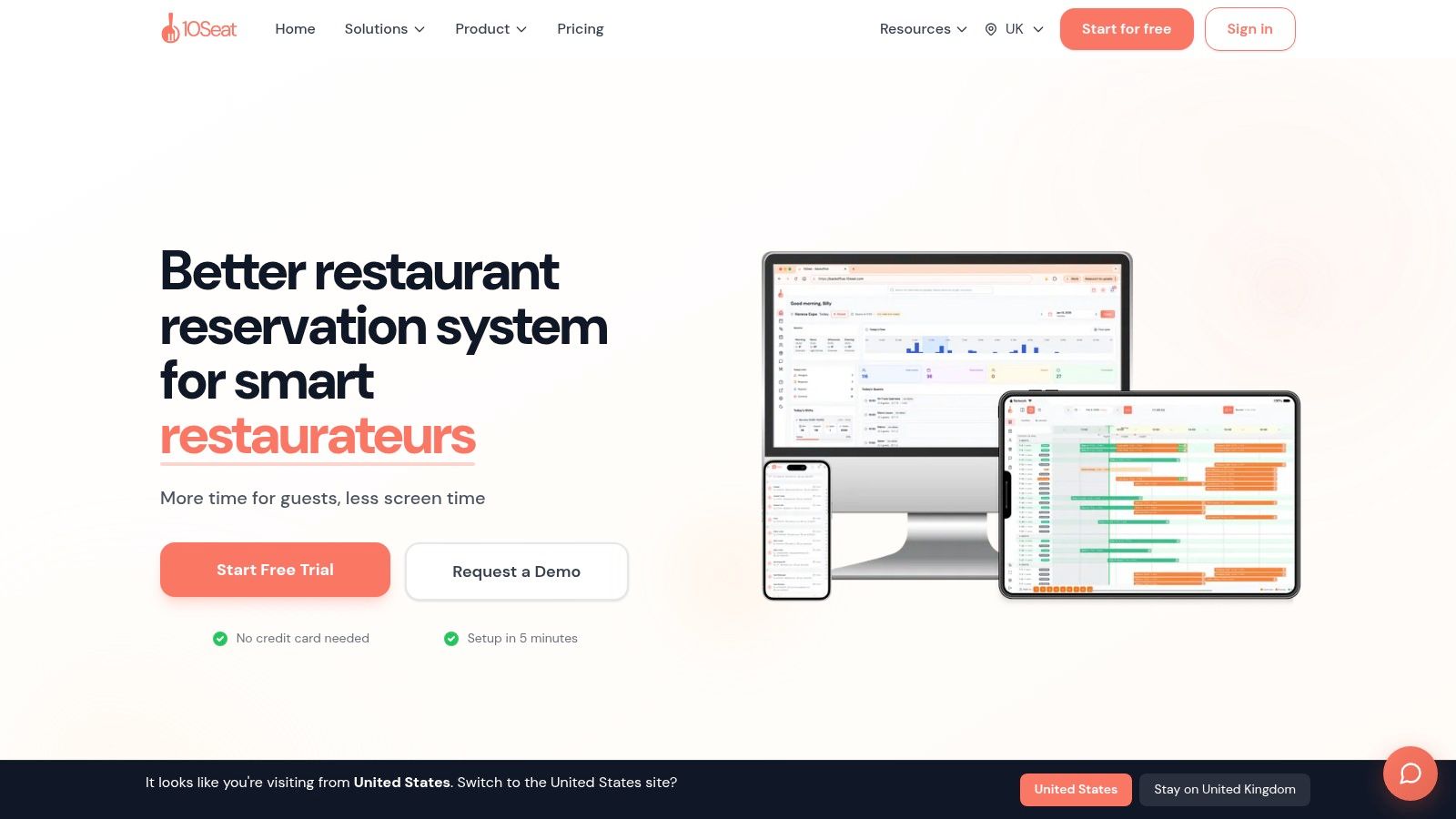
10seat is built around a practical service problem: a booking book can be full while the floor still has gaps that a host needs to spot and use. Its Capacity Engine combines Smart Auto Seating, Auto Seating Puzzle, and Walk-in Squeeze to match bookings to table configurations, surface short openings, and help fit walk-ins without adding tables.
That matters on a busy service when a party size changes or a table turns sooner than expected. The live floor view gives hosts a working picture of seating, while managers can control availability, party sizes, and pacing. Reservations, waitlists, guest profiles, and a booking page for websites, social media, or QR codes keep the guest journey closer to one system.
Service test: A useful floor plan should help a host answer two questions quickly, which table fits this party, and what can be seated next without pushing the kitchen past capacity.
The free “On the House” plan covers up to 50 covers per month, with no credit card required. 10seat advertises a five-minute setup and a 15-minute migration from another reservation system. The company reports 10–15% more covers per busy shift, alongside 30% more reservations and 40% fewer no-shows. Those are company-reported results, not a guarantee for every layout or booking pattern.
Good fit: Independent restaurants that want direct booking, table-aware seating, and walk-in handling in one workflow.
Trade-off: The free tier's monthly cover limit is low for a venue that takes reservations regularly. The available plan details also don't provide a full paid-tier feature and pricing comparison.
For a closer look at how free booking tools fit into restaurant operations, see this guide to free restaurant reservation software.
2. MyResApp for qualifying full-service restaurants
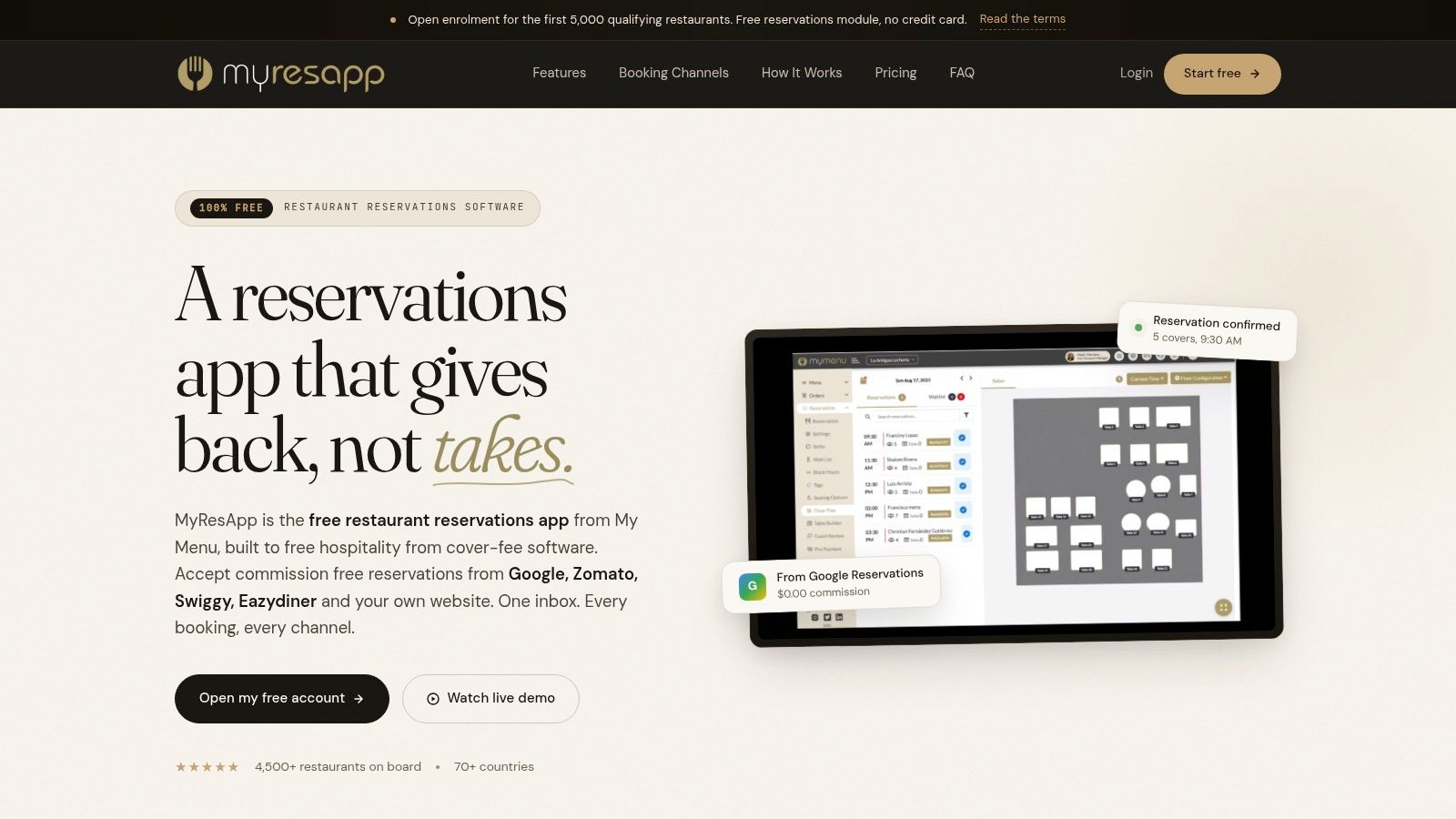
MyResApp offers a broad set of reservation and table-management tools at no cost for qualifying restaurants. The offer includes floor plans, shifts, waitlists, guest records, and unlimited tables, covers, reservations, and guest records as stated by the vendor. It also supports bookings through Google, listed channels, and the restaurant's own website.
The fit depends on eligibility. The offer is aimed at casual-dining and full-service restaurants that serve at least two meal periods, and enrollment is limited to the first 5,000 qualifying restaurants. That makes it less suitable for a café or a venue with a single short service, even if its feature set looks attractive.
Events and experiences are another useful inclusion. A restaurant can manage ticketed bookings, deposits, or prepayments alongside regular reservations, which can help separate a special dinner from the everyday book.
- Useful at no cost: The stated offer goes beyond a simple online booking widget.
- Included onboarding: The vendor says remote setup and training are included.
- Budget for messaging: SMS and WhatsApp messages are charged at carrier rates.
The practical check is whether the restaurant meets the meal-period requirement and whether the free offer is still open to new accounts. Guest-count and testimonial statements are vendor claims, so the operational features and eligibility terms matter more than promotional totals.
For a broader view of restaurant booking options, compare the best restaurant booking systems.
3. Eat App for a small venue moving off paper
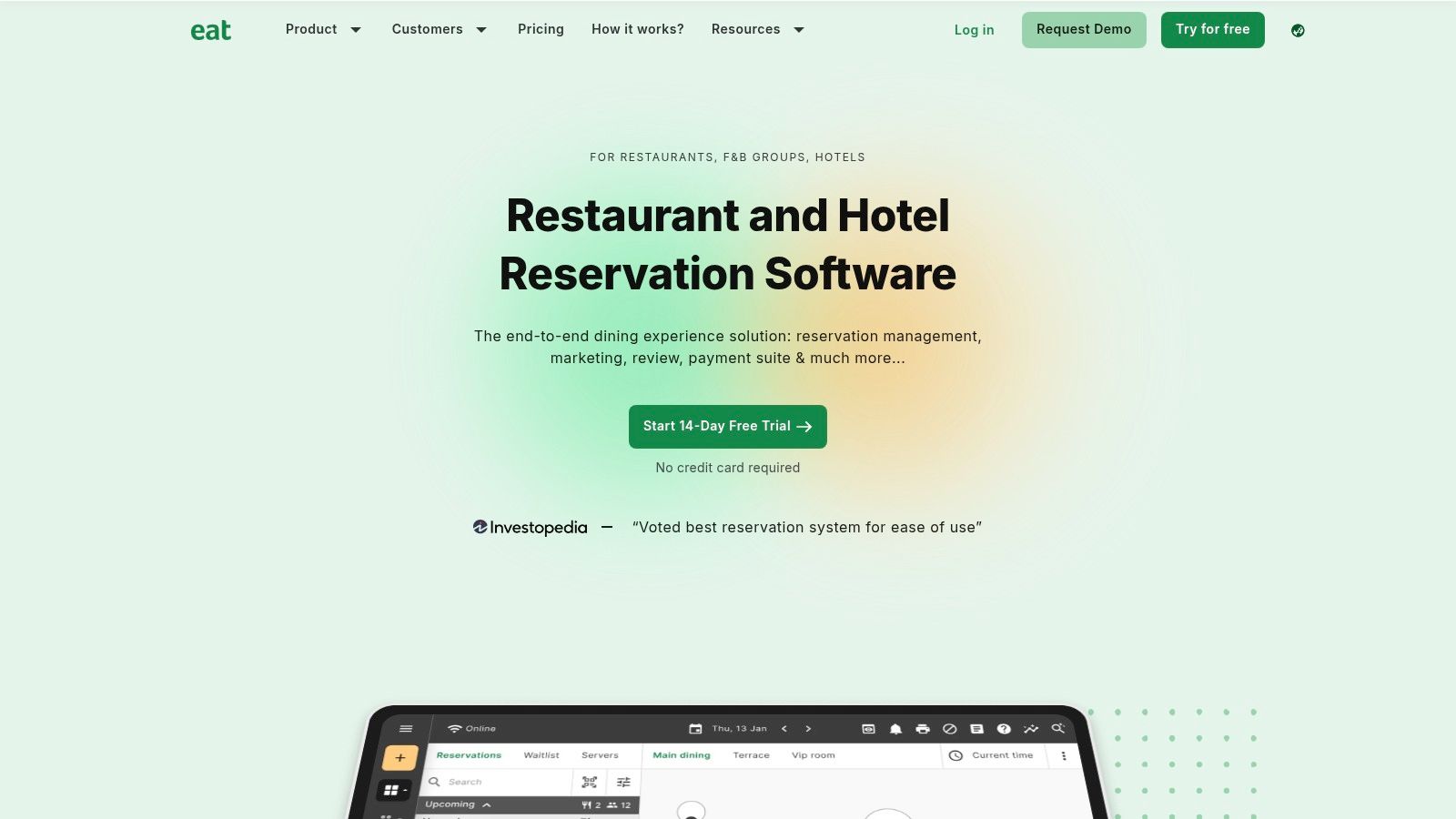
Moving from a paper book to online reservations is a modest first step, and Eat App's free tier pairs online bookings with a digital floor plan. Guests can book through the restaurant's website and social channels, while staff manage reservations and guest records.
The free tier is capped at 100 guests per month, according to Eat App's pricing page. Because the limit counts guests rather than reservations, compare it with expected covers across a full month. A small venue testing online bookings may fit; regular service across several days can use up the allowance quickly.
For Friday service, check the limits on the parts of the workflow that keep bookings moving. SMS isn't included, and online waitlists or widget customization may require a paid plan or add-on. Without a waitlist, staff need another way to handle cancellations and tell waiting guests when a table opens.
Best for: A small restaurant moving off paper that wants a basic floor plan and the option to upgrade later. Eat App also lists a 14-day free trial for paid plans, separate from the free tier.
Before choosing, compare restaurant reservation apps and check whether the free capacity covers a busy week, not just a quiet service.
4. Tableo for a small restaurant wanting a visual floor plan
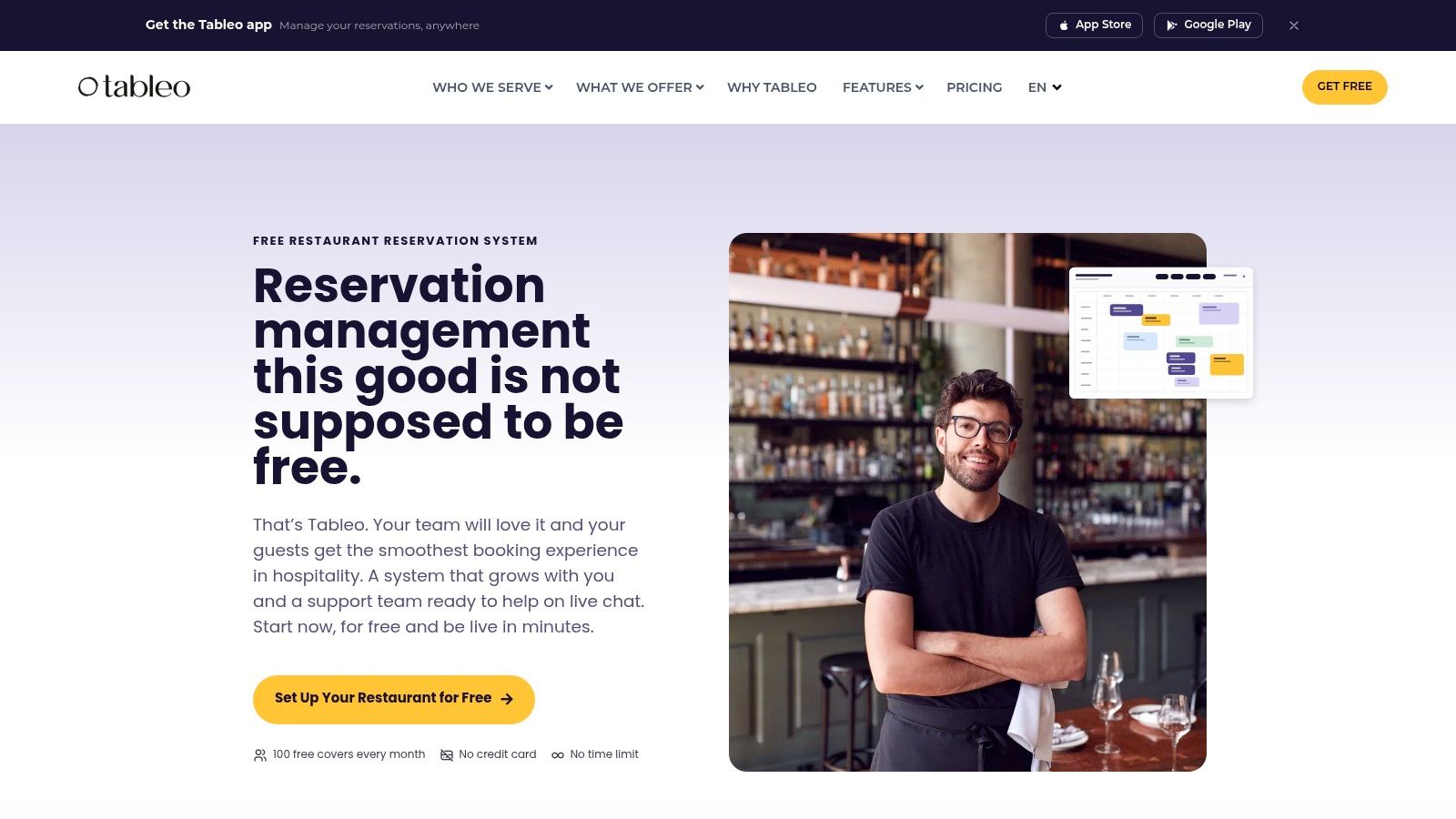
Tableo's ongoing free tier includes an interactive floor plan, booking widget, guest database, email notifications, reminders, a mobile app, and support. For a small team, the floor plan gives hosts a visual view of the room instead of just a list of bookings.
The plan is capped at 100 covers per month. At four covers per reservation, that allows 25 reservations. Two Friday services with 50 covers each use the full allowance in one week, leaving no free-plan capacity for the rest of the month.
Tableo says its paid plans have no commission or cover fees. That pricing model may suit a restaurant as bookings grow, but the free tier still has a firm monthly limit. Check that its booking channels and integrations fit your current workflow before switching.
Good fit: A small venue that wants a visual floor plan and email notifications on an ongoing free tier.
Trade-off: The monthly cap can rule out regular use. Confirm how bookings appear on a phone and at the host stand, and whether the listed support meets your needs.
5. Tablesit for direct bookings and a simple calendar
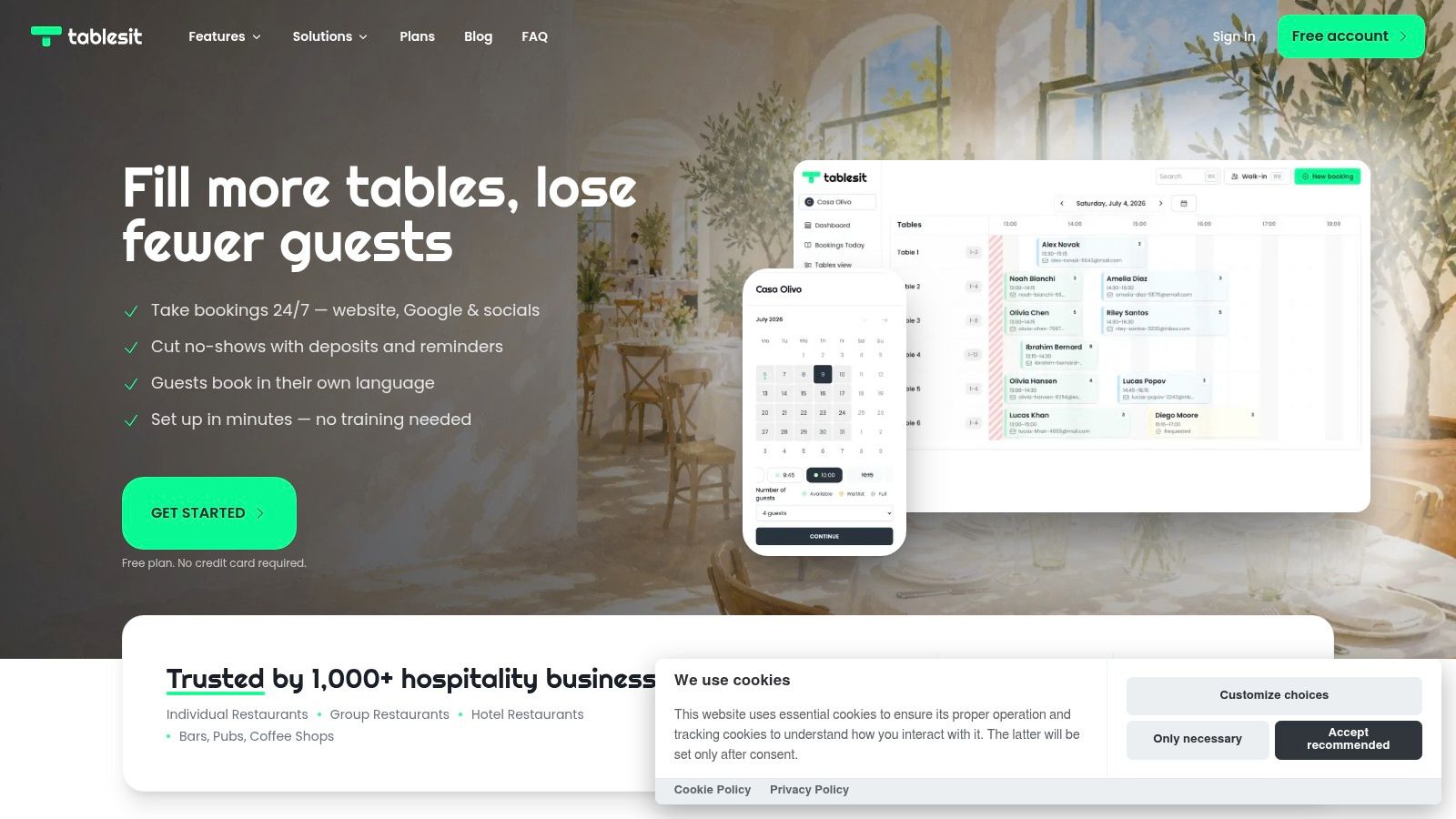
Tablesit is a lightweight option for a restaurant, bar, or café that needs a single booking calendar and a direct online booking page. The vendor advertises Google bookings, email notifications, and a unified calendar for tables and areas on its free plan. It also describes online deposits or prepayments as available.
The distinction between free and Pro features is important. The free plan has basic booking management, while unlimited bookings and an online waitlist are listed under Pro. A venue that relies on a waitlist to refill cancellations may find the free setup too limited, even if the booking calendar itself is adequate.
The vendor emphasizes quick setup and a permanent free plan without a credit card. It also says guests can book in multiple languages. The pricing page consulted displays Polish złoty, so a Benelux restaurant should check local availability and the actual price before budgeting for an upgrade.
Practical rule: Test a cancellation during a busy service. If staff have to jump between the booking page, messages, and a separate list to fill the table, the free plan isn't covering the whole workflow.
Best for: Operators who want a straightforward calendar and direct booking links. Less suitable: Restaurants that need a built-in online waitlist without moving to Pro.
6. Resos for very low booking volume
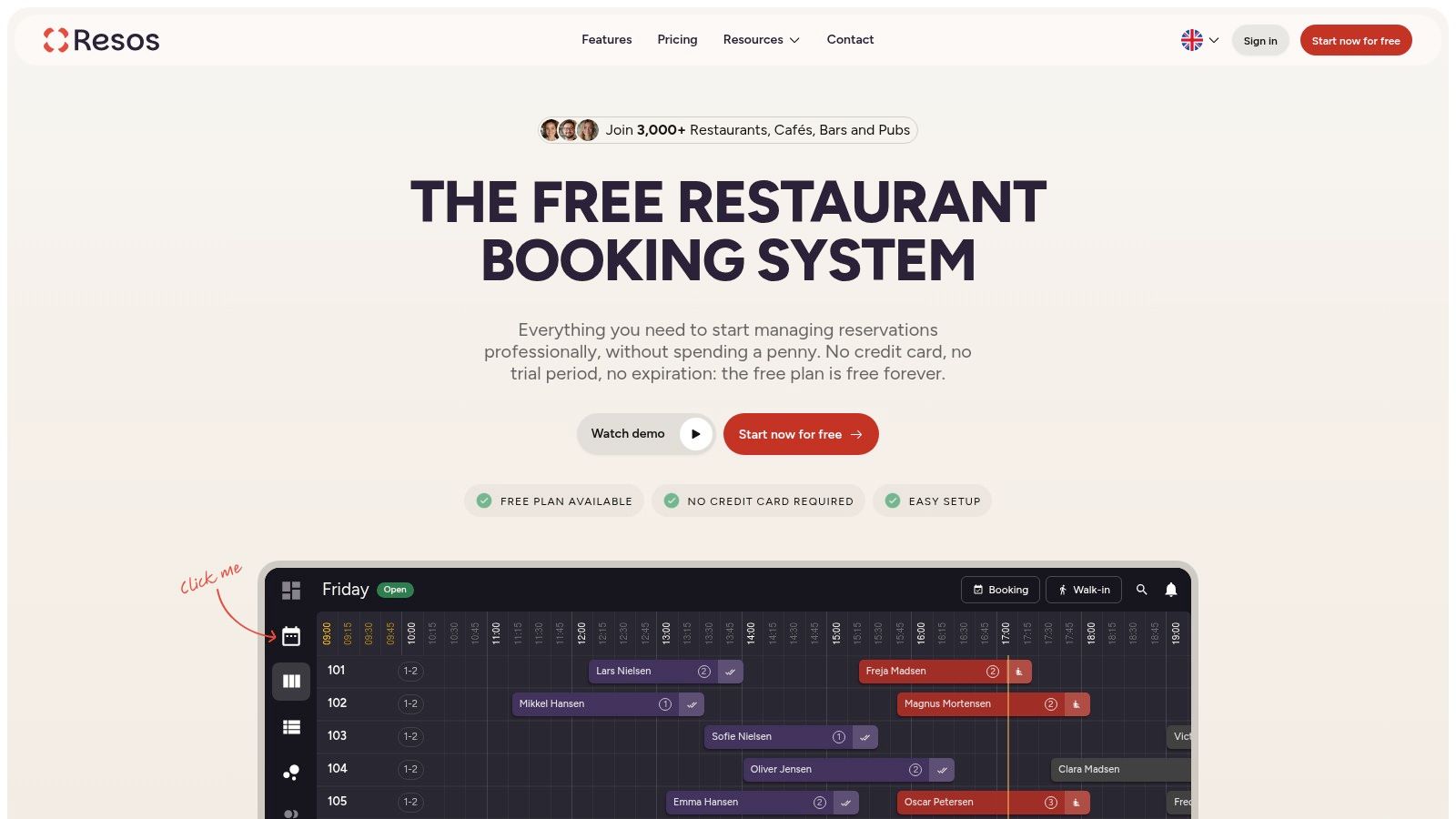
A new bistro or small café can use Resos to accept online bookings without a monthly subscription. Its free plan includes a booking widget, visual table planner, email confirmations, and guest database.
The limit is 25 bookings per month, according to the Resos free restaurant booking plan. A busy Friday can use up a meaningful share of that allowance. Once the cap is reached, the restaurant must upgrade or handle additional bookings elsewhere.
Waitlist management is not included, and SMS reminders are paid add-ons. If a guest cancels, staff must spot the opening and contact another guest themselves. That can leave a table unfilled during service if no one is available to manage the follow-up.
- Works well: Testing online bookings or managing occasional reservations.
- Falls short: Regular services that need more monthly capacity or an automatic way to reassign cancellations.
- Check before relying on it: Decide how staff will handle bookings after the monthly limit is reached.
7. TableAgent for basic bookings at no monthly cost
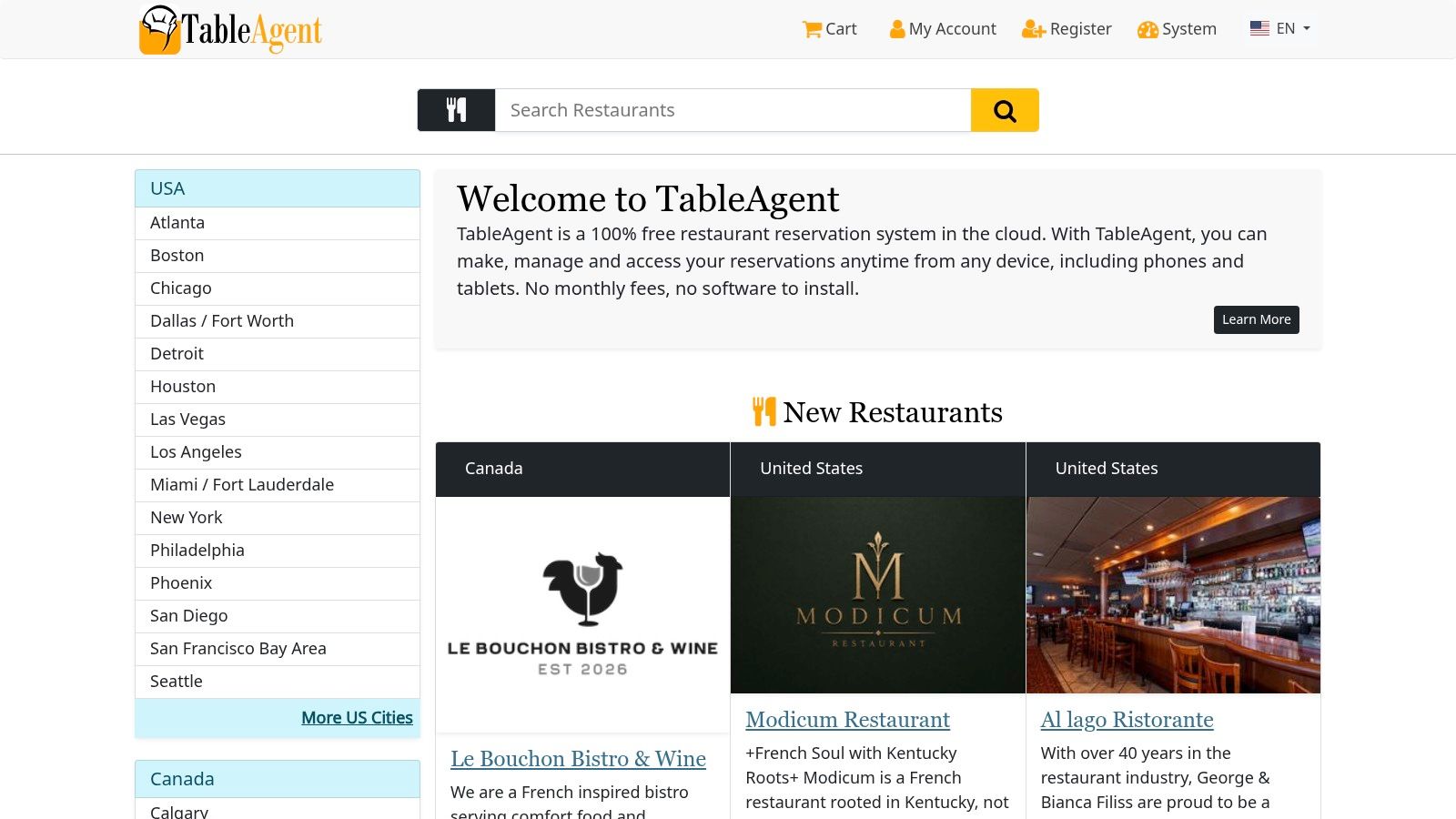
TableAgent is a cloud-based reservation system that lets staff manage bookings from phones, tablets, or other devices without installing software. The official site advertises no monthly subscription. For an operator moving away from a paper book, that simplicity may be enough to get online bookings into one place.
The public product information gives less detail about advanced floor planning, guest management, integrations, and support than several alternatives in this list. That makes it harder to know whether the workflow will fit a restaurant with changing party sizes, table combinations, or a high volume of walk-ins. A product that accepts reservations isn't automatically a service-management tool.
Before adopting it, confirm how guest data can be exported, what support is available, and whether optional service fees apply to the functions the restaurant needs. Check the booking page from a guest's phone, then run a realistic host workflow with overlapping arrivals and a cancellation.
Good fit: A venue that needs basic online bookings and wants to avoid a monthly software subscription.
Trade-off: The sparse feature detail makes a hands-on workflow check important. If staff need live floor planning or a structured waitlist, confirm those capabilities rather than assuming they're included.
GKS compliance for Belgian restaurants
Reservation software handles bookings, tables, arrivals, and guest information. The Belgian GKS, or Geregistreerd Kassasysteem, handles fiscal receipts. A booking tool does not replace a GKS when one is required.
The official Belgian GKS guidance says operators must use a GKS when restaurant and catering services make up at least 10% of total hospitality turnover. The system comprises a cash register system, a Fiscal Data Module (the “black box”), and a VAT Signing Card. Operators must also register the establishment and manage component details online.
Moore's tax guidance identifies a second threshold: more than €25,000 in annual restaurant and catering turnover, excluding drink turnover from that calculation. When the requirement applies, operators must use a registered cash register system and issue GKS receipts for covered meals and drinks.
Keep the systems' roles clear: reservation software supports floor operations; the certified POS and GKS handle compliant transaction records and receipts.
Official Belgian GKS guidance · Moore tax guidance on the €25,000 threshold
Free plan limits, floor views and waitlist access at a glance
A free plan's monthly cap matters most on a busy Friday: once it is reached, the restaurant may lose the ability to take bookings. The table compares stated limits with the service tools available on each free tier. Where the section provides no usable detail, the cell says so plainly.
| Item | Free plan limit | Floor plan view | Waitlist on free plan | Best for |
|---|---|---|---|---|
| 10Seat | Up to 50 covers per month | Yes, live floor view | Yes | Restaurants managing seating and walk-ins |
| MyResApp | Unlimited bookings, covers, tables, and guest records (vendor-stated, eligible restaurants only) | Yes | Yes | Qualifying multi-service restaurants and event venues |
| Eat App | Up to 100 guests per month | Yes, digital floor plan | Not clearly included; may require a paid plan or add-on | Smaller venues trying online reservations and table management |
| Tableo | Up to 100 covers per month | Yes, interactive floor plan | Not specified | Small restaurants wanting online bookings and visual seating |
| Tablesit | No numerical limit specified | Table calendar with tables and areas; floor plan not specified | No; listed in Pro | Restaurants needing a simple booking calendar and direct bookings |
| Resos | Up to 25 bookings per month | Yes, visual table planner | No | Small cafés or new restaurants testing online bookings |
| TableAgent | No monthly fee; usage limit not specified | Not specified | Not specified | Restaurants seeking a basic online alternative to a paper booking book |
Limits and included tools can change, so confirm the current plan terms before relying on a cap or feature during service. A floor view helps staff manage seating; a waitlist gives them a way to handle demand when tables are occupied.
Choosing Your Free Reservation System Without Regrets
A free plan can look generous until a busy Friday tests its limits. Check what the cap counts, whether staff can still see the floor and manage a waitlist, and what happens when the limit is reached. Those details matter more during service than a long feature list.
Cancellations and no-shows affect how much of a full booking book turns into seated guests. In a dataset of more than 641,000 reservation records linked to point-of-sale data, 3.7% of advance reservations ended as no-shows and 15% were cancelled. The figures describe that dataset, not every restaurant. Distinguishing cancellations from no-shows helps clarify whether the priority is reassigning tables quickly, setting clearer cancellation rules, or improving confirmations.
Direct booking access matters too. The 2025 State of the Restaurant Industry report says 71% of surveyed diners prefer booking before dining out. Check whether reservations from the restaurant's website and other entry points draw from the same live availability, or whether staff must reconcile separate channels.
Before a free plan's cap becomes a service problem, check the paid tier and the process for moving existing reservations. Confirm that guest details, availability, and upcoming bookings carry over, then run a full service before retiring the old system. Compare 10Seat's free and paid plans on its pricing page, and review this comparison of online booking tools for restaurants for other booking considerations.
10Seat offers a free starting plan, online reservations, and live table management for handling bookings and walk-ins with the restaurant's existing floor. Visit 10Seat to compare its workflow with the demands of a full Friday service.