Restaurant Seating Chart Software: A Practical Guide
Restaurant seating chart software explained: dynamic maps, capacity rules, and how the right tool can unlock 10–15% more covers without adding seats.
At 7:45 on a Friday, a 62-seat bistro can look full and still have unused capacity. Two parties of four are waiting, a six-top is being held for a late reservation, a four-top has run beyond its expected turn, and the host is rewriting a paper seating chart while the bar fills up. The kitchen is preparing its second wave of tickets, yet empty seats remain visible across the room.
That situation isn't caused by a lazy host. It comes from a static floor plan that treats tables as permanent objects instead of flexible capacity. Every change creates more manual work for the host, the floor manager, and the servers, while delayed decisions cost covers. The practical question is simple: which restaurant seating chart software choices would have turned that Friday around?
Table of Contents
- The Friday Night the Floor Plan Broke
- What Restaurant Seating Chart Software Actually Does
- How Dynamic Maps Turn Floor Capacity Into Covers
- Commission Platforms vs Flat-Fee Floor Plans
- Choosing and Onboarding a Seating Tool
- Fine Dining, Brasseries, and Brunch Rooms
- The Profitability Check and the GKS Boundary
The Friday Night the Floor Plan Broke
Before service, the floor plan looked disciplined. Two-tops lined the window, four-tops filled the centre, and a six-top held the room's most flexible position. By the first rush, that neat arrangement was costing covers.
A late six-top reservation froze a large part of the dining room before the guests arrived. Waiting parties could have fit into smaller combinations, but the host had no reliable way to release or join tables without redrawing the chart. A lingering four-top then blocked the next seating, while the kitchen prepared another wave of tickets and usable seats remained stranded.
Practical rule: A table earns its value only when those seats can be matched to the next viable party without damaging the rest of the service.
That makes seating software a revenue and labour decision, not just a host-stand convenience. A Cornell Hospitality Report on table sizing and restaurant revenue found that more than 19% of restaurants in its sample could increase revenue by over 20% through appropriately sized tables. Another 23% could increase revenue by more than 10%. Those findings do not justify squeezing in tables or forcing shorter meals. They show that the mix and placement of tables can materially shape revenue.
The labour cost appears at the host stand first. The host solves combinations manually, the manager approves exceptions, and servers receive new parties in uneven bursts. A live map with auto-seating rules can reduce that work while guiding decisions around revenue per available seat-hour.
The tool must also respect the room's operating boundaries. In Belgium, seating software can coordinate visits, table status, and assignments, but fiscal compliance remains the responsibility of the GKS. Choose a system that supports service decisions without pretending to replace that control.
What Restaurant Seating Chart Software Actually Does
Restaurant seating chart software should run the dining room, not merely display it. A reservation-only platform records arrival times and party details. A true seating system connects those bookings to table combinations, service sections, turn limits, walk-ins, and changes that happen after doors open.
The first building block is a digital floor plan editor. Booths, two-tops, banquette segments, accessible tables, blocked areas, and combinable tables should be represented visually. A manager should be able to update the room without creating a second version on paper.
The second is auto-assignment logic. When a party arrives, the system should consider party size, reservation time, suitable table combinations, expected dining duration, and the remaining demand on the floor. The recommendation must preserve scarce large-table options instead of using the biggest available table for a small party only because it is open.
Capacity rules matter just as much. The system should enforce table-combination limits, service-period cutoffs, circulation restrictions, accessible seating metadata, and any operational rule that prevents a theoretically possible assignment from becoming a bad real-world one. Belgian restaurants must also keep the boundary between seating operations and fiscal compliance clear. A seating platform can manage visits and table status, but it isn't a GKS.
Walk-in handling completes the loop. The host should add a name, party size, and contact details, receive a reasoned wait estimate, and notify the party when a suitable configuration is ready. A live floor plan should show whether a table is available, occupied, dirty, blocked, or being held for an imminent booking.
| Capability | What it does | What it looks like on the floor | Dining-room impact |
|---|---|---|---|
| Digital floor plan | Maps tables, sections, combinations, and restrictions | The host taps a real table rather than searching paper notes | Fewer assignment errors |
| Auto-seating logic | Matches parties to feasible configurations | The system suggests a table while protecting future demand | Faster decisions during the rush |
| Capacity rules | Applies pacing, size, accessibility, and service constraints | An unsuitable table is blocked from selection | More predictable service |
| Walk-in management | Tracks the queue and sends readiness notifications | Guests receive updates while the host keeps seating | Less crowding at the door |
Reliable connectivity also matters. A tablet-based host stand needs dependable operating coverage, so operators comparing connectivity options may find fiber internet service hours useful when planning support and service availability. The floor system should remain the source of truth for the dining room, with the POS handling sales and the fiscal system handling compliant receipts. A deeper explanation of the operational layer appears in this restaurant table management system guide.
How Dynamic Maps Turn Floor Capacity Into Covers
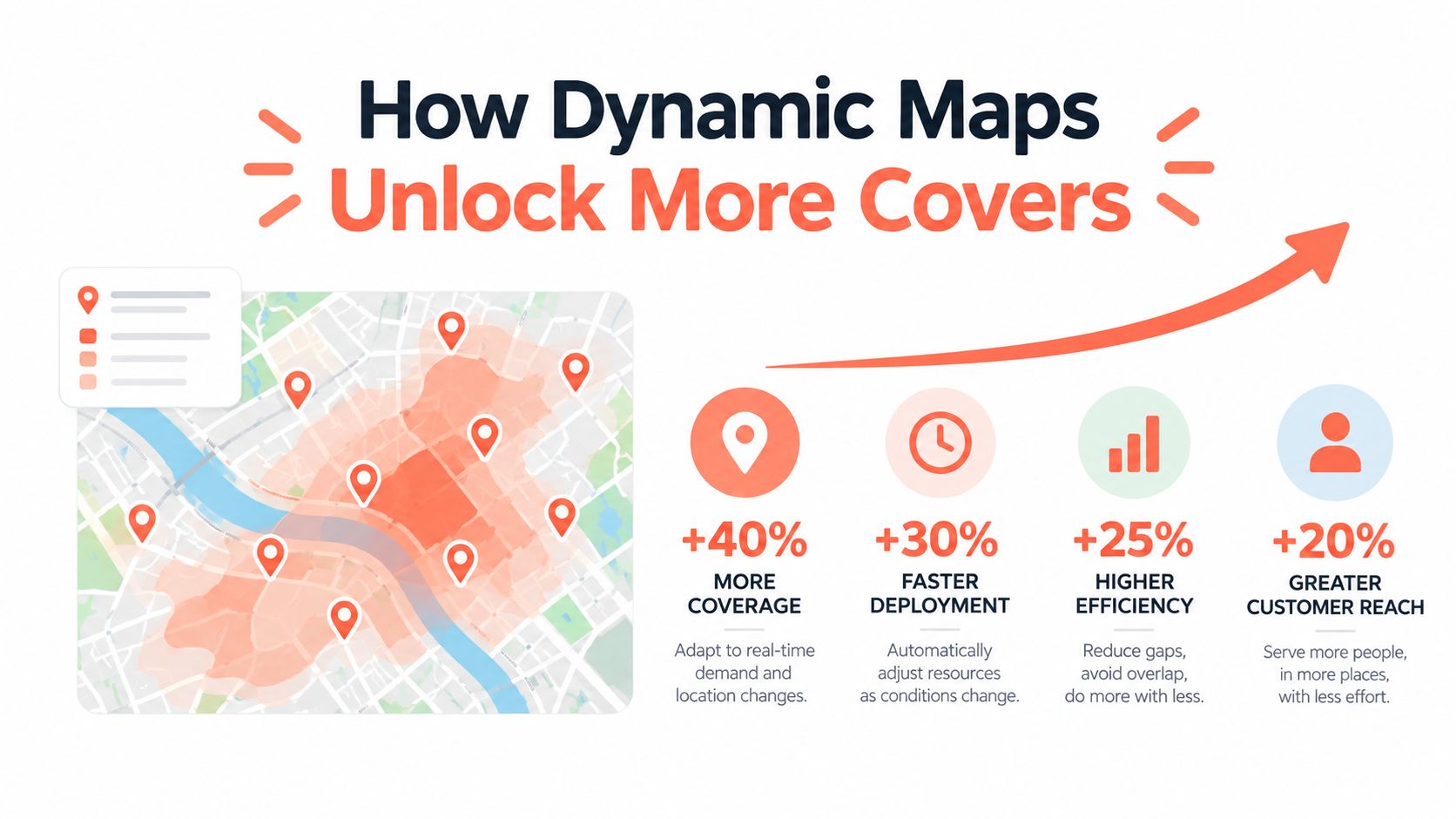
A Friday service can have empty chairs and still lose covers. The problem is often configuration, timing, or labor capacity, not the number of seats printed on the floor plan. Dynamic maps turn those constraints into operating decisions that affect revenue per available seat-hour and the team's workload.
A fixed eight-top illustrates the trade-off. During a quiet shoulder period, the restaurant may need two parties of four instead of one large group. The software can offer the table as two four-top options, then recombine it when a larger reservation arrives. Two two-tops can follow the same rule. If a party cancels or fails to arrive, the system can release the combination before the next seating wave.
That flexibility needs rules. Protect combinations for party sizes that cannot fit elsewhere, account for table-turn timing, and block arrangements the kitchen or service team cannot handle. A map that accepts every possible combination will create more work at the host stand and on the floor.
A Cornell simulation study of restaurant table management found that rigid assignments can leave capacity unused when guests arrive late or do not show. Its operational conclusion supports treating reservations as pooled capacity, with feasible party-table matches recalculated as service conditions change.
A separate simulation available in research on restaurant seating optimization also supports protecting combinable tables rather than assigning every table to one fixed party size. Use the finding as directional guidance, not as a substitute for testing your own dining room.
Extra covers only help when labor and production can absorb them. If the kitchen cannot handle another wave, servers cannot reset tables promptly, or the bar becomes a bottleneck, added bookings can reduce profitability and guest satisfaction. In Belgium, the seating tool must also leave the compliant sales and receipt process to the POS and GKS setup. Use this restaurant floor plan layout guide to test capacity against real service conditions, not chair count alone.
Commission Platforms vs Flat-Fee Floor Plans
Pricing models shape restaurant behaviour. A commission platform charges for demand generated through its booking channel, while flat-fee software treats reservations and floor control as infrastructure the restaurant pays for directly.
TheFork and OpenTable belong in the commission comparison because their value includes access to third-party demand. That can help a room fill quiet periods, but the cost rises with each booked diner. Zenchef and Formitable represent the flat-fee side of the comparison, where the monthly cost is more predictable and the operator keeps the focus on direct booking and floor ownership.
The right question isn't which model sounds cheaper. It is which revenue stream the restaurant wants to subsidise. A tasting-menu restaurant with a high average check may find per-cover charges particularly consequential. A new room that needs discovery may accept a commission model because demand generation has value beyond the floor plan.
| Platform | Pricing model | Typical cost | Best fit |
|---|---|---|---|
| TheFork | Commission on third-party bookings | Variable with booked covers | Restaurants seeking marketplace demand |
| OpenTable | Subscription and potential booking-related charges | Depends on plan and channel use | Restaurants prioritising marketplace reach |
| Zenchef | Flat-fee software model | Predictable recurring charge | Operators prioritising direct reservations |
| Formitable | Flat-fee software model | Predictable recurring charge | Independent Benelux restaurants |
| Independent floor software | Flat fee, sometimes with direct booking tools | Quoted monthly rate | Restaurants that want owned booking infrastructure |
A proper comparison should calculate total booking cost, not just the advertised subscription. The calculation should include direct bookings, third-party bookings, deposits, cancellations, guest data access, POS integration, and the value of demand supplied by the channel. The real cost of per-cover commission is a useful framework for that review.
Choosing and Onboarding a Seating Tool
Selection should be handled like hiring a senior floor employee. A polished demo means little if the system slows the host down when the room is full.
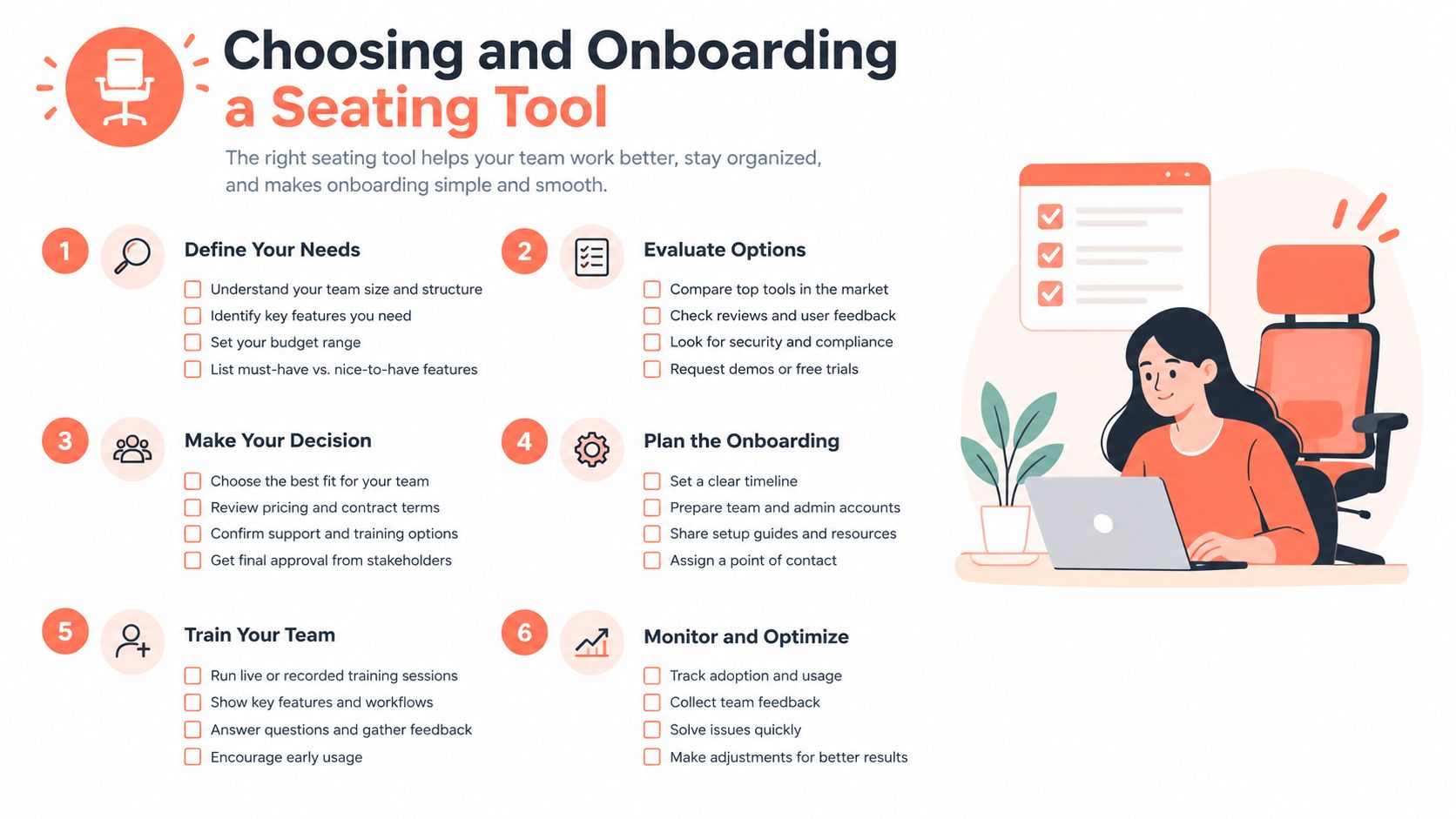
Three vendors should be shortlisted and tested against the same measured floor plan. Each should receive the same Saturday service scenario, including late arrivals, a no-show, a large party, a walk-in queue, a table move, and a blocked table. The evaluation should score five areas:
- Host-stand speed: Can a host make the next assignment without opening several screens?
- Rule depth: Can the system model combinations, party-size limits, pacing, service sections, and accessibility requirements?
- Commission economics: Does the total cost remain sensible when direct and third-party bookings are separated?
- POS integration: Does a table move preserve the correct operational and billing relationship?
- Data residency: Can the operator explain where booking and guest information is stored and processed?
A sandbox account is essential. The measured room drawing should include walls, entrances, service paths, banquettes, fixed furniture, and tables that cannot be moved during service. A Belgian operator should also complete a post-onboarding safety review, because the digital map must reflect the physical room rather than create permissions to rearrange it beyond safe limits.
The best test is not a feature checklist. It is a simulated rush with the actual host using the actual floor plan.
Onboarding should happen in stages. Week one should map current tables, define turn buffers for each service period, configure party-size rules, record accessible seating attributes, and train hosts and managers separately. The system should go live on a Tuesday or Wednesday, not a Friday. Expect two to three weeks of tuning before the host feels fast with it, followed by another month before capacity rules can be judged fairly.
Operators should also compare the reservation tool with adjacent systems, including Wine Labs pricing platform when beverage pricing and restaurant technology are being reviewed together. The floor system doesn't need to own every workflow. It does need clear ownership boundaries and reliable handoffs.
Fine Dining, Brasseries, and Brunch Rooms
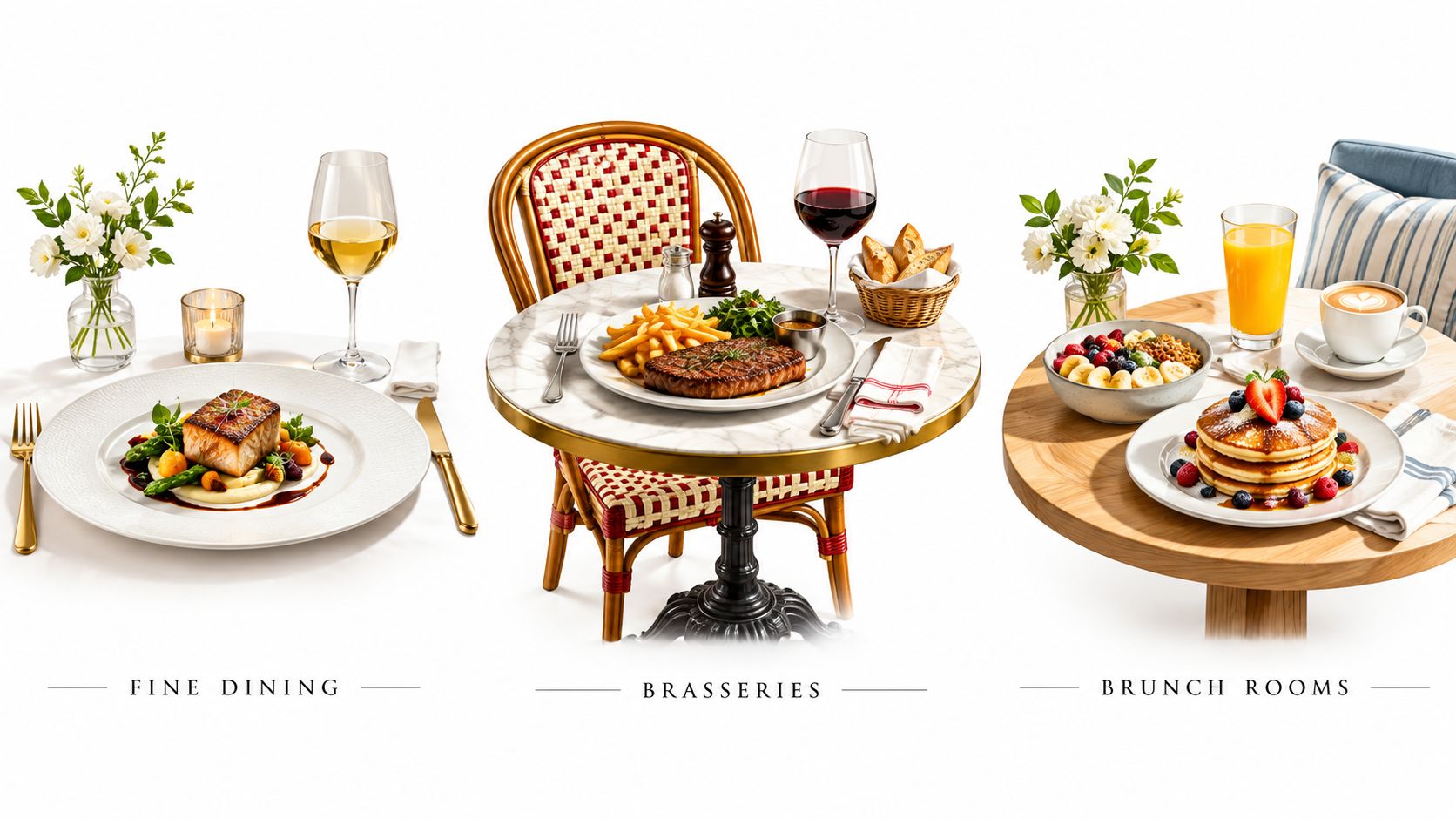
The same floor-management software needs different rules for different services. Fine dining uses the system as a pacing instrument. Brunch uses it as a high-velocity allocation tool. A brasserie needs both modes without forcing the manager to rebuild the room every day.
In fine dining, tables may turn once during the service, so the software should protect long dining durations, party-size ceilings, VIP notes, allergy information, and deliberate arrival pacing. The host needs a clear view of which tables are ready and which ones are being held for a reservation that supports the evening's sequence.
Brunch creates a different problem. Two-tops and four-tops split and combine repeatedly, walk-ins may dominate the queue, and wait estimates need to remain useful as tables clear. A host should be able to reserve a suitable configuration without sacrificing every flexible table to the first party that arrives.
A brasserie sits between those models. Advance reservations, regulars, same-day bookings, and walk-ins share the room. The system should use one floor plan with separate rules for lunch, dinner, weekends, and special services.
Reporting must follow the service period. A chef shouldn't judge a calm dinner with long turns using the same occupancy assumptions as a noisy brunch. Useful reports separate covers, turn pacing, walk-in pressure, table reset delays, and service failures by meal period.
The strongest systems let managers change controls without changing the physical truth of the room. That means the same accessible routes, fixed tables, and combination limits remain in place, while the booking pace, turn buffers, and walk-in priorities change around them.
The Profitability Check and the GKS Boundary
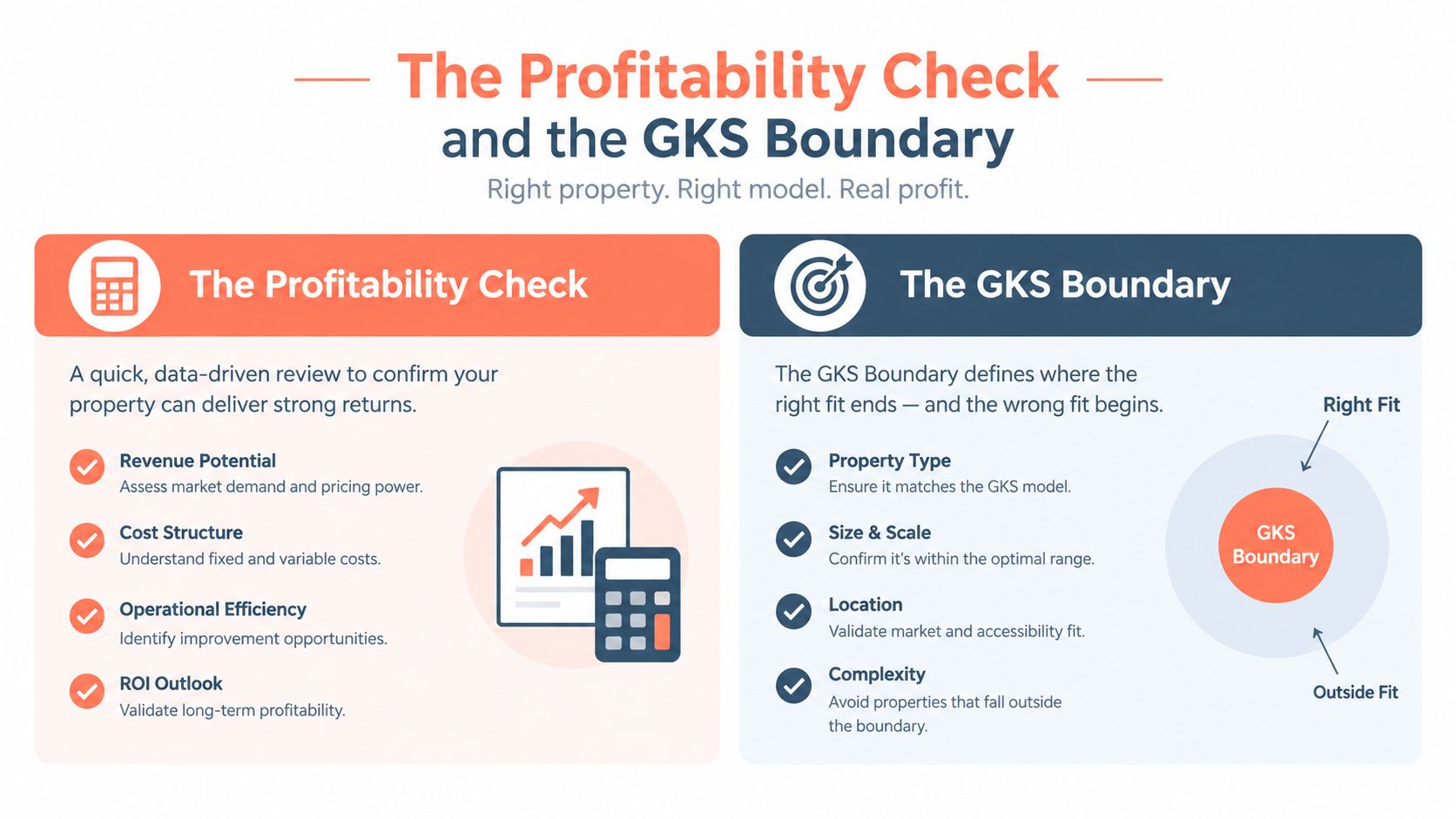
More covers do not guarantee more profit. An extra booking creates value only when the kitchen, bar, host stand, and server sections can absorb it. If ticket times rise, resets become rushed, or managers add labour to protect a seating target, that booking can reduce the night's contribution.
Table configuration deserves its own profitability review. The earlier Cornell finding shows that appropriately sized tables can materially affect revenue. The report's analysis supports matching party size to available configurations rather than pushing indiscriminate overbooking (Cornell Hospitality Report).
Measure the marginal value of the next reservation against labour, kitchen throughput, reset time, ticket-time variance, contribution margin, and guest-experience failures. Restaurant365 reported that 61% of surveyed operators expected labour costs to rise during 2026, while 39% reported turnover of 0–10%, the highest reading in three years of its dataset (Restaurant365 2026 labour outlook). A floor plan must account for staffing pressure as much as for chairs. If the next booking requires another section, slows the pass, or creates a reset backlog, its revenue needs to cover that operational cost.
Belgian operators must treat GKS compliance as a boundary for seating workflows. When annual restaurant and catering turnover exceeds €25,000 excluding VAT and drinks, the establishment must use a Geregistreerd Kassasysteem, subject to the stated rules for consumed meals and catering services (official GKS threshold guidance). The GKS includes a certified cash register system, a Fiscal Data Module, and a VAT Signing Card (official GKS component guidance).
A seating chart records reservations, arrivals, table moves, and walk-ins. The certified fiscal workflow remains responsible for the required VAT receipt. Document which system owns each step, including deposits, cancellations, split bills, and walk-in sales, and check the setup against official GKS guidance for hotel, restaurant, and catering operators.
Before publishing the next service schedule, audit the actual seat count, usable seat count, staffing cap, and fiscal boundary. 10seat provides commission-free reservation management, live floor mapping, table assignment, pacing controls, and walk-in handling for independent restaurants in the Benelux. Review 10Seat against the room's operating constraints before committing to its workflow.