Restaurant Reservation Template: 10 Practical Picks
Compare 10 restaurant reservation template options for forms, confirmations, seating, policies, and low-tech workflows, with practical customization tips.
A booking request lands while the host is walking a six-top to the window, the phone is ringing, and a walk-in is asking whether the bar seats count as dining space. In that moment, a restaurant reservation template either helps service or creates another manual job. If the form collects the wrong details, sends no clear confirmation, or leaves staff to sort availability by hand, the problem shows up at 7:30 p.m., not during setup.
The ten picks below solve different jobs. Some are simple request forms. Some are better as reservation logs. A few are closer to a real reservation workflow that can handle confirmations, availability control, seating decisions, and walk-ins without staff building a workaround in WhatsApp, email, or a paper book.
The useful test is simple. Can the template capture the right fields fast, trigger a clear confirmation flow, explain policy terms, control availability, and fit the way the restaurant runs? Setup effort matters too. A small bistro with one host stand needs something different from a multi-room dining operation.
A well-configured workflow can save an estimated 10 to 20 minutes of manual coordination per busy shift, though results depend on setup and staff adoption. That's the difference between a request form, a reservation system, and a simple reservation log. A form collects details. A system manages capacity. A log records what already happened.
Table of Contents
- 1. 10Seat
- 2. Typeform
- 3. Jotform
- 4. Paperform
- 5. FormBuilder
- 6. SplitForms
- 7. FlexForm
- 8. Taskade
- 9. Visual Paradigm Online
- 10. Template.net
- Top 10 Restaurant Reservation Template Comparison
- Turn the Download Into a Working Reservation Process
1. 10Seat
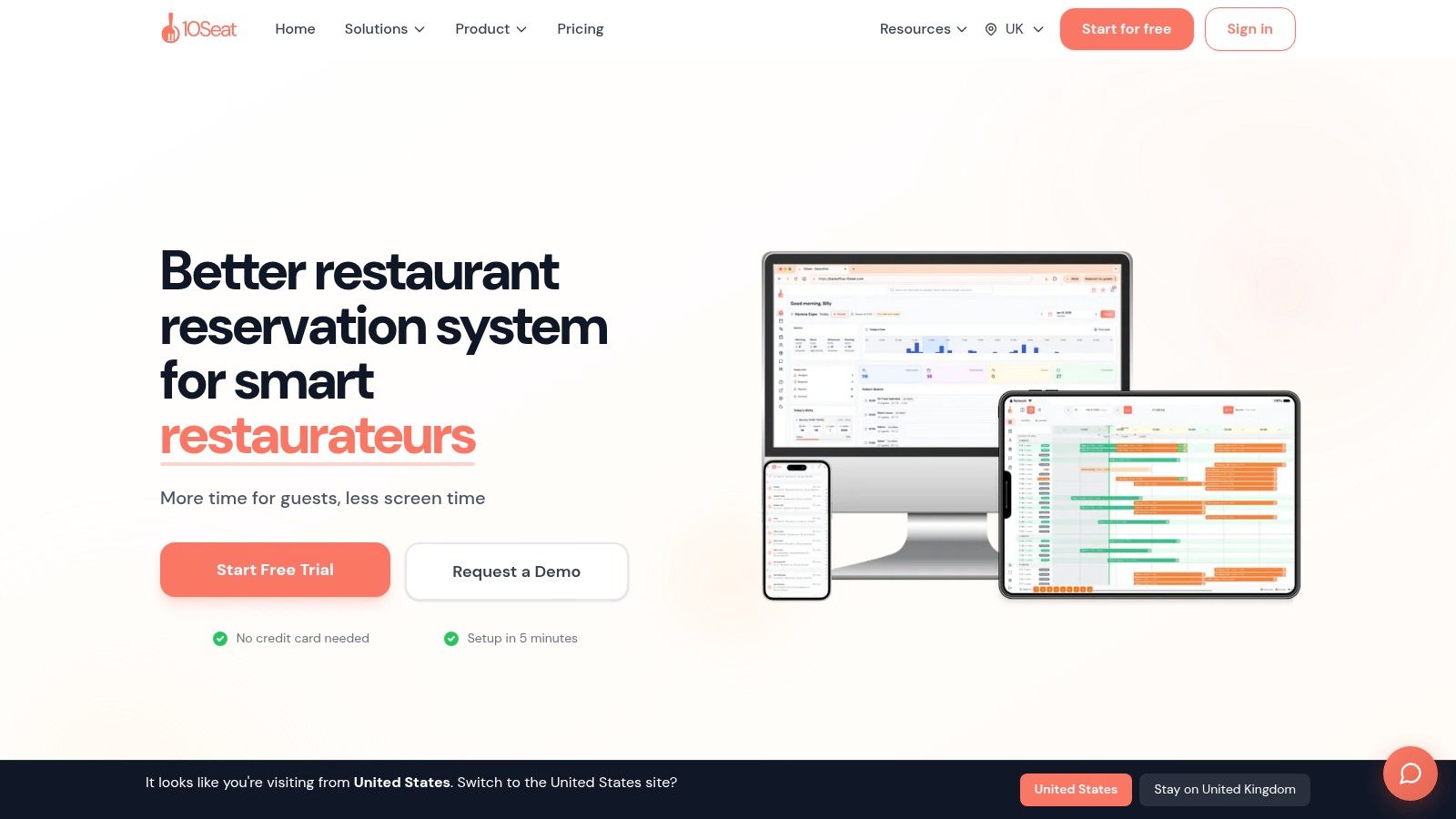
10Seat is the strongest option here for restaurants that have moved past “take the booking and sort it later.” It behaves less like a downloadable restaurant reservation template and more like an operating layer for service. That matters because diners increasingly book digitally and at short notice. Toast reported that 65% of diners go directly to a restaurant's website to book, and 45% of reservations in Q3 2024 were made for the same day, according to Toast's reservation behavior data.
That booking pattern exposes weak setups quickly. A static form can collect a name, date, and party size. It can't decide whether the request fits the floor, whether to protect pacing, or whether a two-top should be held for a later cover.
Best when service needs live control
10Seat is built around those decisions. Its Capacity Engine, including Capacity Booster™, Smart Auto Seating, Auto Seating Puzzle, and Walk-in Squeeze, maps bookings to the floor plan and helps hosts make quick seat assignments. The practical upside is less manual reshuffling at the stand and better use of fragmented inventory, especially when late bookings and walk-ins hit together.
The platform also includes booking pages for website links, QR codes, and social channels, plus guest CRM, waitlist handling, and multi-location reporting. For independent restaurants in Benelux, that's the point where a restaurant reservation template stops being a document and starts becoming a service workflow. Restaurants that need that level of control can review 10Seat product details or check 10Seat pricing options.
Practical rule: If staff are still copying form submissions into a floor plan by hand, the template isn't the real system. It's only the front door.
Where it works, and where setup still matters
10Seat says restaurants can gain an additional 10 to 15% more covers on busy shifts, with setup in about five minutes and migration from another system in about 15 minutes. It also offers a free “On the House” plan up to 50 covers per month. Those are useful signals for a time-poor GM, but the trade-off is straightforward. Results depend on floor plan accuracy, booking rules, and whether the team uses automated seating rather than overriding everything manually.
This is also where pricing model comparisons matter. Compared with tools like TheFork, OpenTable, Zenchef, or Formitable, a commission-free setup changes the calculation for independents that want direct bookings without giving away margin on each cover. For owner-chefs watching every peak shift, that's often more important than having another attractive form.
2. Typeform
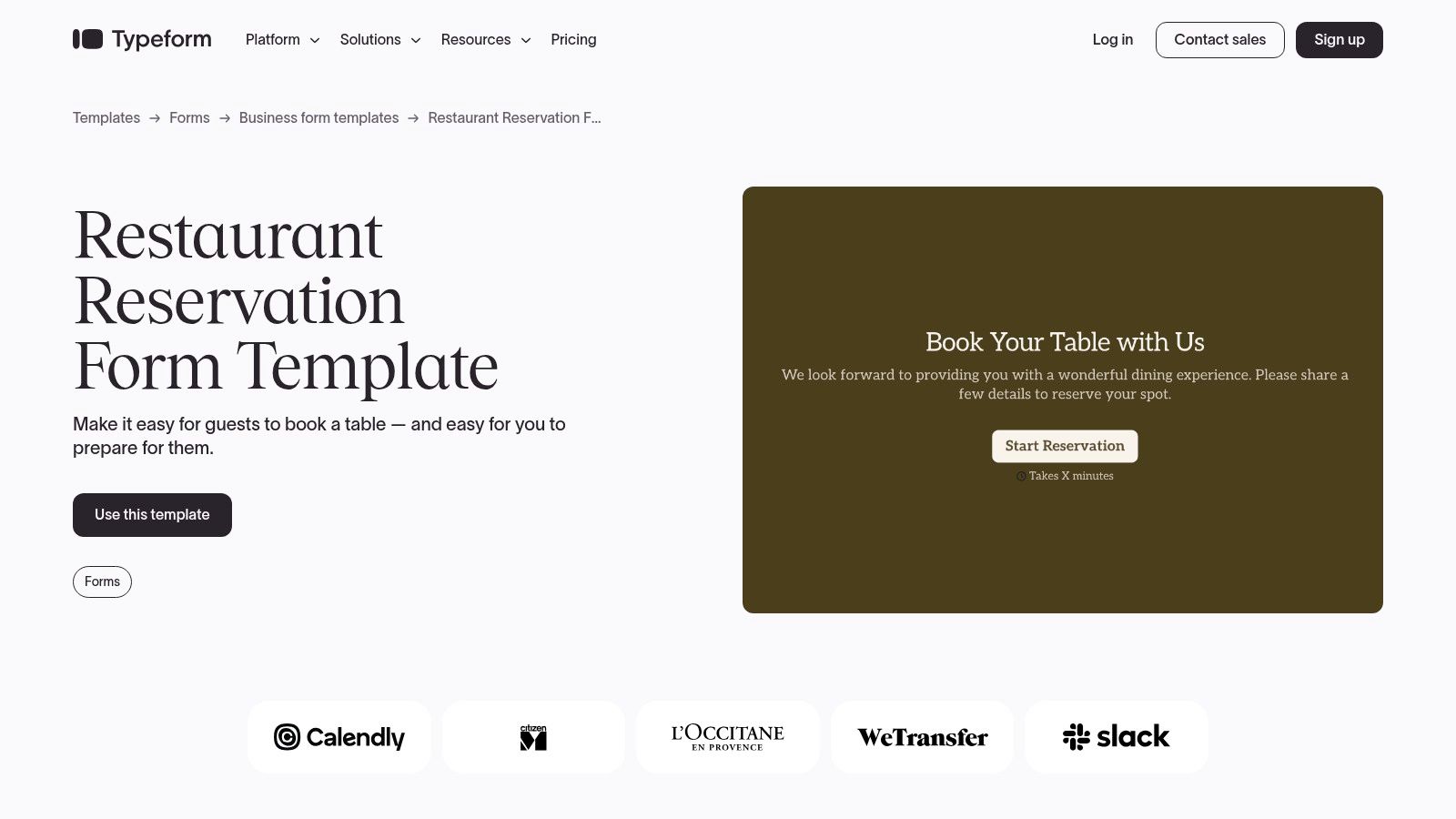
Typeform is a polished front-end for reservation requests. It's good when the restaurant needs a guest-friendly booking intake that feels easy on mobile and can be embedded cleanly on the website. It's not the right choice if staff expect it to manage tables by itself.
The strength is speed of completion. One question at a time works well for date, time, party size, occasion, allergy notes, and contact details. Conditional logic also helps with practical forks, such as showing a different message for large parties or collecting deposit information only when needed.
Good for branded request flows
A small restaurant that still confirms bookings manually can use Typeform well. The template is especially practical when requests need to route into email, Slack, Google Sheets, or a CRM. Teams that want a clearer operational model for that handoff should review how to manage restaurant reservations before publishing a form that staff then have to babysit.
There's also a useful market context here. One U.S. industry summary said that by mid-2024 only about 19% of sit-down restaurants were using an online reservation or waitlist system, up from 13% in 2022, according to this reservation system market summary. That gap explains why Typeform still has a place. Many operators don't need a full system on day one. They need a clean, deployable booking request.
- Best use: Branded reservation requests that staff confirm manually
- Watch for: No live table logic, no native seat optimization
- Useful add-on: Pair it with clear auto-replies and cancellation wording
For readers comparing form-first tools, this outside review can help compare Typeform and Kiwiform.
3. Jotform
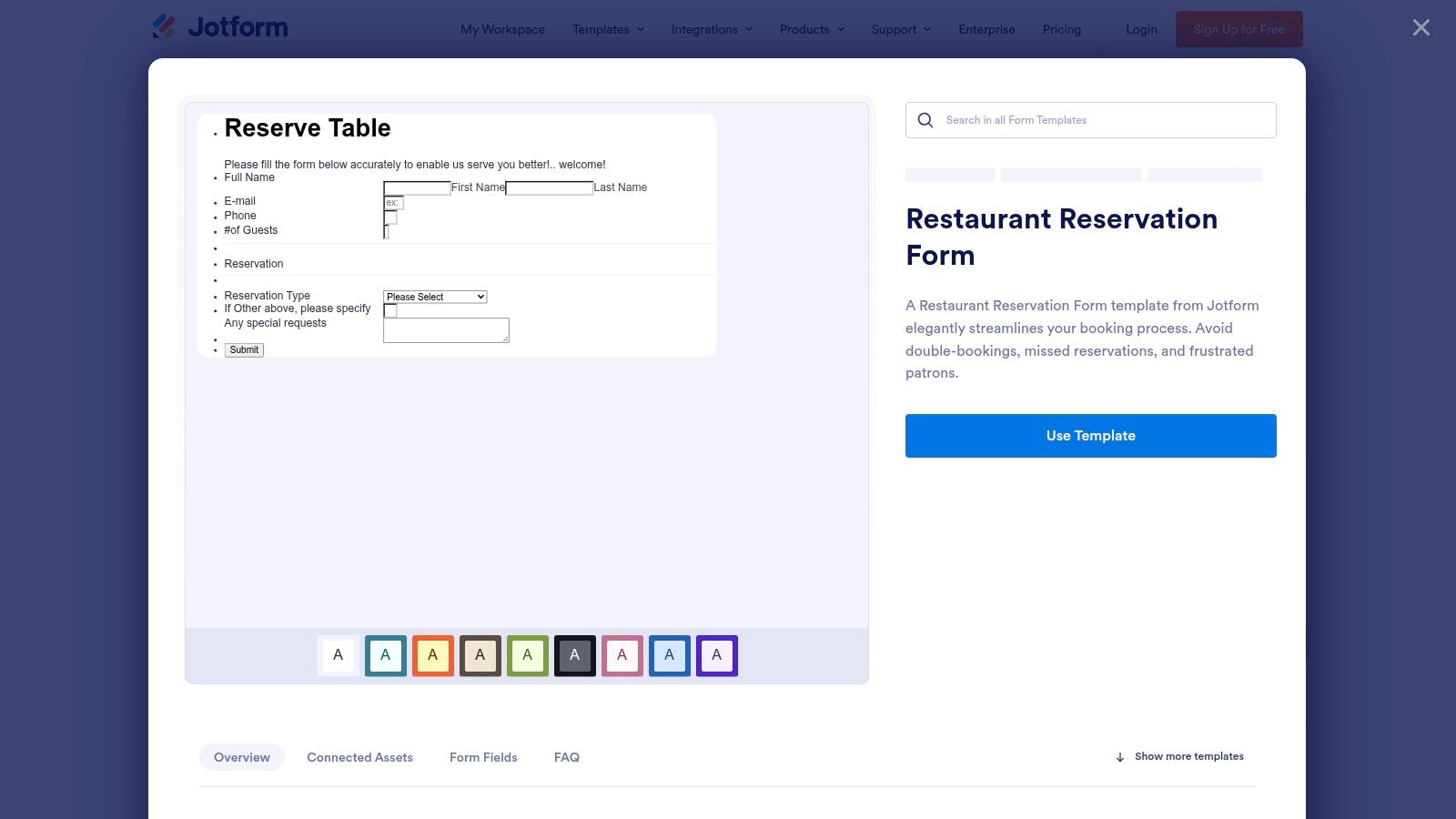
Jotform is one of the better choices for restaurants that want more than a simple form but aren't ready for a dedicated reservation platform. It covers the full chain from intake to confirmation to basic tracking, all inside one system. That makes it useful for restaurants where the host stand still works partly from spreadsheets, PDFs, and inboxes.
The practical advantage is the combination of drag-and-drop forms, auto-emails, conditional logic, and Jotform Tables. A restaurant can take reservation requests, generate a branded confirmation record, and keep bookings visible in calendar or spreadsheet view without stitching together too many separate tools.
Better record handling than basic form builders
Jotform works especially well for venues that need a reservation template plus internal records. Deposit collection can also be added, which matters if the restaurant wants to put a little friction in front of high-risk bookings. A stronger system design reference is this guide to online restaurant reservation systems, because the weak point of many Jotform setups is that they stop at collection and confirmation.
A smart form isn't the same as managed availability. If two parties request the same time, staff still need a rule for who gets the table.
That distinction matters because reservation controls are not only about convenience. Academic work on restaurant reservations reports no-show rates ranging from 3% to 15% in a studied restaurant, and found that stricter cancellation barriers reduce no-show intentions while also lowering booking intentions, according to Northwestern research on reservations and no-shows. Jotform can support the policy language and data capture. It won't make the seating decision for staff.
4. Paperform
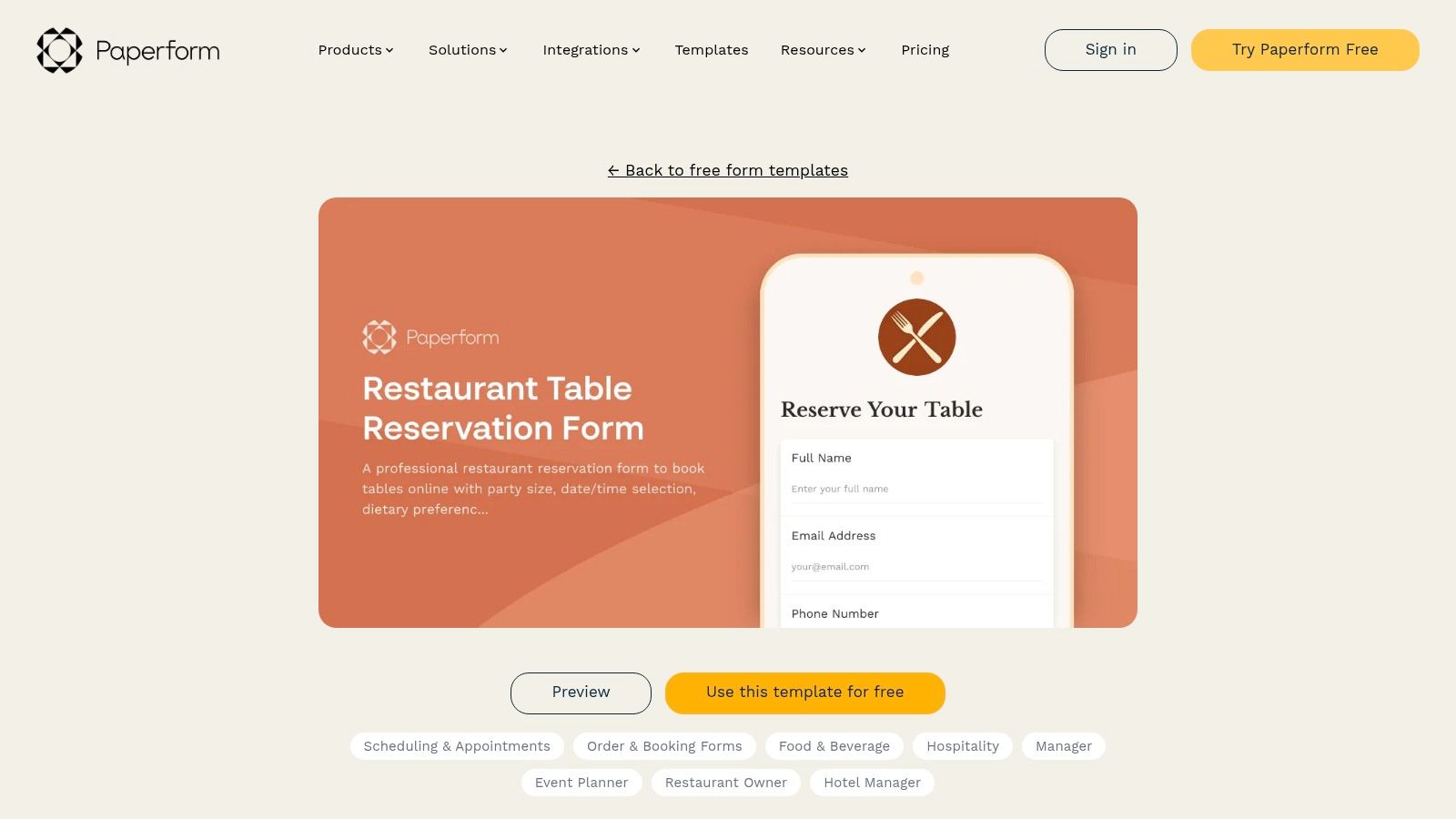
Paperform suits restaurants that need reservation intake to reflect more complicated operating rules. Tasting menus, chef's tables, private rooms, preorder requirements, and large-party deposits all fit well here because the form logic is flexible and design control is strong. The trade-off is simple. It takes more setup time than a bare template.
That extra time can be worth it when policy details need to be visible before the booking is accepted. Calculation fields, conditional logic, scheduling tools, and payment options let the restaurant shape the flow around actual service rules instead of asking staff to clean up exceptions afterward.
Best for policy-heavy bookings
Paperform is a strong fit when the restaurant needs to collect details that affect execution. Dietary constraints, preferred seating zones, event-specific cut-offs, and occasion notes can all be built directly into the form.
That matters more than many operators think because no-show handling is often treated as an afterthought. Data from 2,417 restaurants and 3,768,761 reservations found an average recorded no-show rate of 2.33%, with 87,953 no-shows between August 2025 and July 2026, according to ResOS no-show reporting. A tool like Paperform is useful when the restaurant wants the template itself to carry cancellation wording, deposits, and reminder triggers instead of relying on staff memory.
- Strong fit: Special events, tasting menus, and large-party reservations
- Less ideal: Restaurants that need instant live seat allocation during service
- Main caution: Policy-heavy forms can become too long if every field is mandatory
5. FormBuilder
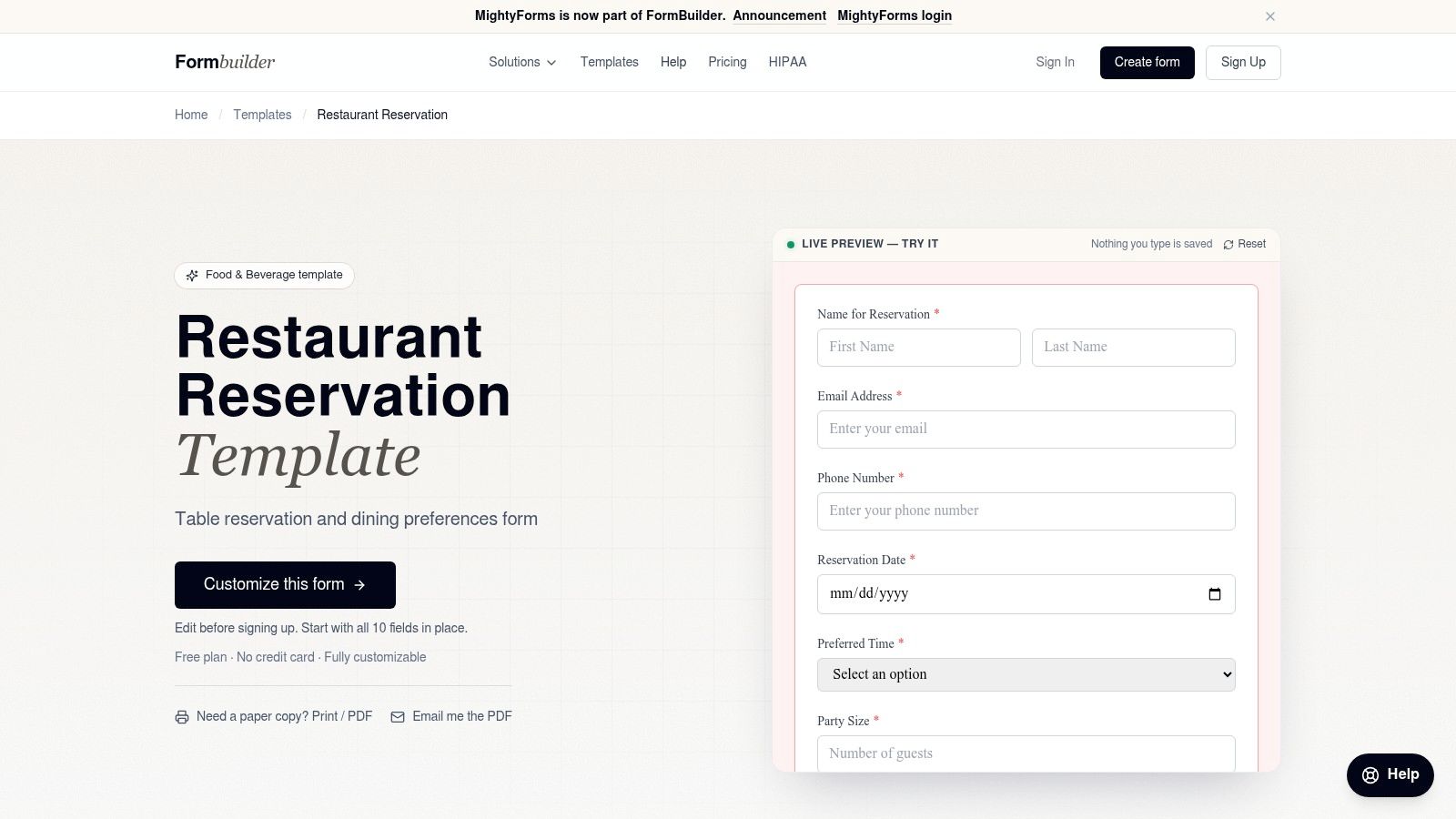
FormBuilder is the quick-publish option. It's useful for a restaurant that wants a sensible reservation request page live today, with no long configuration project. The template already leans toward the right fields, including party size, date and time, seating preference, occasion, and dietary notes.
That simplicity is the attraction. A shareable link, embed option, QR use case, notifications, and exports cover the needs of many small restaurants, especially those still taking most reservations by phone or Instagram message.
Best for lean teams and quick deployment
FormBuilder is a practical choice when the goal is to replace ad hoc messages with one intake point. For a café, brunch room, or neighborhood bistro, that can be enough. The host gets a cleaner request stream and less back-and-forth.
The limitation is predictable. There's no native live availability or table logic, so staff still need another method to decide whether that 8:00 p.m. four-top can fit. If the operation just needs cleaner intake, that's fine. If service bottlenecks come from seating decisions, this won't solve them.
For readers comparing lightweight intake tools against broader workplace form products, this overview of Pebb digital form capabilities gives another reference point.
6. SplitForms
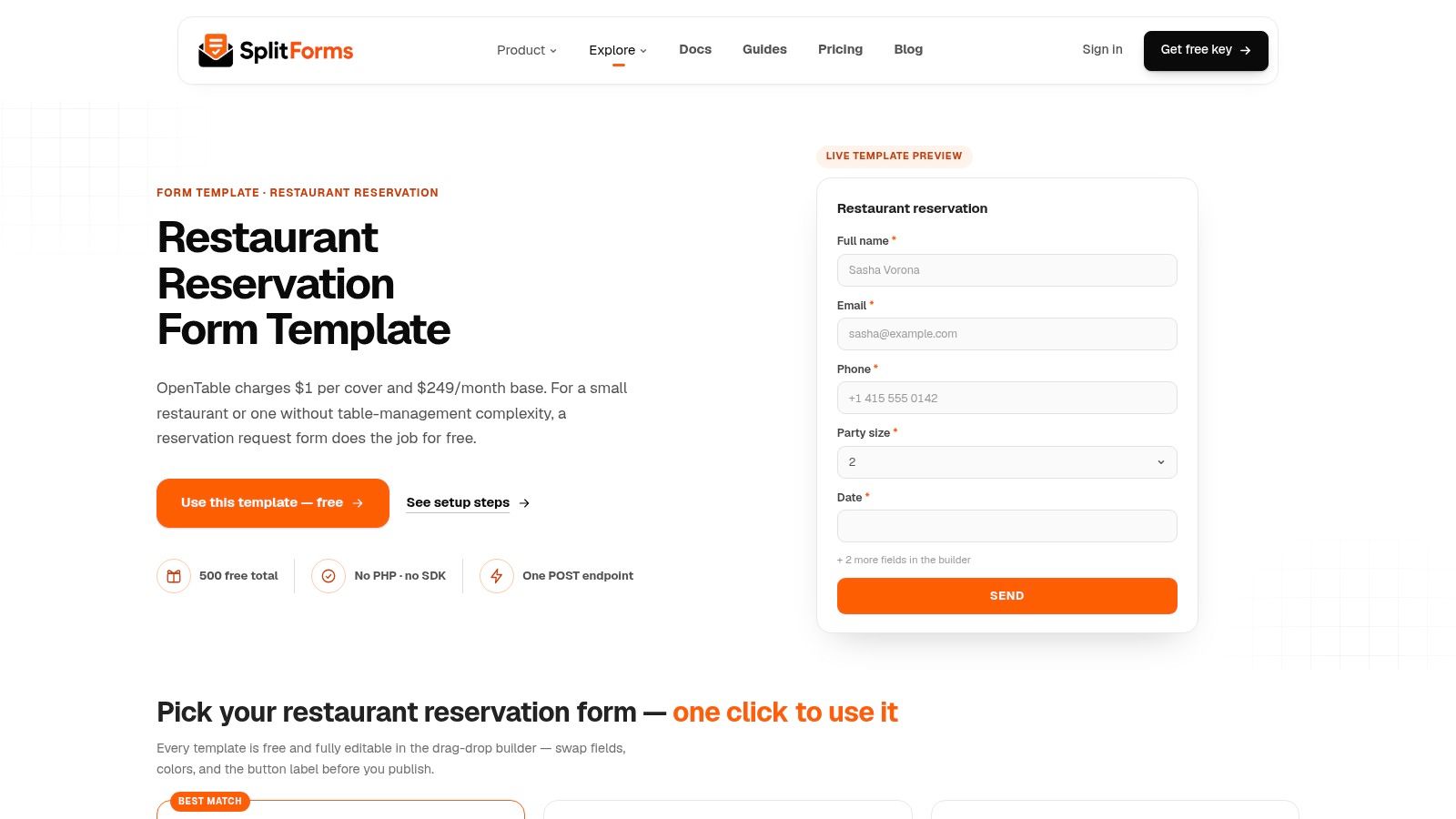
SplitForms is for restaurants or agencies that want to own the front-end markup but don't want to build backend plumbing for every reservation request. The model is simple. The restaurant drops in HTML, React, Next.js, or PHP code, posts submissions to a hosted endpoint, and receives the entries by email or webhook.
That's a narrower audience than the drag-and-drop builders, but it solves a real problem. Some restaurant sites are custom-built, and operators don't want a form that looks generic or depends on a bulky plugin stack.
Useful when design control matters more than visual builders
SplitForms keeps control with the site owner. That's the main reason to pick it. It also handles spam filtering and delivery without forcing a visible CAPTCHA onto the guest.
Keep the front end clean, but never hide the policy. Cancellation terms, large-party rules, and confirmation timing still need to be obvious before the guest submits.
This is not a host-stand tool. It's a way to collect booking requests with lower friction for a technical team. If the restaurant needs a reservation template that matches a custom site and routes into Slack or SMS workflows, it's effective. If the restaurant needs floor management, pacing rules, or walk-in handling, another layer is still required.
7. FlexForm
FlexForm is the speed play for operators who want a form live with very little setup effort. The main appeal is simple editing. A template can be loaded quickly, fields can be renamed or added through chat-based commands, and the final form can be shared through a link or social profile without much friction.
That makes it useful for pop-ups, chef's tables, and temporary concepts where the reservation process changes often. A team can adjust wording, add special instructions, or create a multi-step flow without rebuilding the form from scratch.
Fast for temporary or experimental concepts
FlexForm is less about operational depth and more about getting to a clean guest-facing form quickly. Restaurants testing a new supper club, holiday event, or limited run menu will appreciate that. It's also useful when the website is minimal and the booking link needs to sit in Instagram or a Google Business Profile.
The caution is the same as with most form-first tools. It doesn't carry the service logic for availability, seat assignment, or walk-in recovery. It captures the request, then hands the problem back to the restaurant. That's acceptable for low-volume concepts. It becomes risky once service is busy enough that staff need the system to think with them.
8. Taskade
Taskade sits in an unusual middle ground. It's not only a reservation form, and it's not a full market-facing reservation platform either. The practical value is that it can act like a lightweight internal mini-app with a table map, time slots, form intake, waitlist handling, and automations.
For owner-managers who would otherwise try to build the same thing in Airtable, Notion, or shared spreadsheets, Taskade can be the faster route. The host stand gets a workflow instead of a disconnected pile of tools.
Better as an internal process than a public booking engine
Taskade is most useful when a restaurant wants an internal booking desk setup for modest volume. Confirmations, reminders, and post-meal follow-up can all be part of the same workspace, which cuts some admin effort.
There's also a broader industry backdrop for that kind of workflow. UK Hospitality reported that in Q3 2023, 400 restaurants generated 189,495 reservations and served 456,904 diners, with 48% of reservations processed online, according to UK Hospitality's reservation trend analysis. That level of digital handling is why even smaller operators benefit from having one place for requests, confirmations, and service notes.
Taskade still needs oversight. It's useful, but it isn't purpose-built for every edge case a busy dining room creates.
9. Visual Paradigm Online
Visual Paradigm Online is a broader web toolkit that happens to include reservation form templates. That sounds unfocused, but it can work well for a restaurant group or hospitality business that also wants collateral tools under the same subscription, such as PDFs, charts, design assets, or other web documents.
The form builder itself is serviceable. Branding, embedding, export options, and collaborative editing are all there. The decision comes down to whether the restaurant wants a focused booking tool or a multi-purpose environment that includes booking forms among other functions.
One subscription for forms and adjacent assets
Visual Online makes sense when reservations are only one part of a wider workflow. A team producing private dining decks, printed collateral, and branded guest materials may like having those functions together.
For service design, though, the restaurant still needs to think beyond the template. This guide on designing a restaurant reservation system is relevant because a form on its own rarely answers pacing, seating, and walk-in questions.
A separate market estimate reports that over 68% of restaurants globally use digital reservation systems, with mobile-based reservations accounting for nearly 69% of bookings and cloud-based platforms around 67% adoption, according to Global Growth Insights on reservation software. That doesn't make every broad toolkit a reservation solution. It shows that digital booking infrastructure is now normal operating equipment.
10. Template.net
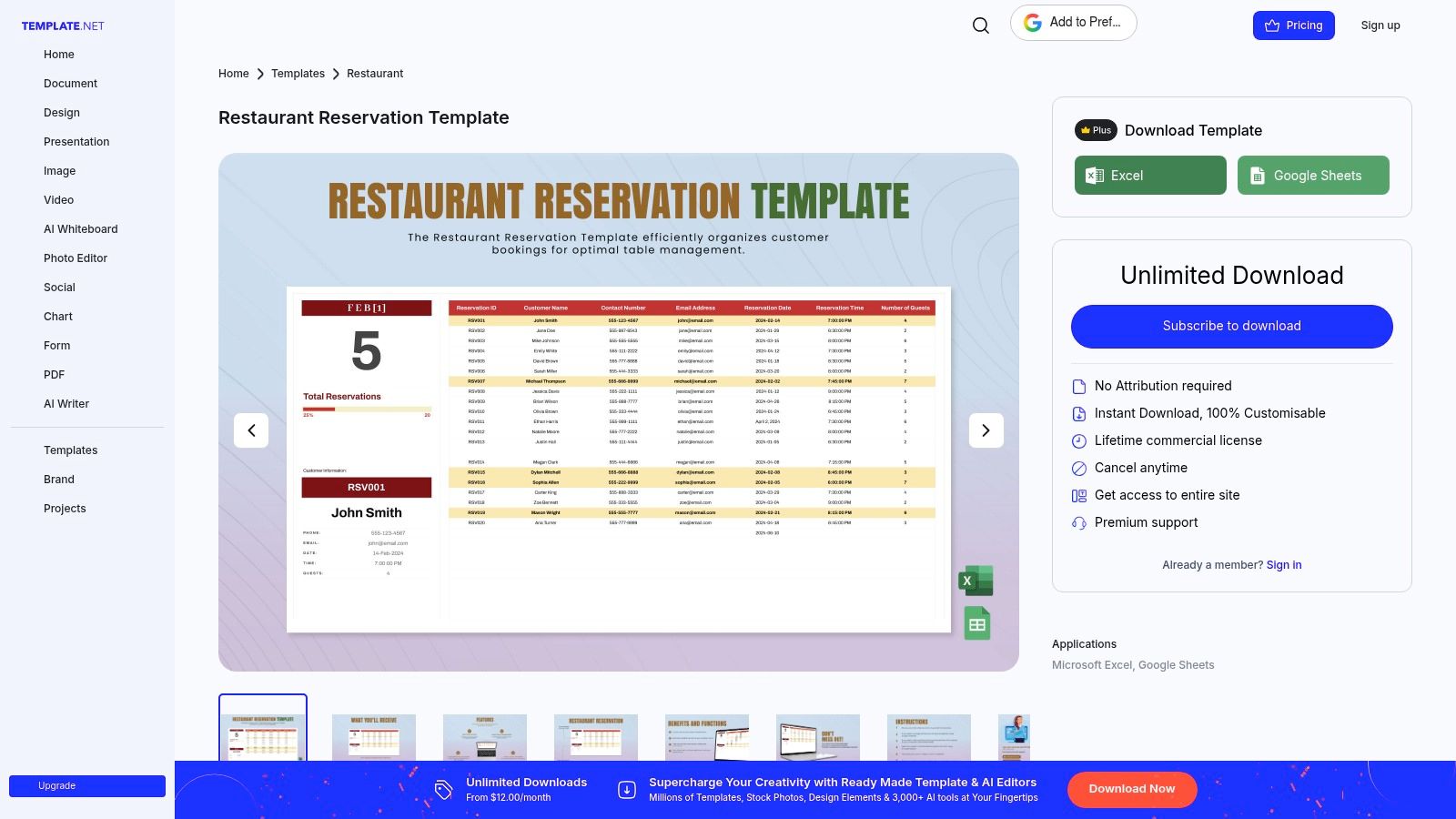
Template.net is the offline answer. It gives restaurants a downloadable reservation log for Excel, Google Sheets, Word, Docs, or PDF, and that still has a place. Some venues don't need a guest-facing digital flow. They need a clean host book, a printable backup, or a simple log that any shift lead can understand in two minutes.
For low-volume service, private dining administration, or backup use during internet or system issues, a spreadsheet-style reservation template remains practical. There's no learning curve, and staff can adapt it quickly.
Useful as a log, weak as a live booking process
Template.net works when the restaurant already knows its reservations by phone, email, or in-person requests and only needs a place to record them. It doesn't automate anything, and that's both the strength and the limitation.
One operational gap worth noting is party mix. Recent reporting says reservations for one surged 22% year over year in Q3 2025, according to reporting on solo dining growth. A downloadable log can handle that only if the restaurant customizes it. Adding fields for bar seating, communal seating willingness, and flexible placement can make a basic paper or spreadsheet reservation template much more useful.
- Strong fit: Offline logs, backup books, low-tech host stands
- Weak fit: Peak-period availability control and conflict prevention
- Important edit: Add policy notes, contact method, and seating preference columns before first use
Top 10 Restaurant Reservation Template Comparison
| Product | Core features | UX & quality | Value proposition | Best for | Pricing |
|---|---|---|---|---|---|
| 10Seat | Capacity Engine, Smart Auto Seating, live floor map, guest CRM, AI assistant | Distraction‑free host UI; fast onboarding; measurable occupancy gains | Optimizes seating to unlock +10–15% covers, fewer no‑shows, higher revenue without extra tables/staff | Fine dining, brasseries, casual, bars with seating, multi‑location operators | Free "On the House" up to 50 covers; trial (no CC); paid tiers via sales |
| Typeform | Conversational one‑question flow, reservation fields, 300+ integrations | Guest‑friendly; high completion rates; easy embed | Simple, branded reservation requests that feed email/CRMs | Websites wanting easy embedded request forms | Free tier; advanced limits/features on paid plans |
| Jotform | Drag‑drop form & PDF designer, Tables (DB), automations, payments | End‑to‑end intake→confirmation→tracking inside one app | Built‑in PDFs and records for confirmations and reporting | Restaurants needing form→record workflows and PDFs | Free tier; submission/storage caps on lower plans |
| Paperform | Advanced customization, calculations, payments, conditional logic | Polished design control; requires setup time | Handles deposits, cut‑offs, detailed pre‑arrival data and policies | Events, tasting rooms, venues with complex policies | Paid plans for advanced features |
| FormBuilder | Preconfigured reservation fields, QR codes, CSV, webhooks | Fast setup with sensible defaults | Quick, ready‑to‑publish reservation form | Small restaurants or low‑volume venues | Free tier for small volumes; paid for higher usage |
| SplitForms | Plain HTML/React/PHP snippets, hosted POST endpoint, webhooks | Developer‑friendly; minimal vendor UI | Control front‑end markup while outsourcing backend delivery | Teams comfortable with code wanting low vendor lock‑in | Free snippet; paid plans for dashboard/exports |
| FlexForm | One‑click templates, AI chat edits, multi‑page forms, publishing | Fastest path to branded form using AI edits | Rapid creation and tweak via chat; great for pop‑ups | Pop‑ups, chef's tables, independents needing speed | Newer platform; paid tiers for advanced features |
| Taskade | Cloneable mini‑app: table map, time slots, form, automations, AI agent | DIY internal host workflow; modest learning | Lightweight host‑stand system without custom build | DIY operators and small venues wanting internal workflow | Free/paid plans; AI/automation quotas apply |
| Visual Paradigm Online | Form builder plus diagramming/flipbook tools, branding, PDF export | Multi‑app suite; collaborative but broader UI | One vendor for forms plus marketing/collateral tools | Teams needing forms + adjacent design/marketing assets | Subscription; some form features limited on entry plans |
| Template.net | Downloadable reservation logs for Excel/Sheets/Docs/PDF | Zero learning curve; printable offline | Simple printable reservation book for offline host stands | Very low‑tech venues preferring spreadsheets/print | One‑off downloads or subscription options |
Turn the Download Into a Working Reservation Process
The best choice depends less on design and more on operating reality. A downloadable log works when the restaurant has low volume, takes most bookings manually, or needs an offline backup that won't fail during service. A form builder works when the goal is structured requests, auto-confirmations, and cleaner intake without changing the whole front-of-house stack.
More complex operations need more than a neat form. If the restaurant has deposits, cut-off rules, private dining exceptions, or event preorders, a customizable workflow tool will do a better job because the policy needs to appear inside the booking flow itself. If the pressure point is live availability, seating decisions, walk-ins, and pacing the room against kitchen capacity, then a reservation platform is the stronger answer. That's where a restaurant reservation template stops being a document and starts becoming part of service control.
The launch work matters as much as the tool. Before publishing any template, define party-size rules and time-slot rules. Make sure the form captures contact details and dietary information clearly. Write confirmation wording, cancellation wording, and any deposit terms in plain language. Then test a real booking from a guest's point of view, assign one person to own changes, and review no-shows and unused capacity every week.
A reservation setup is only finished when the host can use it during a rush without creating a side list on paper.
For independent Benelux restaurants, that's usually the decision point. If a static template is enough, keep it simple and make it reliable. If the restaurant needs direct online bookings, table management, and clearer capacity control, it's worth reviewing 10Seat product capabilities or 10Seat pricing for independent restaurants.
Belgian operators also need one extra checkpoint. Horeca businesses that earn at least €25,000 per year from restaurant and catering services must use a registered cash system, and a VAT receipt must be issued for meals and drinks consumed on site, according to Belgium's Geregistreerd Kassasysteem rules. There's also a GKS 2.0 rollout from July 2026 for new on-site businesses that sell products or services and accept cash payments, with transition timelines applying to existing users under the GKS 2.0 guidance. Any reservation workflow that touches deposits, payments, or seated service should fit those obligations, and the final detail should always be checked with the appropriate adviser before launch.
A final outside comparison is useful if the question is broader booking workflow selection rather than restaurant-only systems. This guide can help find your ideal scheduling tool.
10Seat gives independent restaurants a reservation setup that goes beyond a static form. It combines direct online booking, table management, walk-in handling, and capacity control so the reservation template supports service. To see how that works in practice, visit 10Seat.