10 Best Restaurant Reservation App Free Options
Compare 10 restaurant reservation app free options by features, limits, use cases, and upgrade costs for independent restaurants.
A Friday service is approaching, the phone keeps ringing, walk-ins are waiting at the door, and the host still needs a floor plan that reflects real table availability. The restaurant needs online bookings and better control, but adding another monthly bill feels difficult to justify.
A restaurant reservation app free option can solve part of that problem, but “free” covers very different products. Some tools provide a free core system. Others offer a small allowance, a booking form, or a product that only makes sense when tied to a specific POS. The practical question isn't whether the software costs nothing at signup. It's whether the tool protects cover capacity, reduces staff work, handles walk-ins, and remains usable once service becomes busy.
This comparison evaluates booking volume, table logic, waitlist handling, guest communication, integrations, setup effort, and upgrade value. The benchmark is 10seat, a commission-free reservation and table-management platform for independent restaurants in the Benelux. Its focus is helping restaurants make better seating decisions with the floor plan they already have. Restaurants can review the product at 10seat's reservation management platform.
Belgian operators should also verify GKS requirements with their accountant or kassasysteem provider. A reservation tool doesn't automatically handle fiscal cash-register obligations. For broader booking workflow advice, these online appointment booking tips are useful beyond restaurant reservations.
Table of Contents
- 1. 10seat
- 2. TableAgent
- 3. resOS
- 4. Toast Tables
- 5. GloriaFood
- 6. Carbonara App
- 7. Eat App
- 8. Tableo
- 9. Eventlin
- 10. Reservio
- Top 10 Free Restaurant Reservation Apps, Feature & Pricing Comparison
- Choose the Plan That Protects Your Next Service
1. 10seat
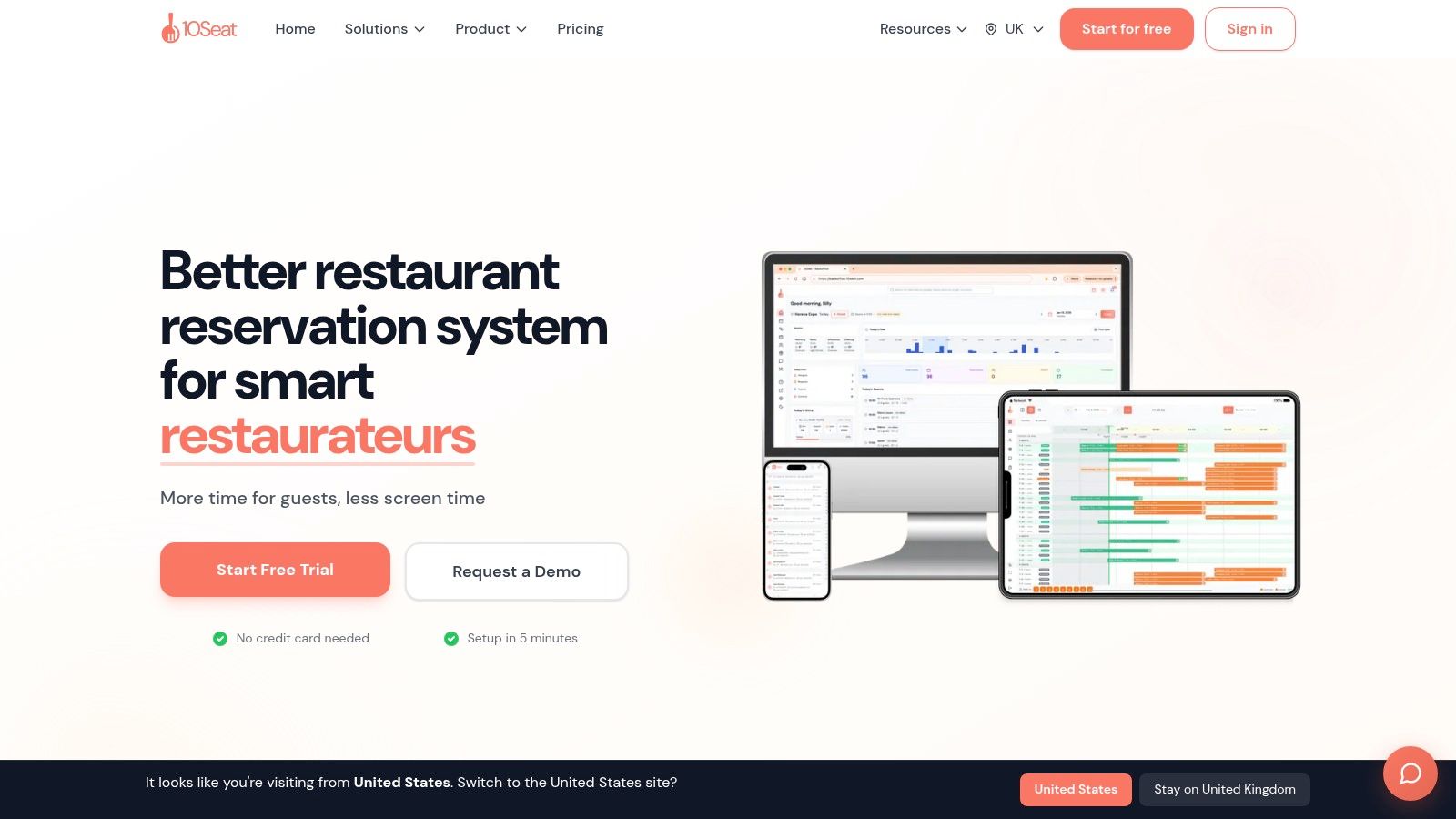
10seat is the strongest option for an operator who sees reservations as a capacity and service-pacing problem, not just a digital booking form. The platform combines online reservations with table management, walk-in control, guest profiles, availability rules, party-size controls, and live floor management.
Its Capacity Engine includes Smart Auto Seating, Auto Seating Puzzle, and Walk-in Squeeze. These tools map bookings to efficient table combinations and help the host use available space without manually testing every possible arrangement. 10seat cites typical gains of 10 to 15% more covers on busy shifts, alongside reported results of 30% more reservations and 40% fewer no-shows, as described on the 10seat product page. Those figures should be treated as reported platform outcomes, not a guarantee. The result depends on an accurate floor plan, sensible rules, and staff adoption.
The Host app keeps the service view focused. A host can see arrivals, table status, walk-ins, waitlist activity, and seating options without switching between multiple screens. The platform states that the interface supports seating decisions in about 0.5 seconds, a practical advantage when several guests arrive together and the kitchen is already under pressure.
Best fit for capacity-focused operators
10seat suits fine dining, brasseries, bistros, casual restaurants, brunch venues, bars with seated service, and multi-location groups. Fine-dining operators can use guest profiles for preferences, allergies, and occasions. Brunch operators can control peak availability and party sizes. A bar with seated service can manage walk-ins without losing track of reserved tables.
The platform also includes an instant booking microsite for a website, social profile, or QR code, plus a Host app, waitlist tools, multi-location management, guest CRM, and an assistant for guest communication. Setup takes about five minutes, no credit card is required, and the “On the House” plan supports up to 50 covers per month, according to 10seat's product information.
Practical rule: A free plan is useful only if the restaurant can test the full seating workflow before the first busy shift.
The main limitation is pricing transparency beyond the free plan. Paid pricing and the complete integration list aren't fully detailed on the primary product pages, so a restaurant should confirm connector support and the upgrade cost before committing. The platform also works best when managers accept automated seating recommendations instead of overriding every suggested table.
For an independent Benelux restaurant, 10seat is the best starting point when the aim is to fill more seats efficiently, rather than merely collect booking requests.
2. TableAgent
TableAgent is a straightforward choice for restaurants that need an online booking widget, a basic floor view, and manual seat assignment without per-cover commissions. Its long-running cloud system is closer to a digital reservation book than an advanced revenue-management platform.
The core workflow is easy to understand. Guests book online, the restaurant receives confirmations, and the front-of-house team uses a table view to assign parties. A guest book stores basic information, which is useful for a single independent venue that wants to move away from paper without redesigning service operations.
Where TableAgent works
TableAgent fits a small restaurant with stable table sizes, moderate advance bookings, and a host who's comfortable making seating decisions manually. A neighbourhood bistro with a predictable dining room may not need automated table puzzles or detailed pacing controls. The absence of cover fees also makes the cost structure simple to monitor.
The trade-off appears during a busy service. The platform's interface and feature depth feel basic beside newer tools, and native integrations and marketing options are limited. If a brunch operation regularly combines two-tops into larger parties, manages a live walk-in queue, or changes table availability during service, the host may need to maintain more of the logic manually.
A restaurant comparing TableAgent with a more operationally focused platform should review this table management software guide before choosing based only on a free price tag.
The free system saves subscription cost, but it doesn't remove the need for a skilled host.
TableAgent is a sensible low-complexity option. It's less suitable when the restaurant's main challenge is extracting more covers from a constrained floor plan.
3. resOS
resOS takes a self-serve approach. Its free plan gives a small venue a branded booking page, website and social widgets, a calendar, basic floor management, email confirmations, and booking policies without requiring a credit card.
That combination is useful for a restaurant moving online for the first time. A small dining room can publish a booking page, define opening hours, add basic table information, and start accepting direct reservations without negotiating a complex implementation. The upgrade path is clear, which helps an operator understand when extra functionality becomes necessary.
The limit is booking allowance
The free plan is designed for light volume. That makes resOS appropriate for a seasonal venue, a small bistro with modest advance demand, or a restaurant testing whether online reservations fit its service model. It may also suit a venue where most demand still arrives through walk-ins and the booking calendar is only one part of the host's workload.
The concern is what happens once the allowance is reached. SMS communication and advanced features sit on paid tiers, and a restaurant with busy Friday and Saturday services may reach the free limit faster than expected. The operator should check the current allowance at signup and compare it with expected covers, not just reservations. A party of several guests consumes more capacity than the booking count alone suggests.
resOS is commission-free on paid tiers, which gives the restaurant a predictable route to scale. It's a practical choice for operators who value a clean setup and don't yet need deep automated seating logic.
4. Toast Tables
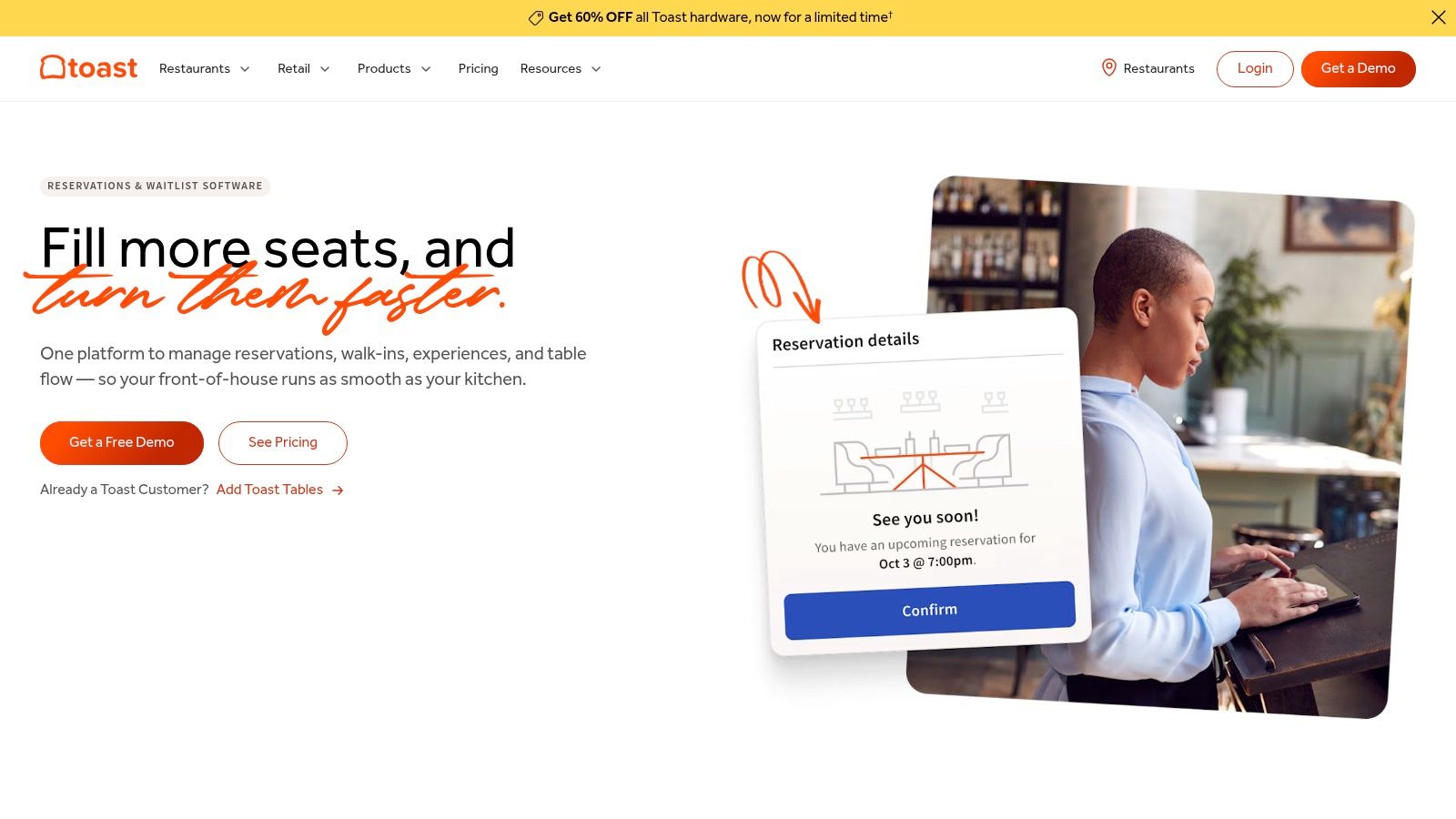
Toast Tables is a POS-dependent reservation option. It connects bookings, waitlists, table status, floor plans, and server rosters within the Toast ecosystem.
For a restaurant already using Toast POS, this can reduce duplicated entry during a busy service. Hosts work in one service environment instead of reconciling a separate reservation calendar with the POS. Online booking links, QR access, Google Reserve connectivity, guest messaging, and intake forms extend the core floor-management tools. Restaurants comparing this setup with a free restaurant reservation system online should include setup time and POS dependency in the calculation.
Strong fit for existing Toast users
Toast Tables includes a small monthly reservation allowance, described in the product plan as typically around 25 reservations. Tables Plus is designed for higher online reservation volume, according to Toast's product information. Confirm the current terms before signup.
The allowance may suit a walk-in-led pub, a casual venue with occasional advance bookings, or a restaurant that mainly needs a waitlist and live table view. It is unlikely to cover a dining room that relies on advance bookings across every service. A restaurant should measure expected bookings and covers, since larger parties consume more floor capacity without increasing the reservation count proportionally.
The product is less attractive when Toast is not already in place. Adopting a full POS ecosystem for reservation tools creates more setup, training, and switching cost than selecting a standalone app. Fine-dining operators also need to compare guest history, pacing controls, and the complete POS and reservation cost. Benelux restaurants should check local payment, booking-channel, and service workflows before committing.
Toast Tables earns its place when Toast is already at the host stand and reducing disconnected systems saves staff time.
5. GloriaFood
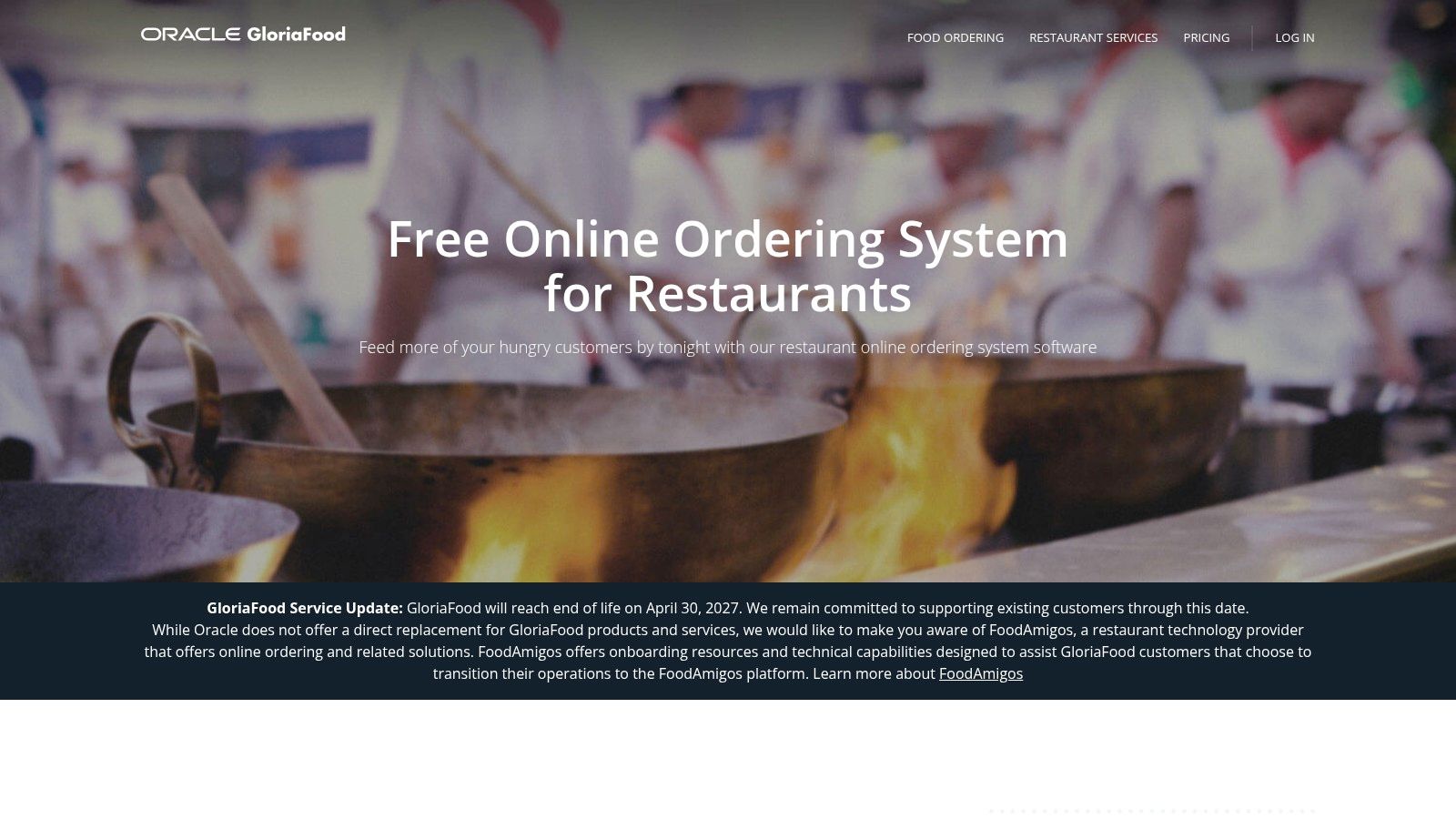
GloriaFood is primarily an online-ordering suite that also offers a no-fee table-reservation widget. It's a practical option for a restaurant that wants to add a simple booking form to an existing website, particularly a WordPress or Weebly site.
The reservation flow is straightforward. Guests submit booking details through the widget, and the restaurant manages requests through the system. The platform also supports online ordering, pre-order and dine-in options, basic CRM functions, and exports. For a takeaway-led venue with a small seated area, combining ordering and reservations in one website tool may be more useful than installing a dedicated restaurant floor-management platform.
Form-based booking versus live seating logic
The main limitation is operational depth. GloriaFood's reservation workflow is closer to a form and inbox than an automated seating engine. The team may still need to decide which table to use, whether the party fits the floor, how to pace a busy period, and whether a walk-in can be accepted without disrupting later bookings.
That's acceptable for fixed table sizes, low booking volume, or a restaurant where the owner personally reviews every request. It's less effective for brunch services with changing party sizes or compact dining rooms where combining tables affects revenue.
Restaurants comparing a widget with a full reservation workflow can also review this guide to a free table reservation system. Payments, deposits, and marketing add-ons may carry separate charges, so the operator should verify which parts of the booking process remain free.
GloriaFood works best when reservations are an extension of an existing ordering website, not when table optimization is the restaurant's central problem.
6. Carbonara App
Carbonara App is built around a lightweight reservation and waitlist workflow for independent venues. It avoids per-cover fees and adds a simple floor view, guest notes, digital waitlist, web reservations, and SMS updates.
The product suits a small restaurant that needs something more capable than a contact form but doesn't want an enterprise-style system. A neighbourhood restaurant can publish reservations, track a waiting list, record notes about guests, and consider deposits or ticketing when no-show exposure justifies that step.
Useful for small operations with clear limits
Carbonara's setup is low friction, which matters when the owner or GM is also managing staff, suppliers, and service. The flat-fee mindset makes the basic cost easier to forecast than a commission model. Optional reservation tickets and deposits can be useful for fine-dining events, fixed menus, or high-demand sittings where the restaurant wants more commitment from guests.
Some important functions are paid extras, including SMS, Reserve with Google, and white-labelling. The free tier has party and volume limits, and the historical free offer of 50 parties per month should be verified at signup rather than assumed.
The platform can handle a restaurant with moderate operational complexity, but the operator should test a real service sequence. That means adding a large party, moving a reservation, placing a walk-in on the waitlist, and checking how staff see changes from a phone or tablet.
Carbonara App is a reasonable low-cost entry point. It becomes less compelling when the host needs automatic table combinations, detailed pacing by service period, or multi-location controls.
7. Eat App
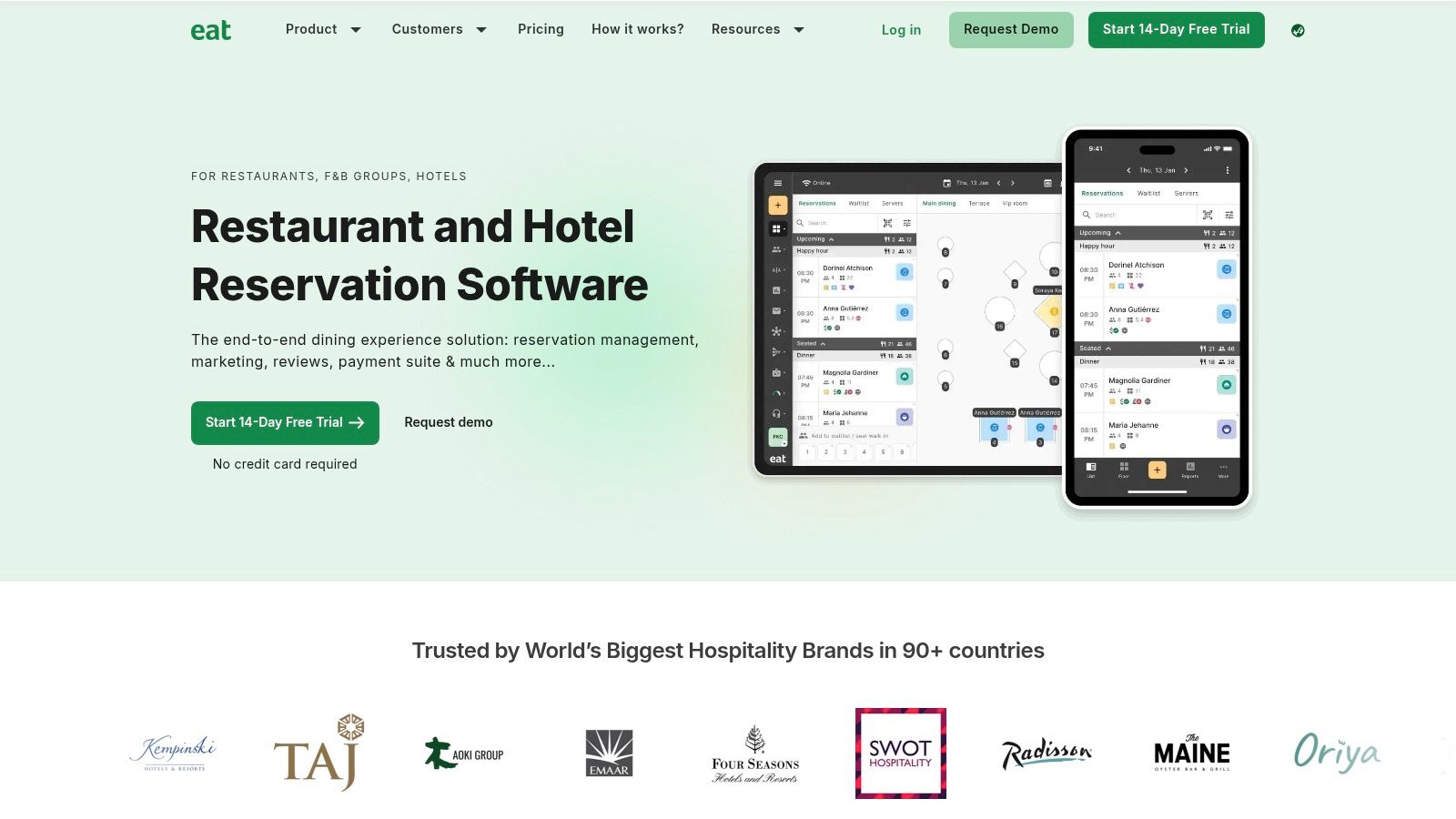
Eat App offers a limited free plan for small venues moving from a paper book to online reservations. It includes booking through website and social channels, a digital floor plan, pacing controls, guest profiles, and confirmation workflows. Marketplace distribution is available in some regions, but reach and integrations vary by location.
The platform is a better match for a restaurant that wants basic front-of-house tools now and a clear route toward CRM and marketing features later. A restaurant can begin with online booking and floor visibility, then consider paid automation or SMS when guest communication becomes a daily operational need.
Check the cap before service demand arrives
Independent comparisons identify the free tier as limited to about 30 covers per month, and the same comparisons note that mainstream small-operator plans often begin around $50 to $129 per month, as discussed by Superior Seating's restaurant reservation comparison. The restaurant should confirm current terms directly because plan limits can change.
The cover limit matters more than the word “free”. A small tasting room or low-volume café may stay within it. A busy brunch venue may reach it quickly, even if the number of individual booking records looks manageable. Once SMS, advanced automation, or deeper CRM features become necessary, the restaurant should calculate whether the upgrade saves host time or protects enough bookings to earn its cost.
Eat App is strongest as a structured entry point for a small venue that expects to grow into a fuller guest-management workflow. It's not the best choice when the free allowance is already below normal weekly demand.
8. Tableo
Tableo offers a forever-free plan aimed at lower-volume independent and boutique restaurants. Its feature set is broader than a basic reservation form, with online booking, a digital floor plan, pacing, guest CRM, Google and social booking buttons, reporting, and communication automations.
The plan supports up to 100 covers per month, according to the product details supplied for this comparison. That makes it relevant to a smaller restaurant that needs more than a calendar but doesn't yet have enough demand to justify a paid system.
A balanced option for independent venues
Tableo's strength is balance. The restaurant gets front-of-house features and some marketing levers without selecting a platform built only for large groups. A boutique restaurant can use guest notes and reporting, while a casual venue can add booking access through Google, Facebook, or Instagram.
The free plan still has boundaries. Advanced automations and some integrations sit on paid tiers, so an operator should check whether reminders, exports, and communication channels are included at the required level. A restaurant should also confirm how the floor plan handles combined tables and whether the team can adjust pacing during a live service.
Tableo is newer in the U.S. market than some legacy reservation brands, but that matters less for a Benelux independent if the required booking channels and support are available. The sensible test is operational, not purely reputational. Staff should be able to open the floor, understand arrivals, and process a walk-in without searching through menus.
9. Eventlin
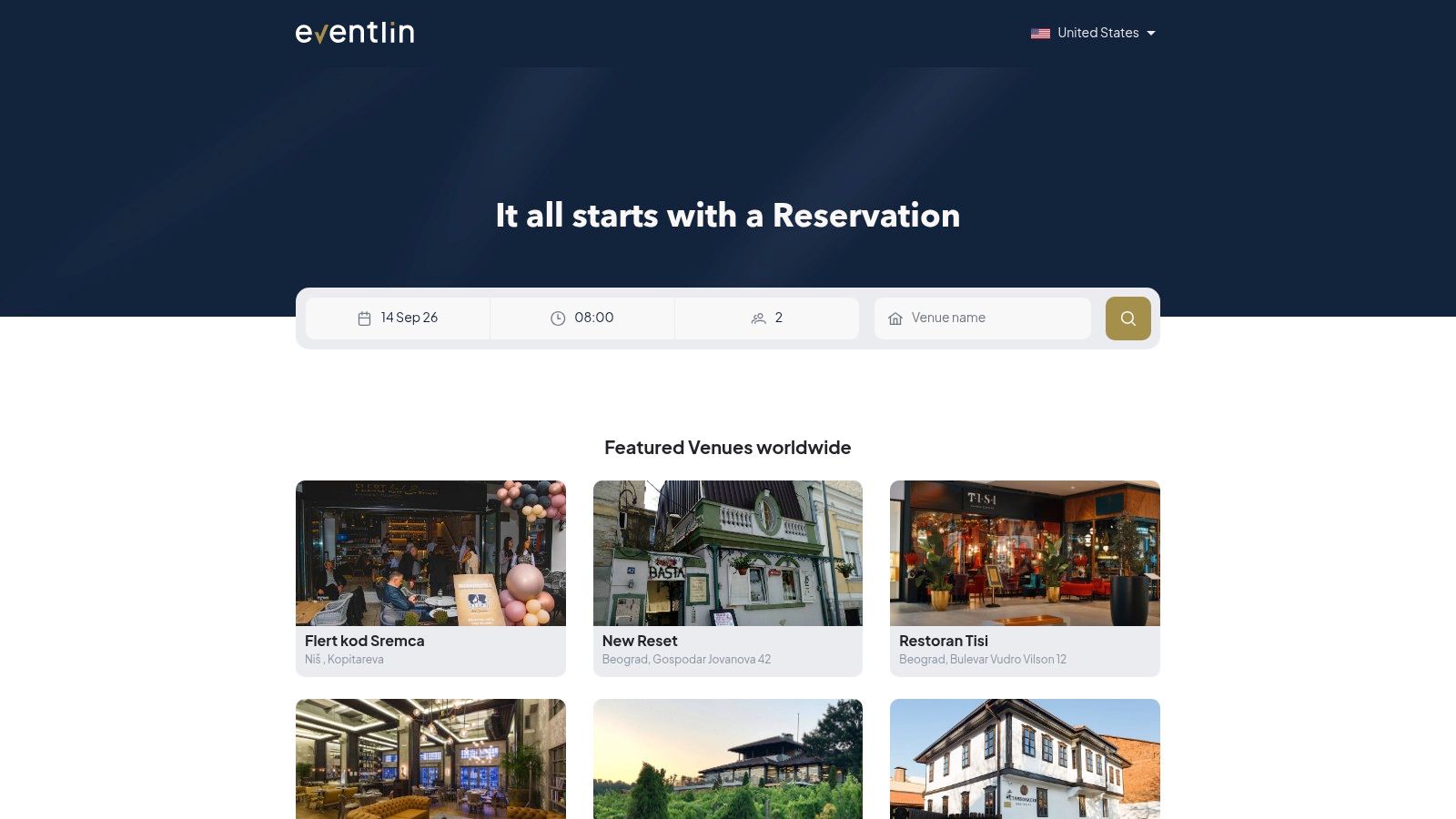
Eventlin is a newer booking and guest-management platform with a permanent free tier for small volumes. It combines website, social, and Google or Maps booking links with a live floor plan, guest management, automated reservation messages, multi-user access, and basic reports.
The free plan supports up to 100 covers per month, based on the product details supplied for this comparison. That creates useful headroom for a small independent restaurant, a boutique venue, or a concept with a mixture of advance bookings and walk-ins.
Modern access with a younger ecosystem
Eventlin uses a progressive web app approach, which can make deployment quick across host and manager devices. A restaurant doesn't need to build a complicated local installation before testing the workflow. The live floor view and multi-user access also help when the GM, host, and service manager need the same reservation state.
The trade-off is ecosystem maturity. Eventlin has fewer third-party integrations and a smaller documentation and user community than established reservation platforms. That may not matter for a standalone venue that only needs booking links and a live floor. It matters more for a restaurant that depends on POS synchronisation, marketing integrations, or a multi-system guest database.
The evaluation should include a real staff test. The host should create a booking, move it, mark a table occupied, add a walk-in, and review the resulting report. If the team can do those tasks without support, the younger ecosystem may be an acceptable trade-off for a free, modern interface.
10. Reservio
Reservio is a general appointment-scheduling platform rather than a restaurant-specific seating engine. Its free plan provides an online booking page, an embeddable widget, a calendar, notifications, mobile apps, and a basic customer list.
That makes Reservio useful for a fixed-slot concept. A tasting room with defined sessions, a pop-up with pre-set arrival times, or a small venue that doesn't need table combinations can publish bookings quickly. It can also serve as a temporary solution while a restaurant decides whether a dedicated reservation platform is justified.
The floor-plan limitation is decisive
Reservio doesn't provide the same restaurant-grade auto-seating and pacing logic as dedicated tools. A traditional dining room with mixed table sizes, staggered arrivals, late guests, walk-ins, and changing service times will still require manual decisions. The calendar confirms that a booking exists, but it doesn't necessarily determine the best way to use every table.
That distinction matters during brunch. A party arriving early, a two-top that could be combined, and a walk-in group may all compete for the same physical capacity. Without a live restaurant floor plan, the host has to track those relationships separately.
Reservio is therefore a good low-complexity tool, not a universal restaurant system. It keeps setup fast and costs controlled for fixed-slot operations, but a full-service dining room should move to a platform with table logic once manual seating starts costing covers or staff attention.
Top 10 Free Restaurant Reservation Apps, Feature & Pricing Comparison
| Product | Core features | UX & performance | Value / Price & USP | Ideal venue |
|---|---|---|---|---|
| 10Seat (Recommended) | Capacity Engine (Auto Seating, Puzzle, Walk‑in Squeeze), Host app, CRM, instant booking microsite, AI assistant | Fast, distraction‑free host flow (~0.5s decisions); reported +10–15% covers, +30% reservations, -40% no‑shows | Optimizes existing floor to lift revenue; quick 5‑min setup, no card, free "On the House" up to 50 covers; contact for paid tiers | Fine dining, brasseries, casual, seated bars, multi‑location groups |
| TableAgent | Online booking widget, manual table/floor view, email confirms, guest book | Simple, lightweight UI; basic FOH view | Truly free core system with no per‑cover fees; minimal integrations | Independents replacing paper books or needing basic booking |
| resOS (Free plan) | Branded booking page, calendar, basic floor management, self‑serve setup | Clear self‑serve onboarding; simple UX | Free starter plan (no CC); transparent paid tiers and upgrade path | Small venues with light booking volumes |
| Toast Tables (base) | Host app, Toast POS sync, online links, guest messaging | Tight integration with Toast POS; streamlined for Toast users | Good value if on Toast; small free reservation allowance (~25/mo); full features on Tables Plus | Venues already using Toast POS |
| GloriaFood | Unlimited online ordering, reservation form, website plugins, pre‑order | Easy website embed; form+inbox reservation flow (less auto‑seating) | Free/no‑commission core; paid add‑ons for payments/deposits/marketing | Restaurants wanting zero‑fee ordering + basic bookings |
| Carbonara App | Web reservations, digital waitlist, SMS updates, guest notes, deposit add‑ons | Low‑friction, simple host flow | Flat‑fee mindset, no per‑cover fees; SMS/Google paid extras | Small independents seeking simple waitlist/reservations |
| Eat App (Free plan) | 24/7 booking, marketplace distribution (where available), digital floor, guest profiles | Full‑stack feel; clear upgrade path to Pro | Free plan for basics; paid tiers add SMS, automations, CRM | Growing venues wanting CRM and marketplace reach |
| Tableo | Online booking, digital floor, pacing, guest CRM, Google Reserve | Modern FOH tool with generous free allowance | Forever‑free up to ~100 covers/mo; balanced FOH + marketing levers | Boutique independents and small groups |
| Eventlin | Website/social/Google booking links, live floor, messaging, PWA, basic reports | Modern PWA experience; clean widgets | Free tier for meaningful monthly volume (≈100 covers); newer ecosystem | Small venues wanting modern web/PWA booking |
| Reservio | Online booking page, embeddable widget, calendar with staff/resources, mobile apps | Fast to set up; general appointment UX | Free version available; not restaurant‑specific | Pop‑ups, tasting rooms, fixed‑slot or low‑complexity concepts |
Choose the Plan That Protects Your Next Service
There isn't one best free reservation app for every restaurant. The right choice depends on whether the venue needs a booking page, a calendar, a POS connection, or an active system for table combinations, pacing, waitlists, and guest history.
A fixed-slot concept with very low volume can use a simple calendar or form tool. Reservio is suitable for tasting sessions and pop-ups where each booking occupies a defined slot. GloriaFood can work when a restaurant mainly needs a website widget alongside online ordering. Those tools keep setup simple, but they leave more seating decisions to the team.
A restaurant already committed to Toast POS should evaluate Toast Tables first. The value comes from keeping reservations, waitlist activity, floor plans, and POS information in the same ecosystem. That benefit is less compelling for a venue that would need to adopt Toast solely to obtain reservation management.
Dedicated platforms make more sense when the dining room itself determines profitability. A fine-dining restaurant may need guest preferences and occasion notes. A brunch venue may need pacing and walk-in control. A brasserie may need to combine tables intelligently while protecting kitchen flow. In those settings, a free booking form can collect demand without helping the restaurant convert that demand into efficient seating.
Calculate the upgrade threshold
The upgrade decision should use four inputs:
- Covers: Compare the free allowance with realistic monthly booking demand, including the size of each party.
- Staff minutes: Track how long hosts spend checking tables, calling guests, confirming changes, and managing walk-ins.
- No-show exposure: Review cancellations and no-shows by service period before paying for deposits, reminders, or stronger booking policies.
- Extra seats filled: Estimate whether better table decisions can add covers without adding tables or extending service beyond a workable kitchen pace.
The financial case can be concrete. A restaurant that fills only one additional paid cover on a busy shift may recover a subscription quickly, depending on its average spend and margin. A system that saves the host enough manual work to avoid a separate administrative task can also justify an upgrade, but only if staff use the feature.
No-show exposure deserves close attention. A 2026 dataset covering 3,768,761 reservations across 2,417 restaurants recorded an average no-show rate of 2.33%, with 87,953 no-shows, according to the 2026 restaurant no-show index. The same dataset recorded 566,049 cancellations, and 56% arrived within 24 hours of the booking or after the reservation had started. Late cancellations can be more damaging than the headline no-show number because the restaurant has little time to refill the table.
Risk also changes by service. The same index reports 2.63% for dinner, 1.84% for lunch, and 2.67% for bookings made two to six days ahead, as shown in the service-period no-show analysis. That supports different rules for different shifts. A dinner service with high advance demand may need stronger confirmations or deposits than a quieter lunch period.
Run a controlled first shift
Before putting any free or paid tool in front of guests, the restaurant should:
- Map every table: Add table sizes, zones, combinations, blocked seats, and any kitchen or service constraints.
- Configure booking rules: Set opening hours, arrival windows, party sizes, pacing limits, and booking policies.
- Test confirmations: Place a test booking, change it, cancel it, and verify every guest message.
- Run a walk-in scenario: Add a walk-in during a busy period and check whether the host can see the effect on later reservations.
- Train the host: Give the team a short operating rule for arrivals, late guests, table changes, and waitlist updates.
- Review after service: Compare booked covers, seated covers, no-shows, late cancellations, manual interventions, and table utilisation.
Belgian restaurants need a separate compliance check. Belgium's GKS 2.0 rules changed in July 2025, extending mandatory fiscal cash-register coverage from restaurants with at least €25,000 in annual restaurant and catering turnover to all businesses that sell on-site and accept cash payments, according to the official GKS 2.0 information. Reservation software doesn't by itself establish GKS compliance. The operator should confirm the correct kassasysteem setup with an accountant or provider.
For restaurants in the Benelux that want to test capacity-focused table management, 10seat's free “On the House” plan supports up to 50 covers per month, with setup in about five minutes and no credit card required, according to 10seat's product information. Restaurants that want to assess the paid workflow should review 10seat pricing, especially when the free limit is close to the venue's normal demand or when better seating decisions could protect additional covers on busy shifts.
10seat combines commission-free online reservations with live floor management, guest profiles, waitlist handling, and capacity tools designed for independent restaurants. Visit 10seat to test whether its free plan and capacity-focused workflow fit the next service.